
Meshcapade
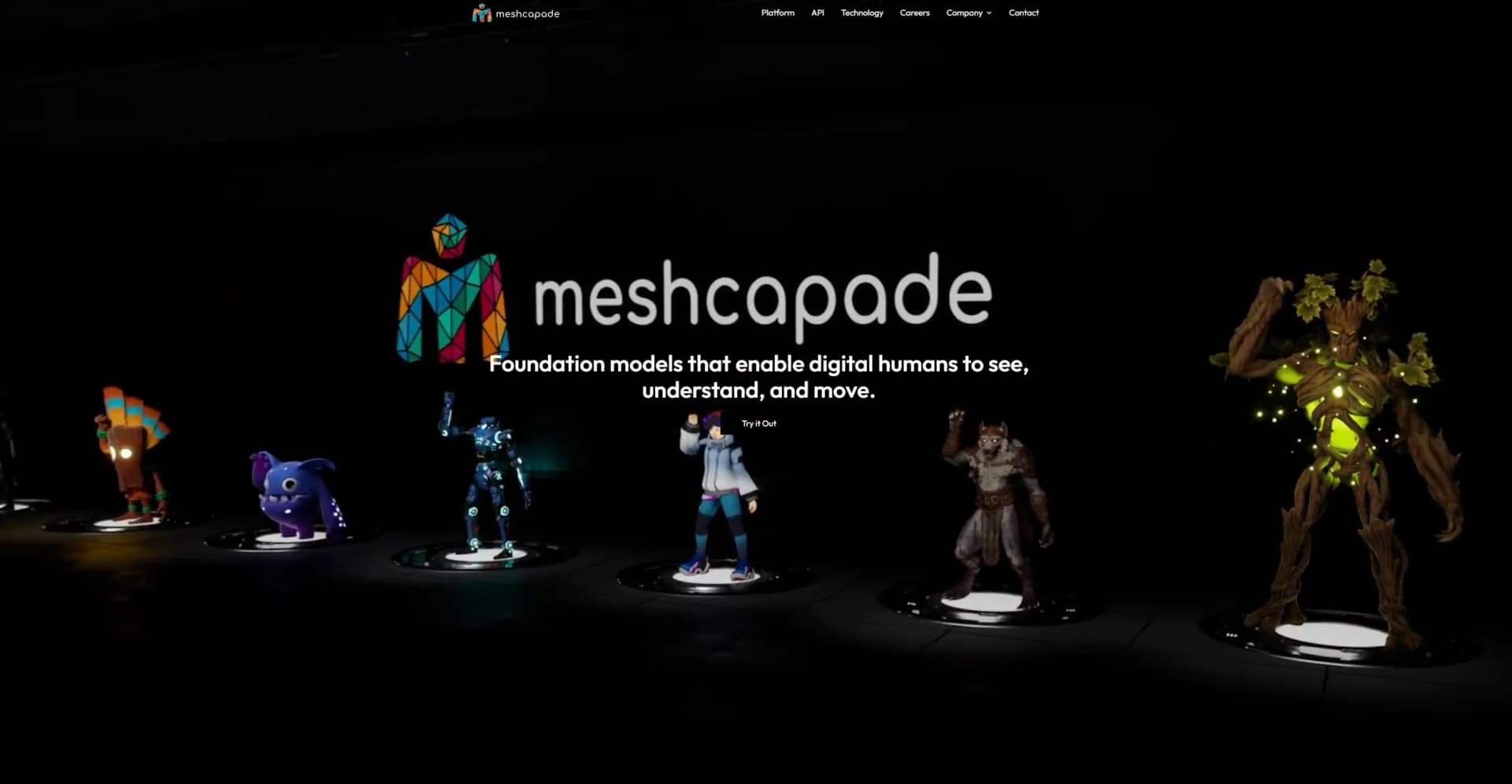
Revolutionize digital human creation and animation with intuitive, lifelike results.
Key Takeaways
- What it is
- Revolutionize digital human creation and animation with intuitive, lifelike results.
- Best for
- Motion from Text
- Motion from Video
- Body Shape from Images
- Rating
- 4.4/5
What is Meshcapade?
In the rapidly evolving landscape of digital creation, Meshcapade emerges as a cutting-edge platform redefining the creation and animation of digital humans. With its foundation models enabling digital humans to see, understand, and move, Meshcapade stands out as a revolutionary tool in the digital realm. Targeted at professionals in gaming, animation, and virtual reality sectors, Meshcapade simplifies the process of creating lifelike avatars and animations from simple inputs like text, video, and images.
Meshcapade's standout feature is its ability to generate realistic motion from text and video inputs, simplifying animation and personalization.
Meshcapade excels in providing innovative solutions for creating and animating digital humans, essential for professionals in gaming, animation, and VR. Its motion generation from text and video offers a unique advantage. With a user-friendly interface, extensive features, and robust support, Meshcapade revolutionizes digital human modeling and animation.
Who is Using Meshcapade?
Game Developers
Creating realistic characters and animations.
Animation Studios
Producing lifelike animations.
Virtual Reality Professionals
Crafting immersive, realistic avatars.
Fitness and Healthcare Apps
Enhancing user engagement with personalized avatars.
Uncommon Use Cases
Academic researchers and fashion designers exploring human movement and body visualization.
Key Features
Rating Breakdown
Pricing Plans
Free Trial
- Explore features before subscribing
Subscription Plans
- Detailed pricing available upon request
Meshcapade Use Cases
Markerless motion capture
Capture full-body and finger motion from video without suits or markers.
Outcome: Generate usable 3D animation for downstream production workflows.
Game character creation
Create realistic avatars and NPCs with varied body types for games.
Outcome: Accelerate character production with SMPL-based assets.
Virtual try-on
Generate body twins and visualize garments on accurately sized digital bodies.
Outcome: Improve fit visualization and size recommendations.
Digital measurements
Generate body measurements for custom tailoring and made-to-measure workflows.
Outcome: Reduce manual measurement effort and alterations.
Robotics simulation
Create labeled datasets with digital humans, clothing, scenes, keypoints, masks, depth, and contact data.
Outcome: Support perception, planning, safety, and human-robot interaction research.
Workflow Ideas with Meshcapade
Video-to-animation workflow
- 1Record or upload video from a phone, webcam, or other camera
- 2Process the footage with markerless motion capture
- 3Export the result as GLB, FBX, or SMPL animation
Photo-to-body-twin workflow
- 1Upload a photo or video through the browser flow
- 2Generate a SMPL-based digital body twin
- 3Use the body twin for fit visualization, measurements, or size recommendations
Robotics synthetic-data workflow
- 1Generate diverse digital humans, clothing, scenes, and motions
- 2Produce labeled data such as keypoints, masks, depth, and contact
- 3Use the datasets for perception, planning, teleoperation, or safety evaluation
How Meshcapade fits into your stack
Extensive API Access
Developers can customize integrations.
Cross-Platform Compatibility
Outputs compatible with major 3D animation platforms.
Cloud-Based Platform
Facilitates easy access and collaboration.
Pros
- +Innovative Animation Techniques: Simplifies animation process with motion generation from text and video.
- +Highly Detailed Avatars: Advanced algorithms create realistic avatars from images.
- +Seamless Integration: Platform API facilitates integration into existing workflows.
- +User-Friendly Interface: Intuitive design requires minimal technical knowledge.
Cons
- −Learning Curve: New users may require time to grasp features and best practices.
- −Hardware Requirements: High-quality inputs may demand advanced hardware.
- −Internet Dependency: Stable internet connection is crucial due to cloud-based nature.
Limitations & when to consider alternatives
Known limitations
- Online platforms are shut down. Meshcapade states that its online platforms were shut down as of April 18.
- Hair capture was not generally available. The homepage labeled realistic 3D hair estimation as coming soon.
- The service handled sensitive biometric information. Uploaded photos, videos, scans, measurements, and movement data may constitute sensitive or biometric personal data.
- Commercial access depended on the selected service. The privacy policy describes fee-based subscriptions and free trials rather than a consistently free plan.
Look elsewhere when
- You need an active hosted Meshcapade web platform.
- Your workflow requires a native mobile or desktop application.
- You need a standard browser extension.
How to Use Meshcapade
- 1
Comprehensive tutorials cover setup to advanced animation techniques.
Who is Meshcapade For?
Game studios
Meshcapade targets realistic player avatars and NPCs with diverse body types and production-ready motion.
Animated film production
The platform is positioned for high-quality character animation and cinematic production.
Virtual influencers
Meshcapade supports lifelike digital personas for social media and marketing.
Fashion companies
Fashion teams can use digital body twins for virtual try-on, measurements, fit visualization, and size recommendations.
Robotics teams
Robotics applications include synthetic training data, motion retargeting, perception, teleoperation, and ergonomics analysis.
Frequently Asked Questions
What is the Meshcapade platform?
Meshcapade described its platform as avatar-as-a-service for creating realistic 3D human avatars from diverse data sources.
What is the SMPL codec?
SMPL is Meshcapade's parametric 3D human-body model for representing body shape, pose, hands, fingers, and soft-tissue motion.
What input types can create a 3D avatar?
The documented inputs include photos, videos, body measurements, 3D scans, motion capture, and text.
What does MoCapade produce?
MoCapade converts video from ordinary cameras into rigged 3D animation files, including GLB, FBX, and SMPL formats.
Community reviews
Be the first to share your experience.
Sign in to leave a review for Meshcapade.
Meshcapade Alternatives
Looking for alternatives to Meshcapade? Here are similar tools in the same category:
Learn to Master Meshcapade
With Skill Leap courses
Get in-depth training on Meshcapade and 50+ other AI tools with our expert-led video courses.
Start 7-Day Free Trial