
Limecube
Unleash AI-powered, intuitive web design with SEO optimization and no coding needed.
Key Takeaways
- What it is
- Unleash AI-powered, intuitive web design with SEO optimization and no coding needed.
- Best for
- AI-Powered Design
- Drag-and-Drop Interface
- AI Content Writing
- Rating
- 4.5/5
What is Limecube?
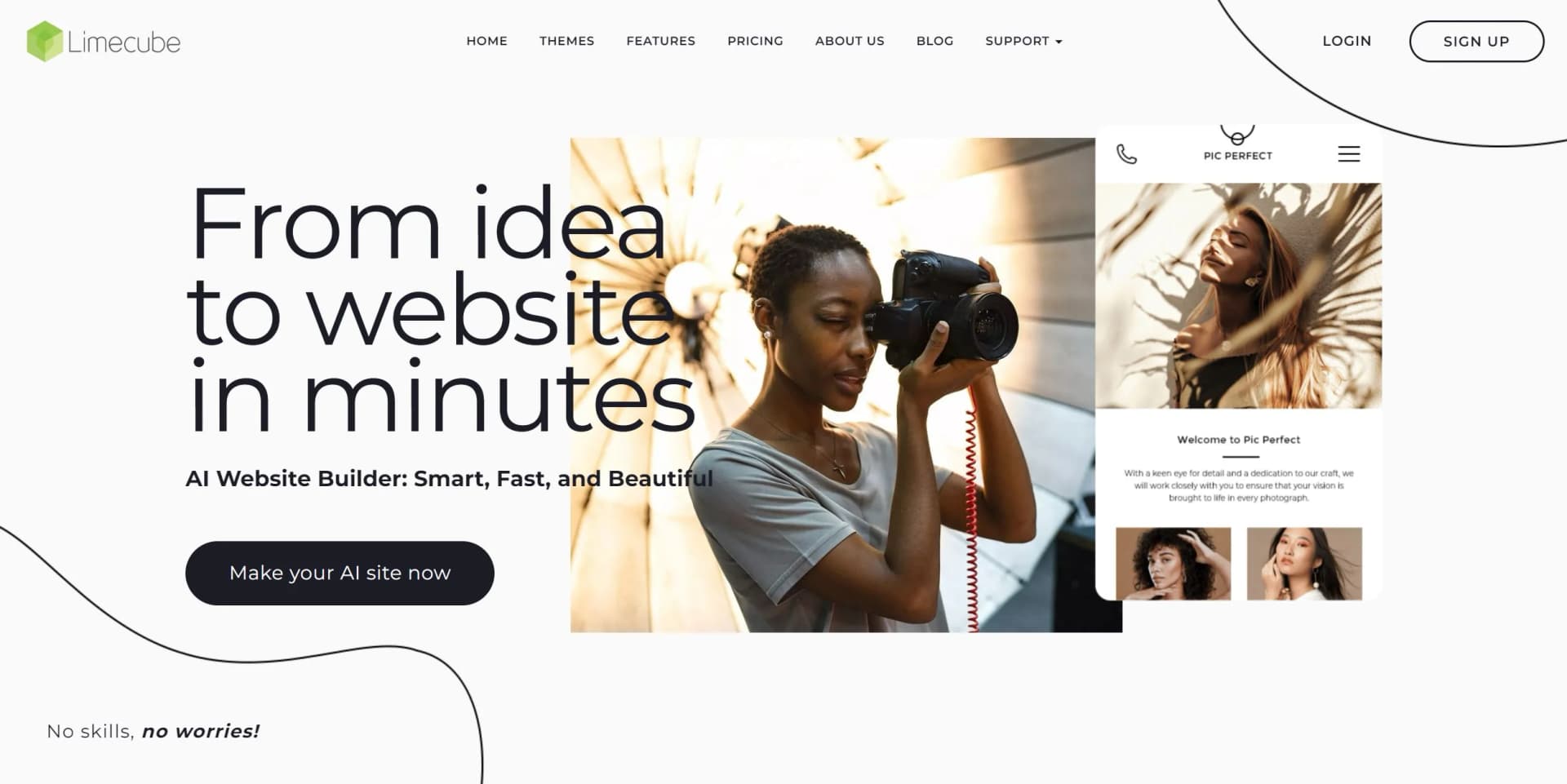
Limecube is a cutting-edge AI website builder designed to make the process of creating a website as easy and intuitive as possible. It leverages artificial intelligence to help users, regardless of their technical skills, craft beautiful, functional, and SEO-optimized websites in minutes. With features like AI content writing, pre-selected images, and a drag-and-drop interface, Limecube stands out as a tool that simplifies the web design process, making it accessible for everyone from entrepreneurs to small business owners looking to establish an online presence.
Limecube distinguishes itself with its robust AI capabilities that streamline the website-building process, catering especially to users without technical expertise. Its emphasis on SEO from the onset ensures that websites aren't just visually appealing but also rank well on search engines.
Limecube shines as a user-friendly AI website builder that demystifies the process of creating a professional and effective online presence. Its AI-driven design and content generation, coupled with a suite of SEO tools, make it a valuable asset for individuals and businesses looking to launch their websites swiftly and effectively. While it may have some limitations in terms of custom integrations and creative control, Limecube's affordability and ease of use offer a compelling proposition for those prioritizing speed and simplicity in their website creation journey.
Who is Using Limecube?
Small Business Owners
Creating professional websites with minimal investment in time and resources.
Entrepreneurs
Launching startups and personal brands with a strong online presence.
Bloggers
Easily starting and managing their blogging platforms.
Non-Profit Organizations
Establishing their digital footprint without substantial IT budgets.
Uncommon Use Cases
Artists and musicians showcasing their portfolios; Local community groups building online information hubs.
Key Features
Rating Breakdown
Pricing Plans
Free Trial
- Limecube offers a 14-day free trial to test its features
Small Business Plan
- Tailored for startups and small businesses with essential features
Advanced Business Plan
- Established businesses needing more storage and advanced options
Which Limecube plan should you pick?
Start with the 1 Pager for a simple landing page, choose Starter for a small business site, and upgrade to Business when you need unlimited AI page generations, premium support, or larger storage.
The 1 Pager
Good for landing pages that need one website page, basic AI tools, hosting, and standard SEO.
Starter
Good for small businesses that need unlimited pages, blogging, online-store capability, and 1GB storage.
Business
Good for serious business users who need unlimited AI page generations, 5GB storage, and premium dedicated support.
Limecube Use Cases
Business website
Generate and customize pages for a company, including contact details, services, SEO metadata, and domain settings.
Outcome: A professional responsive business website.
Portfolio site
Use galleries, images, videos, themes, and responsive layouts to showcase creative work.
Outcome: A visual portfolio published online.
Blog
Create blog posts with categories, tags, featured posts, carousels, social sharing, and blog feeds.
Outcome: A managed website blog.
Online store
Set up products, payments, shipping, coupons, refunds, and customer accounts through Limecube Shop.
Outcome: An ecommerce-enabled website.
Lead generation
Add contact forms, marketing integrations, notification bars, popups, analytics, and A/B testing.
Outcome: A website designed to collect and measure leads.
Workflow Ideas with Limecube
Generate and launch a website
- 1Enter the business name, industry, description, tone, and style
- 2Let Limecube generate the pages, content, images, and layout
- 3Review, customize, connect a domain, and publish
Create and optimize a page
- 1Add a page or use AI-assisted page generation
- 2Edit sections, text, images, and responsive layouts
- 3Configure SEO metadata and preview desktop, tablet, and mobile views
Add a third-party integration
- 1Add the Integrations element to a page
- 2Choose a supported platform or Custom Code
- 3Paste the provider's embed code, test the page, and publish
How Limecube fits into your stack
Browser
Limecube is primarily a browser-based website builder with an AI-assisted page editor, drag-and-drop layout tools, hosting, domains, and publishing.
Docs and writing
Its AI Writer, AI Re-Writer, AI Page Assistant, blog tools, and SEO generators help create and revise website content directly inside the editor.
Knowledge and files
The built-in file manager stores uploaded PDFs, documents, spreadsheets, images, videos, and eBooks, while also providing access to Pexels stock images.
Automation and APIs
Limecube connects form submissions to Google Sheets and supports embedded services such as Shopify, Ecwid, booking platforms, payment tools, analytics, and custom code.
Pros
- +Ease of Use: Limecube's user-friendly interface makes website creation a breeze for users at all skill levels.
- +Time-Saving: AI-powered features significantly cut down the time needed to build and customize a website.
- +Customization Options: Despite the AI assistance, users retain full control over design customization.
- +Affordable Pricing: Offers competitive pricing plans, including a 14-day free trial for new users.
Cons
- −AI Limitations: While AI simplifies the process, there may be creative limitations compared to a fully custom design.
- −Learning Curve: Some users may need time to get accustomed to the platform's features and layout options.
- −Integration Limits: There might be constraints in terms of third-party integrations and advanced functionalities for complex sites.
Limitations & when to consider alternatives
Known limitations
- The trial is temporary. The free trial lasts 14 days, and trial sites are intended for testing and limited review rather than actively promoted websites.
- Websites cannot be exported. Sites built on Limecube cannot be exported or downloaded for use on another platform.
- Only one account can access a website. Limecube does not provide multi-user access or role-based collaboration; sharing credentials gives full site access.
- Chatbot retraining is manual. The AI chatbot does not automatically detect changed content; users must trigger retraining after updates.
- HEIC images need conversion. Chrome and Firefox do not natively support HEIC, so those images should be converted to JPEG or PNG before uploading.
Look elsewhere when
- You need multi-user collaboration or role-based access.
- You need a native mobile or desktop application.
- You need a public developer API.
How to Use Limecube
- 1
Start with the AI website builder
Enter your business name, industry, description, tone, and preferred style so Limecube can create an initial site.
- 2
Review the generated site
Check the AI-generated text, images, contact details, pages, and layout for accuracy before publishing.
- 3
Customize the design
Use the drag-and-drop editor and Style Editor to adjust sections, colors, fonts, layouts, images, and animations.
- 4
Add content and files
Upload logos, photos, PDFs, Word documents, spreadsheets, videos, or ebooks through the file manager.
- 5
Configure SEO and integrations
Set page metadata, redirects, canonical tags, analytics, forms, third-party integrations, and multilingual widgets.
- 6
Connect a domain and publish
Use a Limecube domain or connect an existing domain, then preview the site across devices and publish it.
Who is Limecube For?
Small businesses
Limecube provides AI-generated websites, drag-and-drop editing, hosting, domains, SEO tools, and online-store features.
Entrepreneurs
Entrepreneurs can create a business website quickly without design or development experience.
Creatives
Creatives can customize responsive themes, layouts, colors, fonts, galleries, images, and animations.
Startups
Startups can use AI website generation to move from a business idea to a launch-ready site quickly.
Frequently Asked Questions
What is Limecube?
Limecube is an AI-powered website builder that can generate a complete website, including pages, content, images, and layout.
How long is the free trial?
Limecube provides a 14-day trial without requiring payment details.
Can I use my own domain?
Paid plans support using your own domain or connecting a domain purchased from a third party.
Can I add an online store?
Limecube includes online-store functionality, with products, Stripe payments, shipping, orders, coupons, refunds, and customer accounts.
Can I integrate third-party services?
Yes. Limecube supports named integrations such as HubSpot, Mailchimp, Shopify, Ecwid, Zapier, Google Sheets, and ActiveCampaign, plus custom embed code.
Can I export my Limecube website?
No. Limecube states that sites cannot be exported or downloaded for use on other platforms.
Community reviews
7 reviews from people who use Limecube.
Sign in to leave a review for Limecube.
Slavic Folklore
Quantum Team
Andrew Seidel
Alexandr Cherdantsev
Thibault BM
Kim Nguyen
HighStormVR
Limecube Alternatives
Looking for alternatives to Limecube? Here are similar tools in the same category:
Learn to Master Limecube
With Skill Leap courses
Get in-depth training on Limecube and 50+ other AI tools with our expert-led video courses.
Start 7-Day Free Trial