
Kofax
Streamline workflows with AI-driven automation and intelligent document processing.
Key Takeaways
- What it is
- Streamline workflows with AI-driven automation and intelligent document processing.
- Best for
- Intelligent Document Processing (IDP)
- Generative AI Solutions
- Low-Code Platform
- Rating
- 4.5/5
What is Kofax?
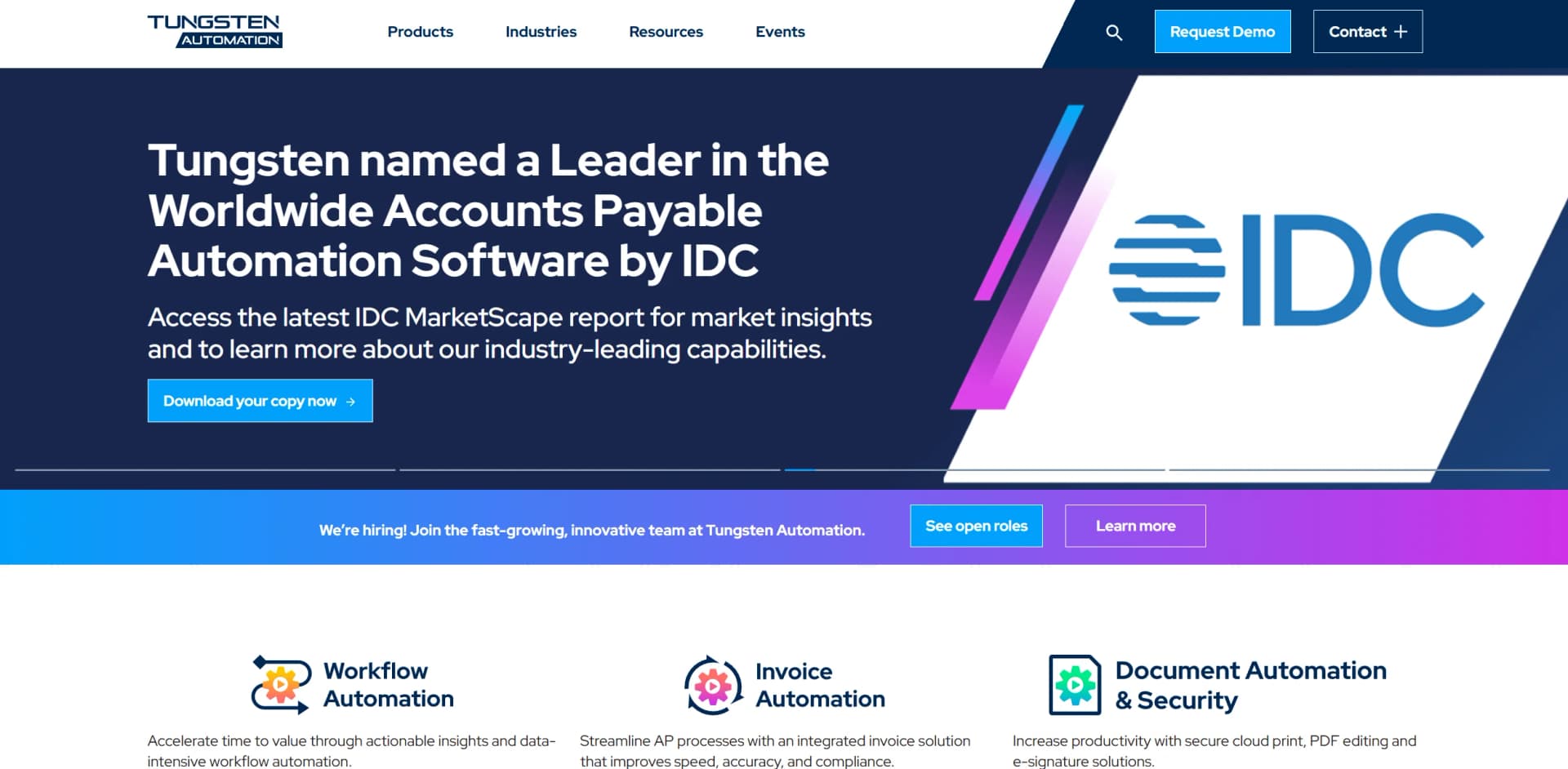
Kofax, now known as Tungsten Automation, is a pioneering force in workflow automation, offering cutting-edge solutions that enhance efficiency, accuracy, and compliance across various business processes. With its innovative tools, Kofax aims to streamline content-intensive workflows and improve productivity through intelligent document processing (IDP) and generative AI capabilities. Designed for businesses seeking to optimize their operations, Kofax simplifies complex tasks such as invoice automation, cloud printing, and secure document management, making it an invaluable asset for organizations looking to embrace digital transformation.
Kofax stands out with its robust intelligent document processing capabilities, a game-changer for businesses dealing with high volumes of unstructured data. Its ability to integrate seamlessly with existing systems while offering a low-code development platform sets it apart, allowing organizations to innovate rapidly and efficiently.
Kofax offers a comprehensive suite of automation tools that empower businesses to streamline operations, enhance productivity, and cut costs. Its intelligent document processing and generative AI capabilities provide a competitive edge, making it a trusted choice for organizations looking to transform their workflows and embrace digital innovation. With robust features and seamless integration, Kofax continues to set industry standards in intelligent automation.
Who is Using Kofax?
Financial Institutions
Leveraging automation for accounts payable and invoice processing.
Healthcare Providers
Using intelligent document processing to manage patient records and billing.
Manufacturing Companies
Streamlining supply chain operations with automated workflow solutions.
Legal Firms
Enhancing document management and compliance through secure automation tools.
Key Features
Rating Breakdown
Pricing Plans
Pro Tier
- The Pro Tier starts at a customizable rate based on specific business needs and requirements
Enterprise Solutions
- Tailored pricing available for large-scale operations and extensive feature requirements
Which Kofax plan should you pick?
Start with Power PDF Standard and Mac for individual PDF work; upgrade to Advanced when you need redaction, enterprise integrations, collaboration, and watched-folder automation.
Power PDF Standard and Mac
Good for individuals and small businesses needing PDF creation, conversion, editing, annotations, signatures, and support for Windows or Mac; listed at $129 one time.
Power PDF Advanced
Good for business users who need everything in Standard plus redaction, Bates stamping, DocuSign, cloud connectivity, enterprise document-management integrations, collaboration, and watched-folder automation; listed at $179 one time.
Kofax Use Cases
Educational institutions adopting Kofax for administrative processes.
Non-profits utilizing automation for donor management and reporting.
Workflow Ideas with Kofax
Invoice processing
- 1Ingest incoming invoices
- 2Classify and extract invoice data
- 3Validate results and route exceptions for review
Claims processing
- 1Capture claim documents and supporting information
- 2Extract and validate claim data
- 3Route the claim to the appropriate adjuster
Employee onboarding
- 1Collect employee documents
- 2Extract and validate identity and employment information
- 3Trigger downstream HR and compliance tasks
How Kofax fits into your stack
Browser
Power PDF has a Chrome extension for creating PDFs from browser content, while TotalAgility provides browser-based capture, review, and workflow interfaces.
Knowledge and files
Power PDF works with PDFs and connects to Box, Dropbox, Evernote, Google Drive, OneDrive, SharePoint, and enterprise document-management systems.
Automation and APIs
TotalAgility sits in the automation layer with Swagger-documented REST APIs, SDK services, web-service activities, document capture, extraction, and process orchestration.
Desktop / IDE
Power PDF is installed on Windows or Mac for document creation and editing; TotalAgility also provides developer SDK and API documentation for custom solutions.
Pros
- +Enhanced Efficiency: Automates repetitive tasks, significantly reducing manual intervention and increasing productivity.
- +Scalability: Supports businesses of various sizes, adapting to growing needs and evolving market demands.
- +Comprehensive Integration: Seamlessly integrates with existing systems, ensuring smooth transitions and minimal disruption.
- +Cost Savings: Reduces operational costs through automation, offering a high return on investment.
Cons
- −Complex Setup: Initial implementation may require significant time and resources, especially for large enterprises.
- −Learning Curve: Users might need time to fully understand and leverage advanced features effectively.
- −Limited Customization: Some users may find customization options less flexible compared to other platforms.
Limitations & when to consider alternatives
Known limitations
- Power PDF trials are time-limited. The Power PDF trial lasts 15 days; continued use requires purchasing a license.
- Some integrations are deployment-specific. Microsoft Exchange and Dynamics CRM integrations are available for on-premises TotalAgility but not for all cloud or multi-tenant environments.
- External users have restricted access. External users can access their work queue and assigned activities but cannot access other TotalAgility applications.
- Online Learning is asynchronous. Online Learning processes documents through a scheduled system task rather than updating models instantly for every correction.
Look elsewhere when
- You need a free-forever plan.
- You need a Linux desktop application.
How to Use Kofax
- 1
Choose a TotalAgility deployment
Select public cloud, private cloud, or on-premises deployment based on security, integration, and operational requirements.
- 2
Configure document inputs
Connect supported import sources such as email, file systems, external systems, or cloud storage.
- 3
Create the workflow
Use TotalAgility Studio or Advanced Studio to design document capture, classification, extraction, validation, and routing steps.
- 4
Connect business systems
Configure integrations such as SharePoint, Dynamics CRM, Microsoft Exchange, Azure Blob Storage, RPA, or REST services.
- 5
Train document models
Provide representative samples, train classification or extraction projects, and enable Online Learning where appropriate.
- 6
Manage users and work
Use Workspace to manage resources, security roles, work queues, job assignments, and team workload.
Who is Kofax For?
Banking and financial services
Useful for automating document-heavy processes such as KYC, fraud prevention, and legacy-system workflows.
Healthcare organizations
Fits healthcare back-office workflows involving patient records, document processing, and compliance-sensitive operations.
Insurance companies
Supports claims processing, underwriting, customer service, and automated extraction of claim information.
Human resources teams
Automates employee onboarding, offboarding, expense tracking, and compliance alerts.
Public-sector organizations
Provides enterprise document intelligence and workflow orchestration for public-sector processes.
Frequently Asked Questions
What is Kofax TotalAgility?
TotalAgility is an AI-powered workflow automation platform that transforms documents into actionable insights and automates business processes.
What types of workflows can TotalAgility automate?
It supports document-heavy workflows across banking, supply chain, public sector, insurance, healthcare, human resources, and other enterprise functions.
Does TotalAgility provide an API?
Yes. TotalAgility provides documented REST APIs, SDK APIs, HTTP JSON services, and SOAP services.
Can TotalAgility learn from user corrections?
Yes. Online Learning uses operator corrections and validated documents to retrain classification and extraction models.
How can TotalAgility be deployed?
TotalAgility can be deployed in public or private cloud environments, or on premises.
Does Power PDF require a subscription?
Power PDF Advanced, Standard, and Mac editions are perpetual licenses; Power PDF Business is available as a subscription.
Community reviews
Be the first to share your experience.
Sign in to leave a review for Kofax.
Kofax Alternatives
Looking for alternatives to Kofax? Here are similar tools in the same category:
Learn to Master Kofax
With Skill Leap courses
Get in-depth training on Kofax and 50+ other AI tools with our expert-led video courses.
Start 7-Day Free Trial