
Julius AI
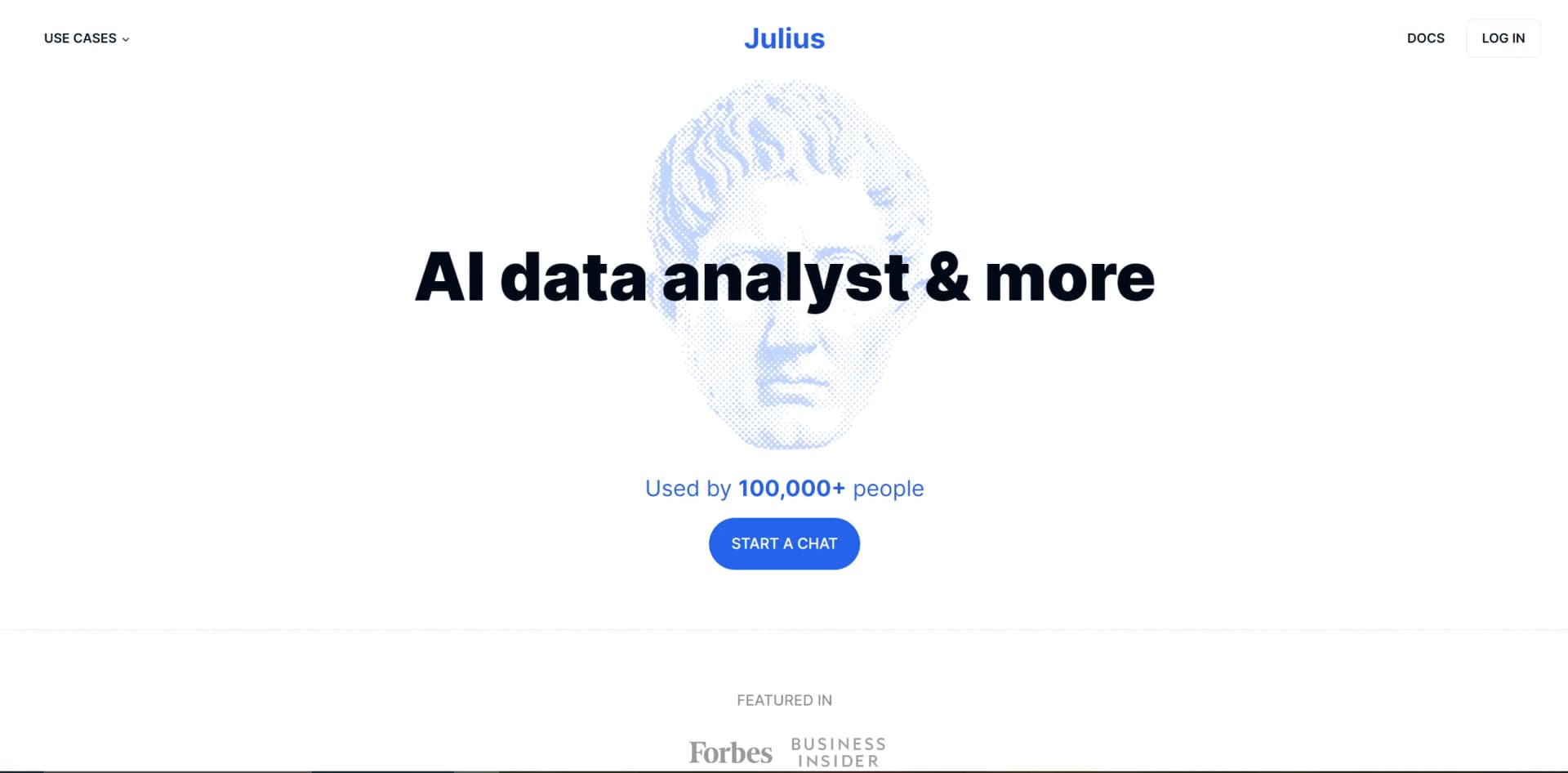
Unleash AI-driven data analysis with real-time insights and automated processing.
Watch Julius AI in Action
Key Takeaways
- What it is
- Unleash AI-driven data analysis with real-time insights and automated processing.
- Best for
- Automated Data Processing
- Intelligent Insights
- Customizable Dashboards
- Rating
- 4.2/5
What is Julius AI?
As an AI enthusiast and reviewer, I'm always on the lookout for tools that push the boundaries of technology and make our lives easier. Today, I'm excited to share my insights on Julius, an AI-powered data analysis platform that has caught my eye. Designed for businesses and professionals who deal with large volumes of data, Julius stands out as a personal AI data analyst, poised to transform the way we approach data-driven decision-making.
No tool is without its limitations, and Julius is no exception. Here are a few areas where there's room for improvement:
- Learning Curve: For those new to AI data analysis, there might be a learning curve as they adapt to Julius's advanced capabilities.
- Integration Scope: While Julius offers some integration options, expanding its ecosystem could enhance its utility.
- Advanced Feature Complexity: Some users may find the more advanced features less accessible and may require additional training.
What sets Julius apart is its ability to democratize data analysis. By simplifying complex data sets into understandable and actionable insights, Julius empowers even those without a statistical background to make informed decisions. Its AI-driven approach to real-time analytics is a game-changer for businesses looking to stay agile and competitive.
Julius serves as a powerful ally in the realm of data analysis, delivering on its promise of AI-driven insights with a user-friendly interface. Its robust analytics, combined with real-time processing capabilities, make it an indispensable tool for various professionals. While there's some room for growth in terms of integrations and accessibility of advanced features, Julius's contributions to productivity and decision-making accuracy are undeniable. Whether you're a seasoned data scientist or a business leader looking to harness the power of data, Julius is a tool that warrants serious consideration.
Who is Using Julius AI?
Financial Analysts
Utilizing Julius for predictive financial modeling and trend analysis.
Marketing Teams
Employing the tool to analyze campaign performance and consumer behavior.
Healthcare Professionals
Leveraging Julius to interpret large sets of patient data for improved care.
Retail Managers
Using Julius to optimize inventory management through sales data analysis.
Uncommon Use Cases
Non-profits harnessing Julius for donor data analysis; Sports teams analyzing player performance statistics.
Key Features
Rating Breakdown
Pricing Plans
Custom Pricing
- Julius offers a variety of pricing plans to accommodate different user needs. Here's a snapshot of what to expect:
Starter Package
- Ideal for small businesses or individuals just starting with data analysis
Professional Plan
- Geared towards larger teams requiring more robust features
Which Julius AI plan should you pick?
Start with Free to evaluate Julius; upgrade to Plus or Pro for regular analysis, Max for high-volume use, Business for collaboration, or Enterprise for advanced controls.
Free
Good for individuals exploring Julius with limited daily credits.
Plus
Good for everyday analysis, research, and creative projects needing more credits and exports.
Pro
Good for advanced analysis and more ambitious creative work.
Max
Good for power users who need maximum context, the most powerful models, and priority access.
Business
Good for teams needing shared workspaces, collaboration, data connectors, and centralized administration.
Enterprise
Good for organizations needing SSO, audit logging, finer-grained RBAC, and additional enterprise security features.
Julius AI Use Cases
Analyze spreadsheets and datasets
Upload spreadsheets or other data files and ask natural-language questions about the data.
Outcome: Insights, tables, charts, and generated analysis code.
Connect and analyze live databases
Connect databases or warehouses such as Snowflake, BigQuery, PostgreSQL, or MySQL.
Outcome: Up-to-date analysis without manually exporting files.
Create scheduled reports
Schedule notebooks to rerun analyses and send recurring results to Slack.
Outcome: Automated daily, weekly, or hourly reporting.
Generate presentations and reports
Start from a question, prompt, dataset, or source material and create a presentation or report.
Outcome: Shareable presentations, reports, dashboards, and visualizations.
Build websites and web apps
Describe a website or interactive tool and have Julius generate a responsive web experience.
Outcome: Working websites and web applications.
Workflow Ideas with Julius AI
Automated database reporting
- 1Connect a database or warehouse
- 2Create a Julius notebook with analysis and visualizations
- 3Schedule the notebook and send results to Slack
Spreadsheet-to-presentation workflow
- 1Upload an Excel or CSV file
- 2Ask Julius to analyze trends and create charts
- 3Generate a presentation using the analysis and visualizations
Collaborative Slack analysis
- 1Install the Julius Slack Agent
- 2Ask questions about connected data in a Slack channel
- 3Share follow-up analysis and insights in the thread
How Julius AI fits into your stack
Cloud Storage Services
Integrates with popular cloud storage solutions for easy data access.
Business Intelligence Tools
Enhances existing BI tools with deeper AI-driven insights.
CRM Systems
Connects with CRM platforms to enrich customer data analysis.
API Availability
Offers API access for custom integrations, allowing businesses to tailor Julius to their unique ecosystems.
Julius's strength lies in its adaptability and its ability to complement existing workflows:
Pros
- +Free plan available
- +Supports files, databases, and data connectors
- +Generates code, visualizations, reports, presentations, websites, images, and video
- +Shared workspaces and team collaboration
- +Scheduled automated analysis with Slack or email delivery
Cons
- −Free-tier files are retained for up to one hour of inactivity
- −Paid-user files are retained for up to seven days of inactivity
- −Julius itself cannot be called through an API
- −Requires an internet connection
- −AI-generated analysis should be reviewed before important use
Limitations & when to consider alternatives
Known limitations
- API access is not available. Julius can call external APIs, but its own documentation says Julius itself cannot currently be called through an API.
- Free files have short retention. Files uploaded by free-tier users are retained for up to one hour of inactivity.
- Paid files are not permanently retained by default. Paid users' files remain available for up to seven days of inactivity unless otherwise covered by plan features.
- Collaborative notebook uploads are owner-only. In a collaborative notebook, only the notebook owner can upload files.
- Slack threads have separate context. Each Slack thread is treated as a separate Julius chat, so Julius does not use the entire Slack channel's context.
Look elsewhere when
- You need an API for programmatic access
- You need a native desktop application
- Your workflow requires model fine-tuning on proprietary data
How to Use Julius AI
- 1
Online Help Center
A comprehensive guide covering all aspects of Julius.
- 2
Webinars
Regularly scheduled webinars to walk users through complex features.
- 3
For those looking to get up to speed with Julius, there are several resources available:
Who is Julius AI For?
Individuals exploring AI-powered analysis and creation
The Free plan is designed for individuals who want to explore Julius's analysis and creation features.
Everyday analysts and researchers
The Plus plan fits users who regularly analyze data, conduct research, and create creative projects.
Advanced analysts
The Pro plan targets users handling advanced analysis and more ambitious creative work.
AI power users
The Max plan is intended for users who need the latest models, maximum context, and priority access.
Teams
The Business plan is designed for teams that create, analyze, and collaborate together.
Frequently Asked Questions
What is Julius?
Julius is an AI workspace for analyzing data, conducting research, creating presentations and reports, building websites, and generating media.
What file types does Julius support?
Supported formats include CSV, Excel, JSON, Parquet, SQLite, PDF, text, images, Python, R, SQL, and Jupyter notebooks.
Can Julius connect to databases and data warehouses?
Yes. Julius supports connectors including PostgreSQL, MySQL, SQL Server, Snowflake, BigQuery, Databricks, Google Drive, OneDrive, and SharePoint.
Can I use Julius without writing code?
Yes. Users can ask questions in natural language while Julius writes and executes the SQL or Python needed for analysis.
Can Julius create presentations, websites, and videos?
Yes. Every plan includes access to create presentations, websites, images, and video, with limits varying by plan.
Does Julius offer a free plan?
Yes. The Free plan costs $0 per month and includes daily credits, with paid plans providing higher limits and additional features.
Community reviews
Be the first to share your experience.
Sign in to leave a review for Julius AI.
Julius AI Alternatives
Looking for alternatives to Julius AI? Here are similar tools in the same category:
Learn to Master Julius AI
With Skill Leap courses
Get in-depth training on Julius AI and 50+ other AI tools with our expert-led video courses.
Start 7-Day Free Trial