
Immersive Fox
Turn existing training materials into interactive courses for global teams.
Key Takeaways
- What it is
- Turn existing training materials into interactive courses for global teams.
- Pricing
- Freemium · $15 per month
- Best for
- PDF and PPTX to Course
- Adaptive Learning
- AI Actor
- Rating
- 4.2/5
What is Immersive Fox?
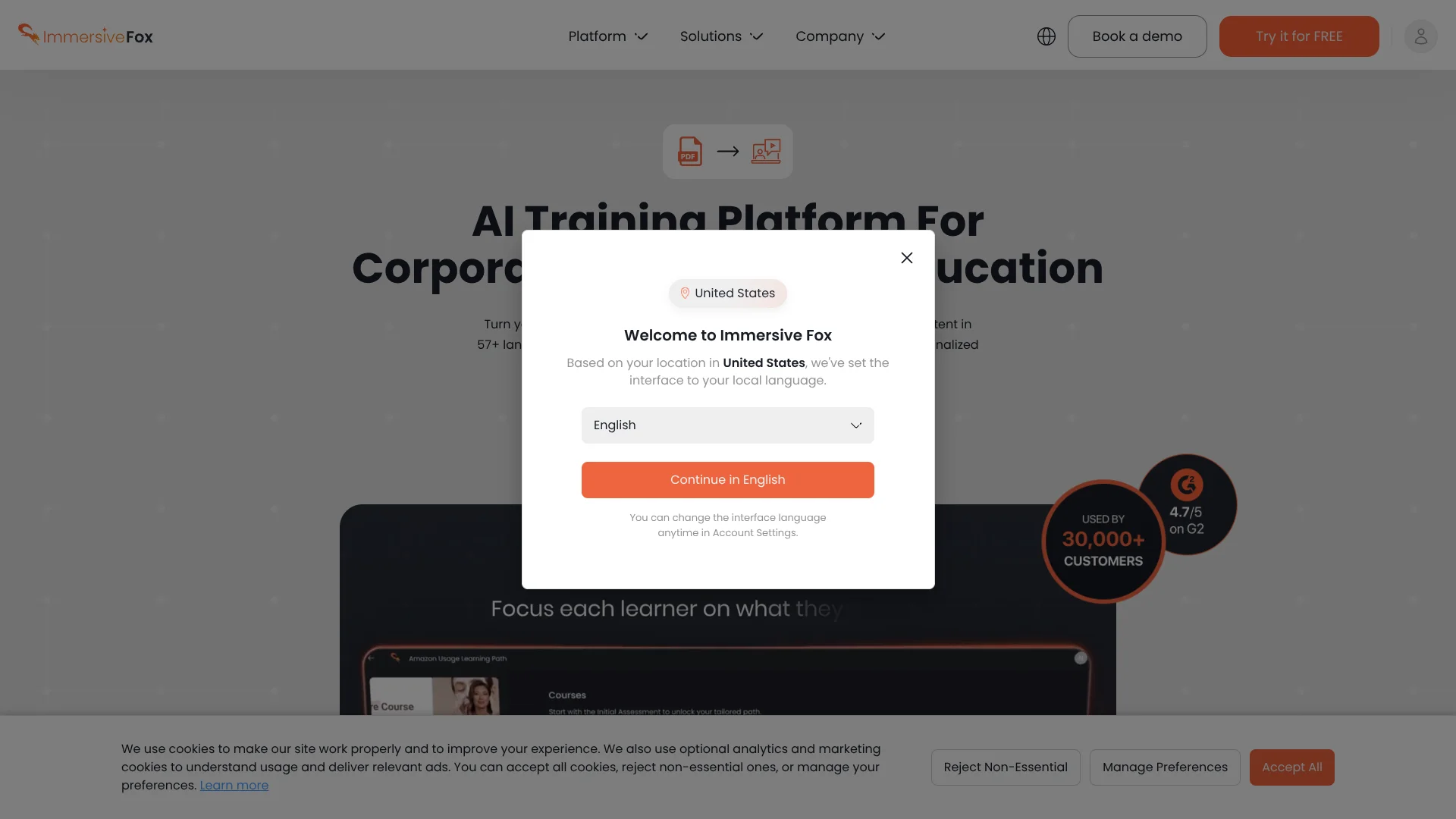
Immersive Fox turns PDFs, presentations, videos, and text into structured training courses with AI-generated lessons, video presenters, quizzes, and adaptive learning. Corporate learning teams can create onboarding, product education, and internal communications without filming every lesson or translating each version by hand.
Its strongest differentiator is course-level localization across 57+ languages, including translated lessons, quizzes, and AI presenter delivery rather than only translating a finished video.
Immersive Fox fits organizations that need repeated training content for employees, customers, or students, especially across multiple regions. It is less suited to detailed video editing or cinematic production because the platform focuses on automated course creation and AI presenters. The clearest reason to choose it is turning existing learning material into localized, interactive courses.
Who is Using Immersive Fox?
Learning and Development Managers
Course generation and adaptive quizzes help them refresh employee training without arranging repeated recording sessions.
Instructional Designers
Document conversion provides a starting course structure that can be edited, previewed, and published.
Corporate Communications Leaders
A cloned executive presenter can deliver company updates and policy messages across offices in different languages.
Sales Enablement Managers
Personalized AI presenter videos support product education, outreach, and customer-facing explanations.
API Developers
Avatar, audio, template, CSV, and bulk video endpoints support automated content production inside another workflow.
Uncommon Use Cases
A single AI Actor can deliver a multi-episode psychology training series; one course can be localized for a university audience in dozens of languages.
Key Features
Rating Breakdown
Pricing Plans
Trial
Free
- Includes 2 minutes of free video creation.
- The official site describes a limited trial rather than unlimited production.
Basic
$15 per month
- Designed for individual users.
- Provides recurring access to Immersive Fox video creation features.
Premium
- Contact sales for pricing.
Which Immersive Fox plan should you pick?
Start with Trial to test document-to-course creation, then move to Basic when you need recurring video production at $15 per month.
Trial
Good for evaluating AI course creation and presenter videos before committing to a subscription.
Basic
Good for individuals who need a low-cost subscription for regular AI video creation.
Immersive Fox Use Cases
Employee Onboarding
New-hire documents become guided lessons with AI presenters and knowledge checks.
Outcome: A repeatable onboarding course that can be delivered across teams.
Multilingual Training
One course can be adapted for international employees with translated lessons, quizzes, and presenter narration.
Outcome: Consistent training content for learners in different regions.
Leadership Communications
Executive messages can be delivered through a personalized AI Actor in the languages used by the workforce.
Outcome: Faster distribution of company updates without another recording session.
Customer Education
Product guides and presentations become explainer lessons for customers, partners, or prospects.
Outcome: Reusable product education that can support sales and service teams.
Personalized Outreach
HubSpot and bulk video tools can create messages tailored to contact data such as a person's name or company.
Outcome: Personalized video campaigns generated for large contact lists.
Workflow Ideas with Immersive Fox
Turn an SOP into onboarding
- 1Upload the SOP as a PDF or presentation
- 2Generate lessons and review the course structure
- 3Add quizzes and publish the onboarding course
Localize a leadership update
- 1Create or select an AI Actor
- 2Prepare the executive announcement
- 3Generate versions in the required languages and distribute them
Create personalized sales videos
- 1Connect the HubSpot workflow
- 2Build a reusable video template with contact fields
- 3Generate bulk videos for the campaign
How Immersive Fox fits into your stack
Source documents
Immersive Fox sits after your existing PDFs, presentations, videos, and text. It converts those materials into a course structure instead of requiring a new script from scratch.
Learning delivery
Generated lessons, AI presenters, adaptive learning, and quizzes form the learner-facing course experience.
CRM campaigns
The HubSpot integration connects personalized video creation to contact-based marketing and sales workflows.
Developer automation
The API supports avatar, audio, template, CSV, single-video, and bulk-video operations for software-led production.
LMS workflows
The platform is positioned for enterprise and academic training, with site material referencing LMS use and course sharing or export.
Pros
- +Document-to-course workflow: Converts existing PDFs and presentations into organized training material.
- +Multilingual delivery: Supports course and video content in 57+ languages.
- +Personalized presenters: Creates instant avatars from a single photo and premium avatars from video.
- +Bulk production: Templates, CSV data, and API operations support personalized video campaigns at scale.
- +Training focus: Adaptive learning and quizzes make it more useful for education than a basic avatar video maker.
Cons
- −Narrower creative control: The product emphasizes automated training and presenter videos rather than full video editing.
- −Enterprise orientation: Teams with complex procurement, branding, or LMS needs may need a tailored plan.
- −Limited public pricing detail: The site confirms a $15 monthly Basic plan, but higher-tier pricing is not publicly clear.
Limitations & when to consider alternatives
Known limitations
- Higher-tier pricing is not public. The official site confirms a Basic price of $15 per month, while larger or advanced arrangements require plan-specific pricing information.
- AI output needs review. Generated lessons, scripts, translations, avatars, and quizzes should be checked before learners or customers see them.
- The API is production-focused. The API documentation covers avatars, audio, templates, CSV data, and bulk video requests, so building custom workflows requires development work.
Look elsewhere when
- You need a full desktop video editor with detailed timeline control.
- Your team needs a native mobile app for course creation.
- You need publicly documented SSO, encryption, or shared-workspace controls before procurement.
- Your primary goal is cinematic text-to-video generation rather than structured training.
How to Use Immersive Fox
- 1
Start with a source file
Upload a PDF or PPTX, or provide video or text content that contains the material learners need.
- 2
Generate the course
Let Immersive Fox organize the material into lessons and create an initial training flow.
- 3
Choose the presenter
Select a library AI Actor or create an instant avatar from a photo when the course needs a recognizable presenter.
- 4
Review learning content
Edit the lessons, preview the videos, and check the AI-generated quizzes before publishing.
- 5
Add languages
Create localized versions for the audiences who need the course in another language.
- 6
Publish or automate
Share the course with learners or use templates, CSV data, and the API for repeated video production.
Who is Immersive Fox For?
Corporate Learning and Development
Training teams can turn internal documents into onboarding, compliance, and skills courses with quizzes and localized presenters.
Educational Institutions
Schools and universities can structure course materials, add knowledge checks, and share lessons with learners.
Global Organizations
Distributed companies can deliver consistent leadership, policy, and product training in multiple languages.
Sales and Customer Communications
Revenue teams can create personalized videos for outreach, product explanations, and customer education.
LMS Providers
Learning platforms can use the API and bulk video workflows to add AI-presented training content for their customers.
Frequently Asked Questions
Does Immersive Fox have a free option?
Yes. The site offers a free starting option, and its published trial information describes free video creation before a paid subscription.
How much does the Basic plan cost?
The Basic plan is listed at $15 per month.
What files can I use to create a course?
The platform specifically supports PDF and PPTX uploads, and its site also describes creating courses from videos and text.
Can Immersive Fox create a personal AI presenter?
Yes. Instant Avatar can create an AI Actor from a single photo, while premium avatars can be created from video recordings.
How many languages does it support?
The platform advertises course and video content in 57+ languages, with cultural adaptation described for multilingual learning.
Does Immersive Fox have an API?
Yes. The API supports avatar and voice management, audio generation, single videos, reusable templates, CSV data, and bulk video generation.
Community reviews
Be the first to share your experience.
Sign in to leave a review for Immersive Fox.
Immersive Fox Alternatives
Looking for alternatives to Immersive Fox? Here are similar tools in the same category:
Learn to Master Immersive Fox
With Skill Leap courses
Get in-depth training on Immersive Fox and 50+ other AI tools with our expert-led video courses.
Start 7-Day Free Trial