
IBM BPM
Streamline workflows with AI-driven automation and seamless integration.
Key Takeaways
- What it is
- Streamline workflows with AI-driven automation and seamless integration.
- Best for
- Advanced Process Automation
- Seamless Integration
- Comprehensive Workflow Management
- Rating
- 4.5/5
What is IBM BPM?
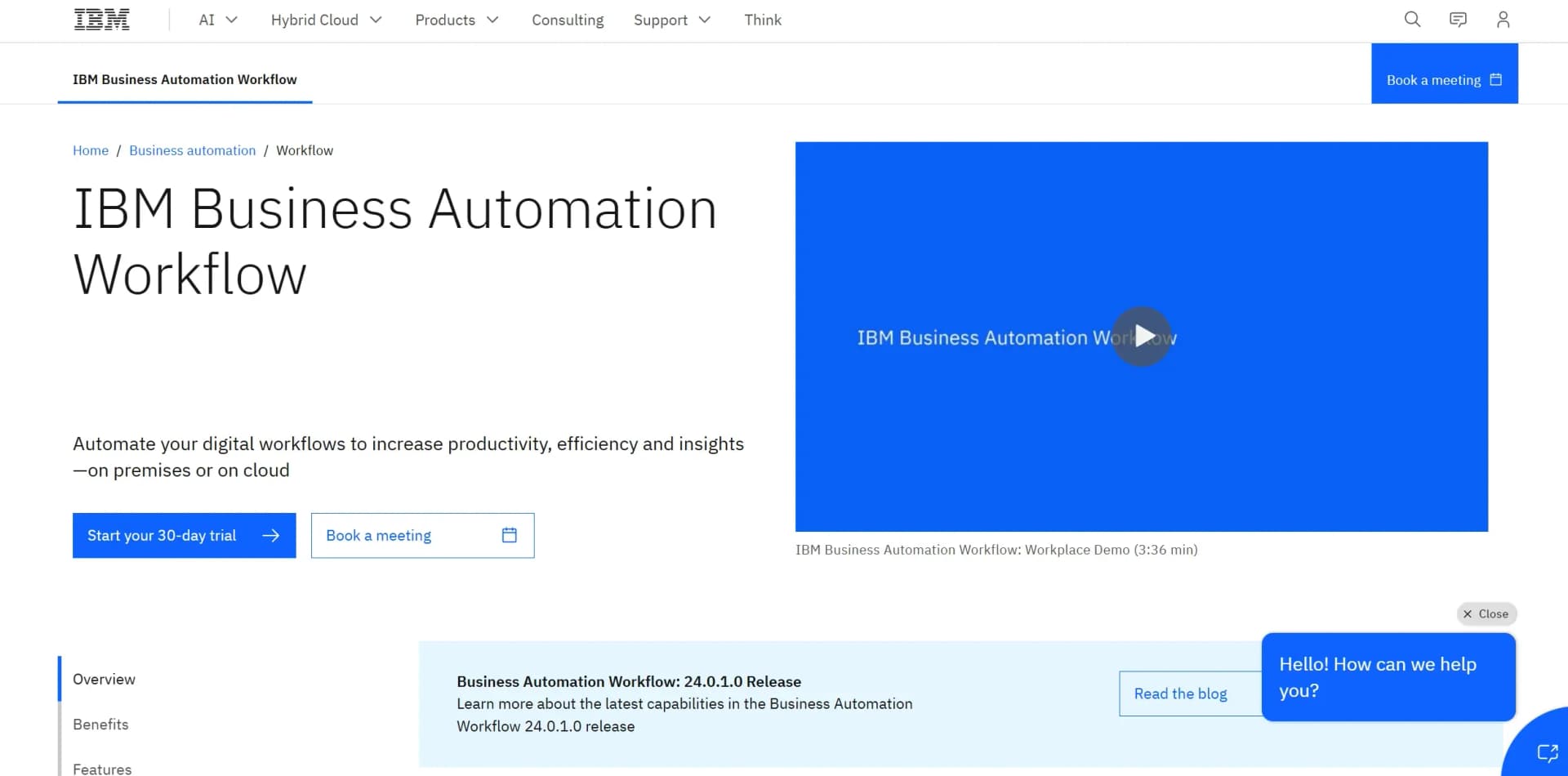
IBM BPM, or IBM Business Process Manager, is a comprehensive business process management platform designed to streamline and automate workflows across various industries. It revolutionizes the way organizations handle processes by integrating information, procedures, and personnel into a unified system. Aimed at businesses seeking to enhance productivity and efficiency, IBM BPM offers robust features for process modeling, execution, monitoring, and optimization, both on-premises and in the cloud.
IBM BPM stands out with its powerful integration with AI technologies like IBM watsonx Orchestrate. This integration allows businesses to automate complex workflows and gain actionable insights seamlessly. Its ability to consolidate and standardize task work for easier prioritization sets it apart in the business automation landscape.
IBM BPM offers a robust platform for businesses looking to automate and optimize their workflows. With its advanced analytics, seamless integration capabilities, and scalable solutions, it provides a comprehensive tool for improving productivity and efficiency. Whether you're a small business or a large enterprise, IBM BPM delivers the automation and insights needed to stay competitive in today's fast-paced business environment.
Who is Using IBM BPM?
Financial Institutions
Automating workflows for faster transaction processing and customer service.
Healthcare Providers
Streamlining patient data management and administrative processes.
Manufacturing Companies
Enhancing production workflows and supply chain management.
Government Agencies
Improving document management and interdepartmental communications.
Key Features
Rating Breakdown
Pricing Plans
Cloud Express Edition
- Offers a low-cost entry point to start in the cloud
Cloud Enterprise Edition
- Provides a scalable experience for expanding workflow capabilities in the cloud
Express Edition
- A perpetual license-based solution
- Ideal for initiating workflow projects
Enterprise Edition
- A perpetual license-based
- Enterprise-grade solution
Which IBM BPM plan should you pick?
Start with Express for an initial workflow project; upgrade to Enterprise when you need broader integrations, high-volume automation, or advanced orchestration.
IBM Business Automation Workflow Express
Good for organizations starting their first workflow or case project and seeking rapid time-to-value.
IBM Business Automation Workflow Enterprise
Good for enterprises running multiple projects that need system integration, high-volume automation, and extensive service orchestration.
IBM BPM Use Cases
Utilized by educational institutions for administrative process automation.
Employed by non-profits for efficient donor management.
Workflow Ideas with IBM BPM
Automated approval process
- 1Model the approval workflow in Process Designer
- 2Assign human tasks and team ownership
- 3Deploy and monitor the process in the runtime environment
Document-driven case workflow
- 1Upload or associate documents with a process instance
- 2Route the case through human and automated tasks
- 3Track progress and performance through workflow dashboards
AI-assisted workflow execution
- 1Connect Business Automation Workflow to an AI agent through MCP
- 2Invoke agent actions from governed workflow processes
- 3Monitor execution and workflow outcomes
How IBM BPM fits into your stack
Browser
Process Portal and Workplace provide browser-based interfaces for managing tasks, processes, dashboards, and team work.
Desktop / IDE
The deprecated desktop Process Designer runs on Windows for authoring traditional process artifacts; newer Process Designer work is browser-based.
Automation and APIs
REST APIs, Swagger definitions, MCP connectivity, and external-service integrations let teams deploy, operate, and connect workflows programmatically.
Knowledge and files
Case and workflow activities support document attachments, repository browsing, local-file uploads, and external repositories.
Pros
- +Boosts Productivity: Automates repetitive tasks, allowing employees to focus on more strategic activities.
- +Scalable Solutions: Offers scalable solutions with low startup costs, making it suitable for both small projects and enterprise-wide programs.
- +Enhanced Decision-Making: Utilizes powerful analytics to identify optimal actions for quick case resolution.
- +Improved Customer Service: Expedites client engagement by providing quick access to pertinent systems and information.
Cons
- −Complex Setup: Initial setup and customization can be complex, requiring a steep learning curve for new users.
- −Cost Considerations: While scalable, the cost can increase significantly as the solution expands across the enterprise.
Limitations & when to consider alternatives
Known limitations
- Desktop Process Designer is deprecated. IBM documents the traditional desktop Process Designer as deprecated and recommends awareness of differences from the web-based editor.
- Desktop Process Designer is Windows-only. The desktop Process Designer runs only on Windows, so it does not provide native macOS or Linux desktop support.
- Browser navigation limitations. Process Portal does not support using the browser Back button to navigate between dashboards.
- Android attachment limitation. In supported Chrome versions on Android, document attachments from a process-instance stream cannot be opened.
- Some translation limitations remain. IBM documents incomplete translation and bidirectional-language limitations in certain components and controls.
Look elsewhere when
- You need a browser extension for workflow automation.
- You need built-in image understanding for uploaded images.
- You need a permanent free plan instead of a trial.
How to Use IBM BPM
- 1
Choose an edition and deployment model
Select Express or Enterprise based on workflow complexity, integration needs, and expected scale.
- 2
Design the workflow
Use the web-based Process Designer to create process models, user interfaces, and service integrations.
- 3
Add human tasks and teams
Assign task ownership, collaborators, and team roles so people can complete or manage workflow work.
- 4
Add documents and integrations
Upload or associate documents and connect services through the platform's integration capabilities and REST APIs.
- 5
Test and deploy
Use the playback runtime for testing, then deploy the workflow to a runtime environment through the documented deployment tools or APIs.
- 6
Monitor and optimize
Use alerts, dashboards, operational data, and workflow metrics to understand performance and improve processes.
Who is IBM BPM For?
Organizations starting their first workflow project
The Express edition is positioned as an entry point for business process management and case projects.
Enterprises with multiple workflow projects
The Enterprise edition is intended for broader workflow adoption, integration support, and high-volume process automation.
Business process designers
Process Designer provides graphical tools for modeling, implementing, testing, and inspecting business processes.
Workflow administrators
The platform includes administration, deployment, security, monitoring, and runtime management capabilities.
Frequently Asked Questions
What is IBM Business Automation Workflow?
It is a platform for creating workflow applications that orchestrate work between people, systems, and information.
What deployment options are available?
IBM documents traditional WebSphere-based deployments and containerized Cloud Pak for Business Automation environments.
Does IBM Business Automation Workflow provide APIs?
Yes. It provides documented Process, Operations, and Workflow REST APIs, including Swagger definitions.
Does it support single sign-on?
Yes. IBM documents SAML, OpenID Connect, and other SSO configurations.
Is there a free plan?
IBM advertises a 30-day trial, while the documented product editions are Express and Enterprise rather than a permanent free tier.
Community reviews
Be the first to share your experience.
Sign in to leave a review for IBM BPM.
IBM BPM Alternatives
Looking for alternatives to IBM BPM? Here are similar tools in the same category:
Learn to Master IBM BPM
With Skill Leap courses
Get in-depth training on IBM BPM and 50+ other AI tools with our expert-led video courses.
Start 7-Day Free Trial