
Hour One
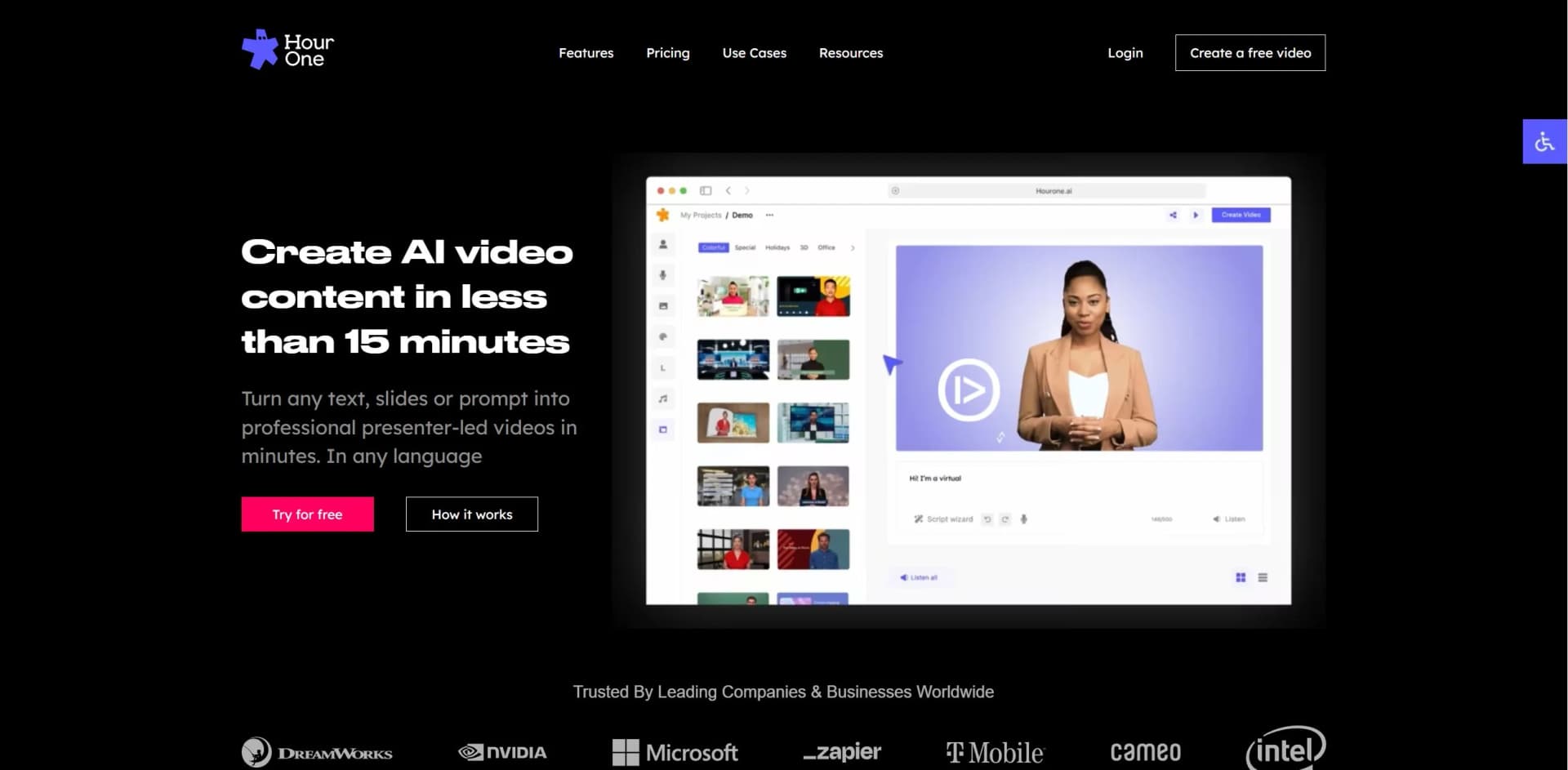
Create, manage, and streamline cinematic AI avatar videos with text-to-video generator technology
Watch Hour One in Action
Key Takeaways
- What it is
- Create, manage, and streamline cinematic AI avatar videos with text-to-video generator technology
- Best for
- AI Avatars Studio
- Built-in translator
- Text-to-Video Technology
- Rating
- 4.6/5
What is Hour One?
Hour One is a cutting-edge tool that has revolutionized the process of video creation and script generation, offering a seamless transition from text to dynamic videos. Designed to cater to the needs of businesses and professionals, it simplifies the production of high-quality videos by utilizing hyper-realistic, natural AI avatars. Hour One stands as a testament to technological innovation, allowing users to generate consistently branded content across their organizations with just a few clicks.
Hour One distinguishes itself with its hyper-realistic AI avatars, which bring a new level of professionalism and engagement to video content. Its ability to generate videos in numerous languages and dialects makes it a unique tool for global reach. They aim to reach B2B and enterprises for scaling solutions.
Hour One excels in transforming the video creation landscape, making it an indispensable tool for businesses and professionals seeking to enhance their digital content. Its standout feature of hyper-realistic AI avatars offers an unmatched advantage in producing engaging and branded video content efficiently. With its user-friendly interface, multilingual support, and cost-effective solutions, Hour One is poised to be a game-changer in the realm of video marketing and communication.
Who is Using Hour One?
Corporate Training and Communications
Utilizing the tool for creating engaging training videos at scale.
Sales Enablement
Leveraging the tool to produce high-quality sales outreach content.
Sales Workflows
Employing the tool to automate meeting summaries and communications.
Customer Support and Success
Using the tool for consistent and friendly customer interactions through avatars.
Learning and Development
Incorporating the tool into developing informative instructional content.
Product Marketing
Utilizing the tool for efficient production of detailed product explainer videos.
Key Features
Rating Breakdown
Pricing Plans
Free Video Creation
- Start with creating a free video without the need for a credit card
Business Plans
- Special offers with up to 30% off on Business Plans
Which Hour One plan should you pick?
Start with Free to test basic video creation; upgrade to Lite or Business for more minutes and capabilities, or Enterprise for API, SSO, custom avatars, and unlimited usage.
Free
Good for users who need to test Hour One with limited credits, publishing minutes, and presentation imports.
Lite
Good for individuals who need recurring monthly credits, higher-resolution exports, and more video capacity.
Business
Good for teams who need more credits, business templates, branding features, and collaboration.
Enterprise
Good for organizations that need unlimited credits, API access, SSO, custom avatars, voice cloning, and dedicated support.
Hour One Use Cases
Training videos
Create training materials with AI presenters and customizable templates.
Outcome: More engaging internal learning content.
Product explainers
Create product videos for websites, emails, and online stores.
Outcome: Clearer product education for customers.
Sales outreach
Create personalized outreach videos featuring an account executive's avatar.
Outcome: More personalized prospect communications.
Customer success content
Create avatar-led content from product and knowledge-base information.
Outcome: Scalable customer-facing communication.
Multilingual communications
Generate avatar videos and voiceovers in multiple supported languages.
Outcome: Content for international audiences.
Workflow Ideas with Hour One
Create and publish an AI avatar video
- 1Add a script, document, or presentation.
- 2Select a template and avatar, then customize the brand elements.
- 3Collaborate with the team and share or export the video.
Automate personalized outreach videos
- 1Choose an Hour One template and configure the API.
- 2Pass variables such as names, job roles, and company names.
- 3Generate personalized videos programmatically for outreach.
How Hour One fits into your stack
LMS Integration
Seamlessly integrates with various Learning Management Systems.
API Access
Offers developers API access for creating custom integrations and programmatically generating videos.
Voice Cloning
Incorporates voice cloning technology to personalize the narration in videos.
Brand Customization
Supports extensive customization to align videos with your brand identity.
Collaborative Features
Provides tools for team collaboration within the platform.
Pros
- +Efficiency in Production: Create videos quickly without the need for professional videographers or complex equipment.
- +Enhanced Engagement: Leverage the power of video to retain audience attention and improve message recall.
- +Cost and Time Savings: Save up to 90% of your time and budget compared to traditional video production methods.
- +Ease of Use: Benefit from the plug-and-play platform, suitable for users without design or editing skills.
Cons
- −Learning Curve: New users may require some time to get accustomed to the various features and capabilities.
- −Dependency on Technology: As an AI-driven platform, there can be limitations in creativity that human video producers might offer.
- −Internet Requirement: Being an online platform, it requires a stable internet connection for uninterrupted usage.
Limitations & when to consider alternatives
Known limitations
- Scene text limit. Each scene is limited to 500 text characters.
- Document length limit. Word document and PDF imports have a 3,250-character limit.
- PowerPoint import limits. PowerPoint imports are limited to 6 slides on Free, 10 on Lite, and 15 on Business.
- Media file size limit. Uploaded images and videos can be up to 200MB in the video-creation workflow.
- Closed-caption export limitation. Closed captions are available for online playback; downloaded videos require separately downloaded subtitle files.
Look elsewhere when
- You need Android support for Hour One's virtual-human capture app.
- You need documented AES-256 or TLS encryption details.
- You need image analysis or vision understanding rather than media placement.
How to Use Hour One
- 1
Users can access self-help guided tutorials, ensuring a smooth transition into using the platform's features and creating professional videos.
Who is Hour One For?
Learning and Development teams
They can create engaging training videos and company communications with AI avatars.
Product marketing teams
They can create product explainers for websites, emails, and online stores.
Sales teams
They can produce personalized outreach videos featuring an account executive's avatar.
Customer support and success teams
They can use customer-facing avatars and knowledge-base content to support communications.
Frequently Asked Questions
Can I upload a PowerPoint?
Yes. PowerPoint files can be imported, with slide limits of 6 for Free, 10 for Lite, and 15 for Business.
Can I upload a document or PDF?
Yes. Hour One can extract text from Word documents and PDFs to create a video draft. Document uploads have a 3,250-character limit.
Which languages are supported?
Hour One supports a broad range of voice languages, including English, Spanish, French, German, Japanese, Chinese, Hindi, Korean, Arabic, and many others.
Can I create a custom voice?
Yes. Enterprise users can create standard or premium voice clones by recording or uploading voice samples.
What video formats can I download?
Completed videos can be downloaded in MP4, MOV, or WebM formats.
Can I add subtitles?
Yes. Subtitles can be downloaded as VTT or SRT files, and captions can be displayed in online share links and embeds.
Community reviews
2 reviews from people who use Hour One.
Sign in to leave a review for Hour One.
Gil Ariel
Thibault BM
Hour One Alternatives
Looking for alternatives to Hour One? Here are similar tools in the same category:
Learn to Master Hour One
With Skill Leap courses
Get in-depth training on Hour One and 50+ other AI tools with our expert-led video courses.
Start 7-Day Free Trial