
Heyday
Revolutionize data management: AI-driven summarization, recall, and content creation.
Watch Heyday in Action
Key Takeaways
- What it is
- Revolutionize data management: AI-driven summarization, recall, and content creation.
- Best for
- Universal Assistant
- Writing Assistant
- Topic Assistant
- Rating
- 4.4/5
What is Heyday?
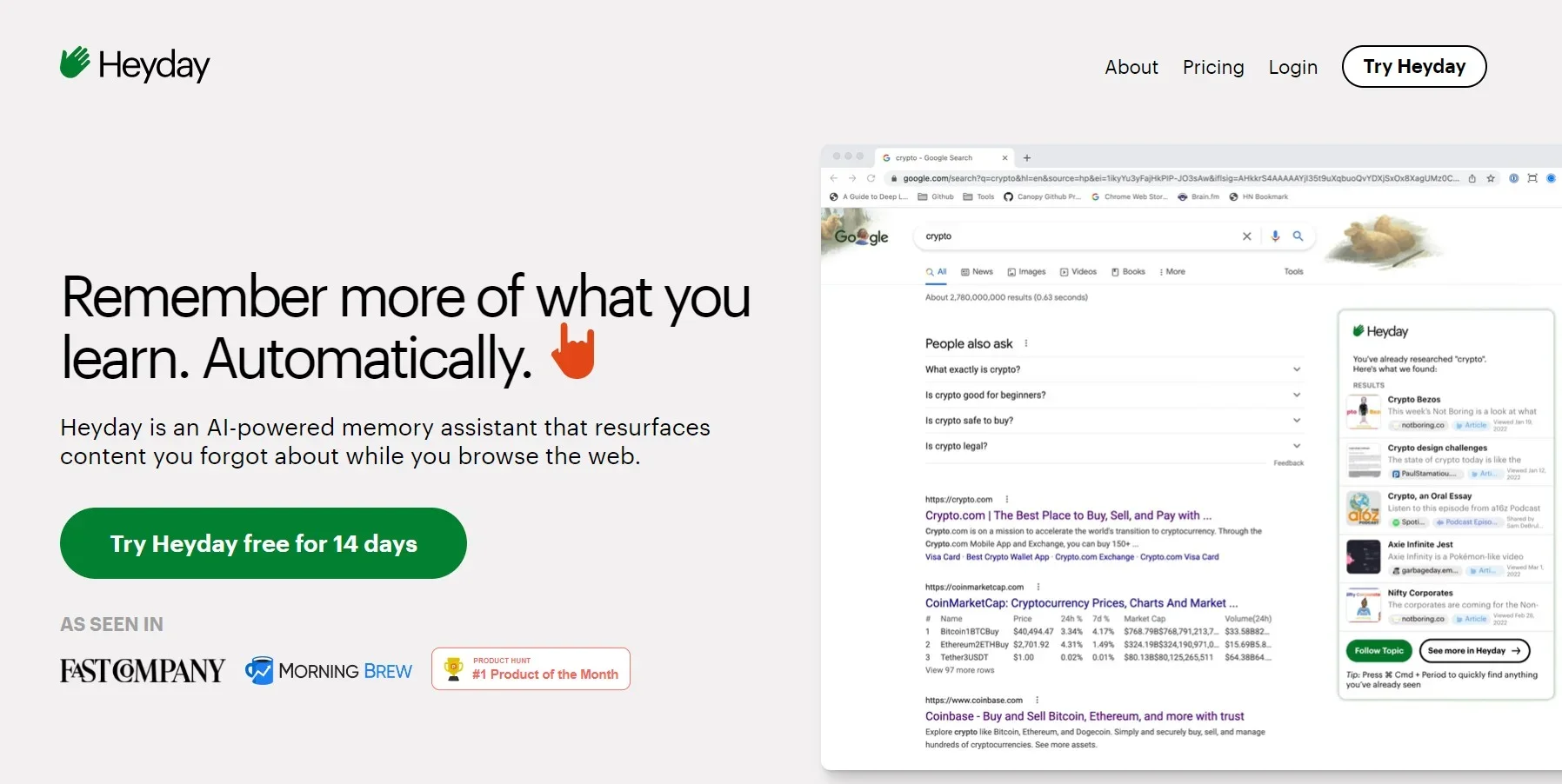
Heyday is an innovative AI copilot aiming to revolutionize the management of digital information. At its core, Heyday is designed to streamline the handling of documents, notes, and conversations that professionals encounter daily, converting them into a structured, searchable database. This tool not only organizes data but also boosts productivity by extracting quotes, creating shareable content, and summarizing key points from various sources, including emails and meetings. For individuals managing multiple projects and deadlines, the appeal of Heyday's capabilities is undeniable.
Heyday stands out by providing a personalized experience that surpasses generic AI solutions. It's not just about answering questions; it's about understanding the user's unique work, style, and needs to augment daily tasks. This personalization, along with robust privacy measures, sets Heyday apart in the AI tool landscape.
Heyday excels in transforming the overwhelming influx of digital information into a streamlined, easily accessible knowledge base. Its personalized approach to managing and utilizing data benefits professionals requiring quick recall and usage of information. Though there may be a learning curve and platform limitations, the tool's commitment to privacy and its feature depth make it a strong contender for enhancing productivity and information management. With a high overall score, Heyday proves worthy for those seeking a smart digital companion in navigating the information-rich modern world.
Who is Using Heyday?
Executive Coaches
For capturing and recalling details from coaching sessions.
Researchers
To track and organize insights from extensive online exploration.
Content Creators
For generating and refining content ideas based on past work.
Busy Professionals
Requiring assistance in managing their ever-growing digital footprint.
Uncommon Use Cases
Individuals needing help organizing thoughts and those overwhelmed with browser tabs and digital notes.
Key Features
Rating Breakdown
Pricing Plans
Free Trial
- Offers a 14-day free trial to test its features
Subscription Plans
- Details on subscription plans are available upon signing up for the trial
How Heyday fits into your stack
Zoom Integration
Heyday Secure Zoom App joins meetings to create notes automatically.
Email and Calendar Contextualization
Integrates with these tools to provide insights and reminders.
Secure Data Handling
Prioritizes encryption and user-controlled sharing for data privacy.
Pros
- +Enhanced Recall: Serves as an external memory bank, aiding in recalling and utilizing past information effectively.
- +Seamless Integration: Integrates with email and calendar apps to provide contextual information and suggestions.
- +Privacy and Security: Emphasizes confidentiality, ensuring data encryption and user control over information.
- +Intuitive Use: Designed to work passively, requiring minimal setup and intervention, ideal for maintaining workflow.
Cons
- −Initial Familiarization: New users may require time to fully grasp the tool's capabilities.
- −Platform Limitations: Some features, like call recaps, are tailored for Zoom, potentially limiting users of other platforms.
- −Learning Curve for Advanced Use: To leverage Heyday's full potential, users might need to learn to navigate and query their database effectively.
How to Use Heyday
- 1
Tutorials and resources are available on Heyday's website and customer support to help users maximize the tool's potential.
Community reviews
1 review from people who use Heyday.
Sign in to leave a review for Heyday.
Thibault BM
Heyday Alternatives
Looking for alternatives to Heyday? Here are similar tools in the same category:
Learn to Master Heyday
With Skill Leap courses
Get in-depth training on Heyday and 50+ other AI tools with our expert-led video courses.
Start 7-Day Free Trial