
Hey Internet
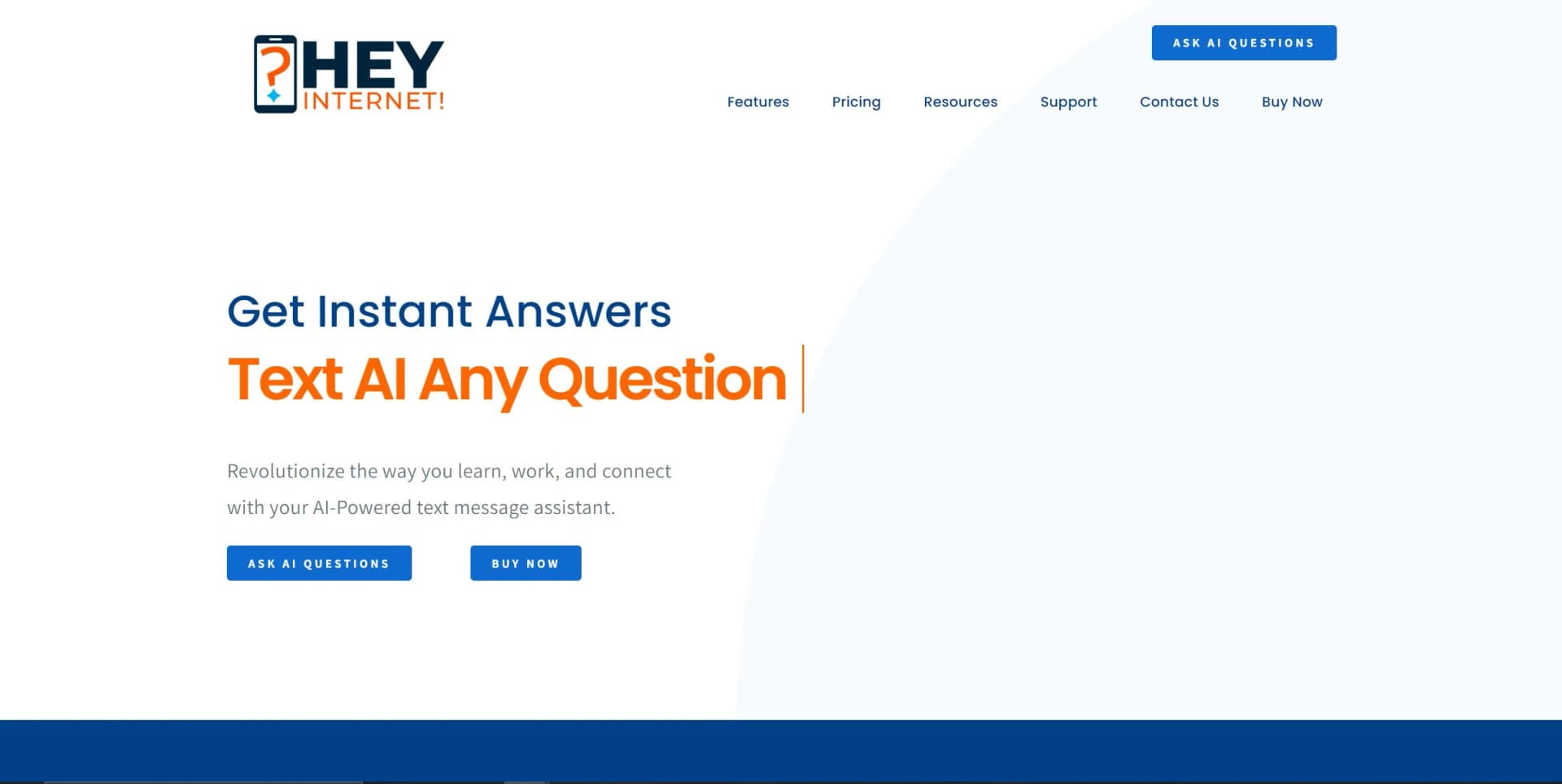
Transforms text messaging into an AI-driven personal assistant for instant, tailored support.
Key Takeaways
- What it is
- Transforms text messaging into an AI-driven personal assistant for instant, tailored support.
- Best for
- AI-Powered Responses
- Text Messaging Interface
- 24/7 Availability
- Rating
- 4.5/5
What is Hey Internet?
Hey Internet is an innovative AI tool that revolutionizes the way we interact with information and manage our daily tasks. It's designed as an AI-powered text message assistant that simplifies the way we learn, work, and stay connected. By leveraging the power of AI, Hey Internet provides quick, accurate answers to a myriad of questions, making it an invaluable tool for individuals seeking to optimize research, boost productivity, and foster personal growth. Its unique approach, utilizing text messaging for interaction, means that it's accessible anytime and anywhere, without the need for additional apps. This tool is particularly tailored for knowledge seekers, including students, professionals, and anyone looking to enhance their quality of life through better information management and learning efficiency.
Hey Internet stands out with its innovative use of text messaging as a medium to deliver AI-powered assistance. This approach not only ensures ease of use and accessibility but also caters to a wide range of users by integrating seamlessly into the daily tool most people are familiar with – their smartphone. Its ability to provide instant, accurate responses 24/7 sets it apart, making it a game-changer for individuals looking to enhance their learning, productivity, and personal growth.
Hey Internet excels in providing a unique and efficient way to access information and manage tasks through an AI-powered text message assistant. Its standout feature of utilizing text messaging for interaction offers unmatched convenience and accessibility, making it an essential tool for students, business professionals, and anyone looking to enhance their productivity and personal development. With its commitment to tailored support and 24/7 availability, Hey Internet is redefining the way we seek and process information in our daily lives.
Who is Using Hey Internet?
Students
Utilizing the tool to get quick answers for academic research and homework help.
Professionals
Leveraging the AI assistant to enhance productivity and efficiency in the workplace.
Lifelong Learners
Seeking knowledge on various hobbies and interests, from cooking and baking to science and technology.
Busy Individuals
Looking for ways to streamline their daily tasks and manage time more effectively.
Uncommon Use Cases
Employed by travelers for instant information on destinations and by hobbyists in areas like gaming and even music for tips and advice.
Key Features
Rating Breakdown
Pricing Plans
Subscription-Based Model
- Users can subscribe to Hey Internet for continuous access to the AI-powered text message assistant. Specific pricing details were not available at the time of this review
Which Hey Internet plan should you pick?
Start with Starter to evaluate basic web access, then upgrade to Personal for individual text and document features or Professional and Enterprise for business workflows and multiple users.
Starter
Good for users who need limited free web access to AI chat, articles, and basic exploration.
Personal
Good for individuals who need text assistants, document training, email writing, and call screening.
Professional
Good for professionals who need text or web assistants, business-document training, email automations, and unlimited blogs.
Enterprise
Good for companies needing customized AI models, existing-stack integrations, and multiple-user setup.
Hey Internet Use Cases
Screen spam calls
Forward or route unwanted calls to the AI assistant for screening and summaries.
Outcome: Reduce interruptions and receive text summaries of important calls.
Generate professional emails
Request follow-ups, outreach emails, or meeting reminders through text.
Outcome: Create more relevant professional messages faster.
Train assistance on business documents
Upload documents and use them as context for responses and recommendations.
Outcome: Get assistance aligned with organizational workflows.
Create SEO content
Use the AI blog writer to produce articles, including plan-based monthly or unlimited access.
Receive proactive updates
Request daily or weekly insights and receive notifications or reminders about tasks and deadlines.
Outcome: Stay organized and informed.
Workflow Ideas with Hey Internet
Document-informed email workflow
- 1Upload PDFs, spreadsheets, or text files
- 2Ask the AI for context-rich recommendations
- 3Generate follow-ups, outreach emails, or meeting reminders
AI call-screening workflow
- 1Forward incoming or unanswered calls to the AI assistant
- 2Let the assistant screen callers and take messages
- 3Receive text summaries and decide which calls require a response
Proactive productivity workflow
- 1Request daily or weekly insights by text
- 2Receive reminders and notifications for meetings, tasks, and deadlines
- 3Use the updates to stay organized and informed
How Hey Internet fits into your stack
Currently, Hey Internet operates independently through text messaging, focusing on providing a straightforward and efficient user experience without the need for additional apps or integrations. This unique approach emphasizes simplicity and accessibility, making it a versatile tool for users across different demographics.
Pros
- +Enhanced Learning: Significantly improves understanding of subjects and elevates academic performance through quick and accurate AI-generated insights.
- +Increased Productivity: Enables users to receive immediate assistance on their phones, saving time and boosting efficiency for studies, work, and personal projects.
- +Convenience: Eliminates the need to download extra apps, offering a seamless experience directly through text messaging.
- +Personal Growth: Supports a balanced lifestyle and personal development by providing customized AI-generated assistance.
Cons
- −Dependence on Text Messaging: May not appeal to users who prefer app-based or web-based interfaces.
- −Limited to Text-Based Interactions: Visual or audio queries are not supported, which might limit the scope of assistance for some users.
- −Potential Privacy Concerns: As with any AI tool, users might have concerns regarding data privacy and security, especially when sensitive information is shared via text messages.
Limitations & when to consider alternatives
Known limitations
- Free plan is limited. Starter access is web-only and limits questions, articles, and advanced AI features.
- Some capabilities require paid plans. Text assistants, document training, call screening, expanded content generation, and proactive updates are positioned as paid-plan features.
- Business access uses the web app. The FAQ states that the business experience runs in a browser, so there is nothing to install.
How to Use Hey Internet
- 1
Hey Internet offers resources and guides to help users maximize the benefits of the AI text message assistant. While specific tutorial links were not provided, users are encouraged to explore the website and contact support for more information on getting started and making the most of Hey Internet.
Who is Hey Internet For?
Professionals on the go
Text-based assistance provides access to email generation, content creation, reminders, and insights from a phone.
Businesses
Business-oriented plans offer text or web assistants, business-document training, email automations, and multiple-user setup.
Teams
Enterprise support is designed for company-wide use and multiple users.
People managing unwanted calls
The AI spam blocker answers unwanted calls, blocks robocalls, and sends summaries or alerts.
Frequently Asked Questions
What does the free plan include?
The free plan provides limited web access, AI chat, three AI-written articles monthly, and limited training.
How does the AI learn from my documents?
Upload PDFs, spreadsheets, or text files so the AI can provide more relevant and customized responses.
Is there a mobile app I need to download?
No download is required for the documented web experience; users can access the service through text messaging or the web app.
How secure is my data?
Heynet states that it uses end-to-end encryption and follows strict privacy policies.
Can I use Heynet for my entire team?
The company supports use by more than one team member with AI trained on organizational data.
How can I cancel my subscription?
Plans can be canceled through the payment dashboard, with access continuing through the current billing period.
Community reviews
1 review from people who use Hey Internet.
Sign in to leave a review for Hey Internet.
Joe Dearbonne
Hey Internet Alternatives
Looking for alternatives to Hey Internet? Here are similar tools in the same category:
Learn to Master Hey Internet
With Skill Leap courses
Get in-depth training on Hey Internet and 50+ other AI tools with our expert-led video courses.
Start 7-Day Free Trial