
Harvey
Transforms legal workflows with AI-driven document handling and research.
Key Takeaways
- What it is
- Transforms legal workflows with AI-driven document handling and research.
- Best for
- Domain-Specific AI Models
- Comprehensive Workflow Integration
- Advanced Document Handling
- Rating
- 4.4/5
What is Harvey?
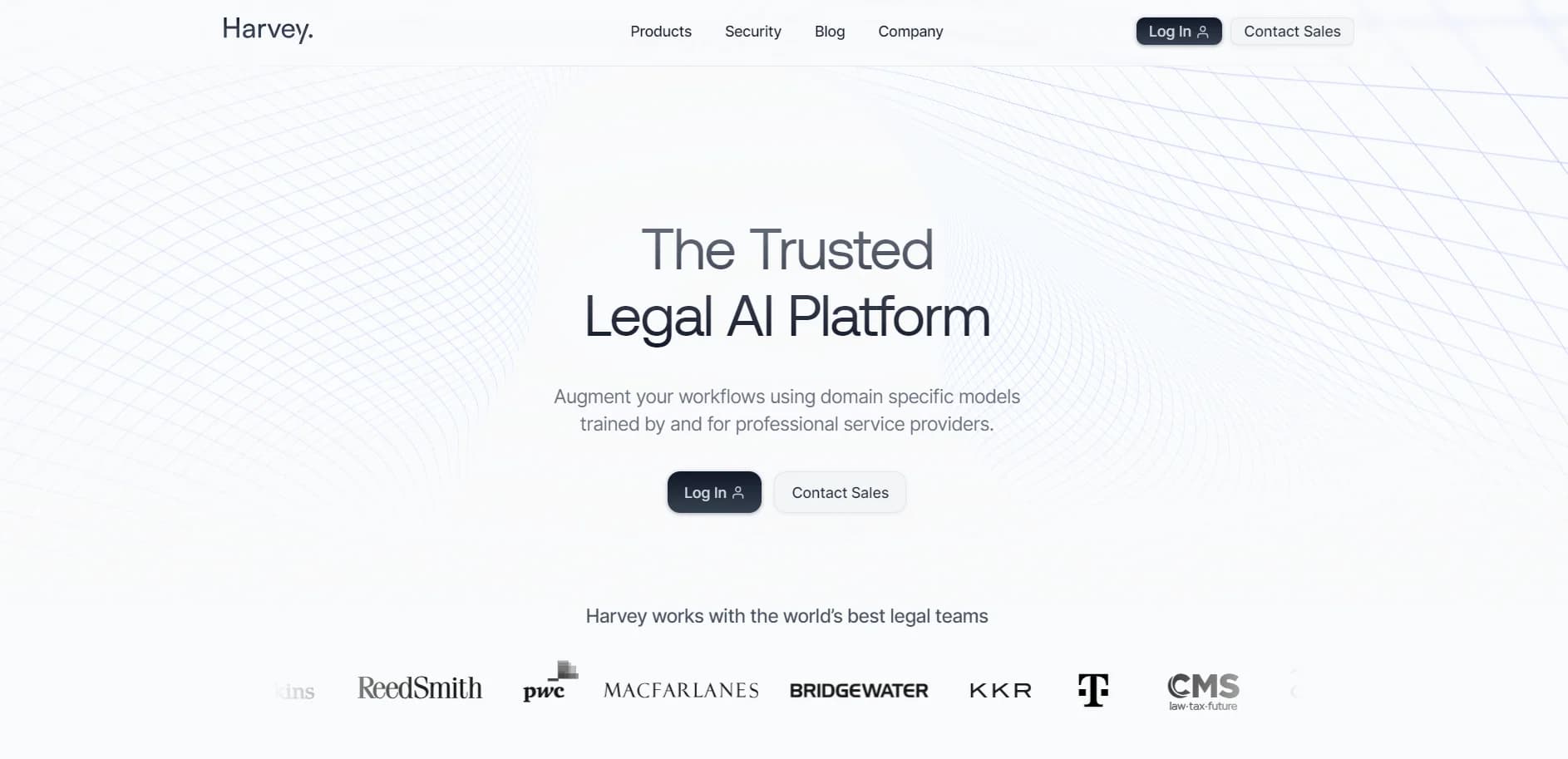
Harvey is a cutting-edge AI platform designed specifically for the legal sector. It aims to transform how legal professionals manage their workflows by integrating domain-specific models that enhance efficiency and accuracy. Developed with the unique needs of lawyers and law firms in mind, Harvey offers a range of tools that assist in everything from complex legal research to document analysis and drafting.
Harvey stands out due to its specialization in the legal field, offering tools that are finely tuned for legal processes and compliance. Its integration of AI trained specifically for legal tasks by domain experts sets it apart from generic AI platforms.
Harvey excels in enhancing the productivity and accuracy of legal workflows, making it an indispensable tool for modern law firms. Its specialized AI models and robust security framework provide a unique advantage, ensuring that legal professionals can focus more on client service and less on administrative tasks.
Who is Using Harvey?
Large Law Firms
Employing Harvey to handle large volumes of complex cases efficiently.
Corporate Legal Departments
Leveraging the tool for in-house document management and compliance.
Solo Practitioners
Utilizing Harvey to enhance their service delivery without the need for additional staff.
Legal Academics
Using the platform to teach advanced legal research techniques.
Uncommon Use Cases
Non-profit legal organizations use Harvey to manage their increased need for compliance and documentation.
Key Features
Rating Breakdown
Harvey Use Cases
Legal research
Query legal knowledge sources, web sources, Vault documents, and jurisdiction-specific materials.
Outcome: Cited analysis grounded in relevant authorities.
Contract review
Review agreements, identify issues, compare redlines, and apply playbooks to contract language.
Outcome: Faster, more consistent contract analysis.
M&A due diligence
Upload transaction materials into Vault, query for risks, and build structured review tables.
Outcome: Organized diligence findings across large document sets.
Litigation preparation
Analyze court records, transcripts, exhibits, and other matter documents to synthesize facts and arguments.
Outcome: Review-ready litigation insights and drafts.
Regulatory and advisory analysis
Map legislation, regulations, and agency guidance against facts, policies, or business requirements.
Outcome: Structured, citation-grounded advisory work.
Workflow Ideas with Harvey
M&A diligence review
- 1Upload transaction documents into a shared Vault
- 2Run a Workflow Agent or Review Table across the document set
- 3Review cited findings and collaborate with matter participants
Contract intake to approval
- 1Upload an agreement or route it through Word or Outlook
- 2Apply a playbook or workflow to identify issues and propose revisions
- 3Review, edit, and approve the resulting draft
Regulatory monitoring
- 1Query legal knowledge sources and internal policies
- 2Use an agent to compare new requirements with existing controls
- 3Generate a cited report and save the output to Vault
How Harvey fits into your stack
Microsoft Azure Deployment
Ensures robust security and reliable performance.
API Access
Allows for custom integrations with other legal tech systems.
Data Segregation
Guarantees that all client data is stored securely and separately.
Pros
- +Enhanced Accuracy: Reduces the risk of human error and increases the reliability of legal documents and research.
- +Time Efficiency: Significantly cuts down the time required for legal research and document processing.
- +Scalability: Easily scales to meet the needs of any law firm, regardless of size.
- +Security: Built on Microsoft Azure, providing top-tier security and data protection.
Cons
- −Specialization Limitation: Primarily beneficial only to legal professionals, limiting its applicability in other industries.
- −Learning Curve: Requires an initial investment of time to fully understand and utilize all features effectively.
- −Cost Consideration: May be considered a significant investment for smaller firms or solo practitioners.
Limitations & when to consider alternatives
Known limitations
- Workspace-specific access. Some features, integrations, knowledge sources, and permissions depend on the customer’s workspace configuration and order form.
- Harvey Guide cannot see enabled add-ons. Harvey Guide cannot detect which paid add-ons or permissions a workspace has enabled and may reference unavailable features.
- Harvey Guide cannot access the roadmap. Harvey Guide does not have access to the Help Center Roadmap page.
- Translation is not certified legal translation. Harvey’s documentation says document translation is not a substitute for certified translation services.
- Upload and context limits apply. Harvey documents upload-size limits and separate context-window and token limits for document processing.
Look elsewhere when
- You need a dedicated native desktop application.
- You need a standalone browser extension for general web browsing.
- You need programming-code generation as a primary capability.
How to Use Harvey
- 1
For those new to Harvey, there is a variety of tutorials available that cover everything from basic setup to advanced feature utilization, accessible directly through their official website.
Who is Harvey For?
Law firms
Harvey helps law firms run client matters, collaborate securely, use firm knowledge, and automate repeatable legal work.
In-house legal teams
In-house teams can manage contracts, access legal resources, collaborate with outside counsel, and automate recurring work.
Legal professionals
Lawyers and legal professionals can research, draft, review documents, and work with matter-specific sources.
Professional-services organizations
Harvey is designed for professional-services work requiring domain expertise, governed workflows, and review-ready outputs.
Frequently Asked Questions
What is Harvey?
Harvey is an AI platform for legal and professional-services work, combining Assistant, Vault, Workflow Agents, Contract Intelligence, and collaboration features.
What can Harvey Assistant do?
Assistant can answer questions, analyze documents, generate drafts, summarize material, revise content, and export work with citations.
Can Harvey analyze uploaded files?
Yes. Users can upload documents in Assistant and Vault, then query, review, summarize, and extract information from them.
Does Harvey support collaboration?
Shared Spaces allow internal teams, clients, and outside counsel to collaborate on shared Vaults, work product, workflows, and review tables.
Does Harvey integrate with Microsoft tools?
Harvey provides Word and Outlook add-ins and integrations with Microsoft 365 Copilot and related Microsoft workflows.
Can Harvey automate legal workflows?
Workflow Agents and Agent Builder support structured, multi-step processes such as diligence, document review, drafting, and regulatory analysis.
Community reviews
Be the first to share your experience.
Sign in to leave a review for Harvey.
Harvey Alternatives
Looking for alternatives to Harvey? Here are similar tools in the same category:
Learn to Master Harvey
With Skill Leap courses
Get in-depth training on Harvey and 50+ other AI tools with our expert-led video courses.
Start 7-Day Free Trial