
GravityWrite
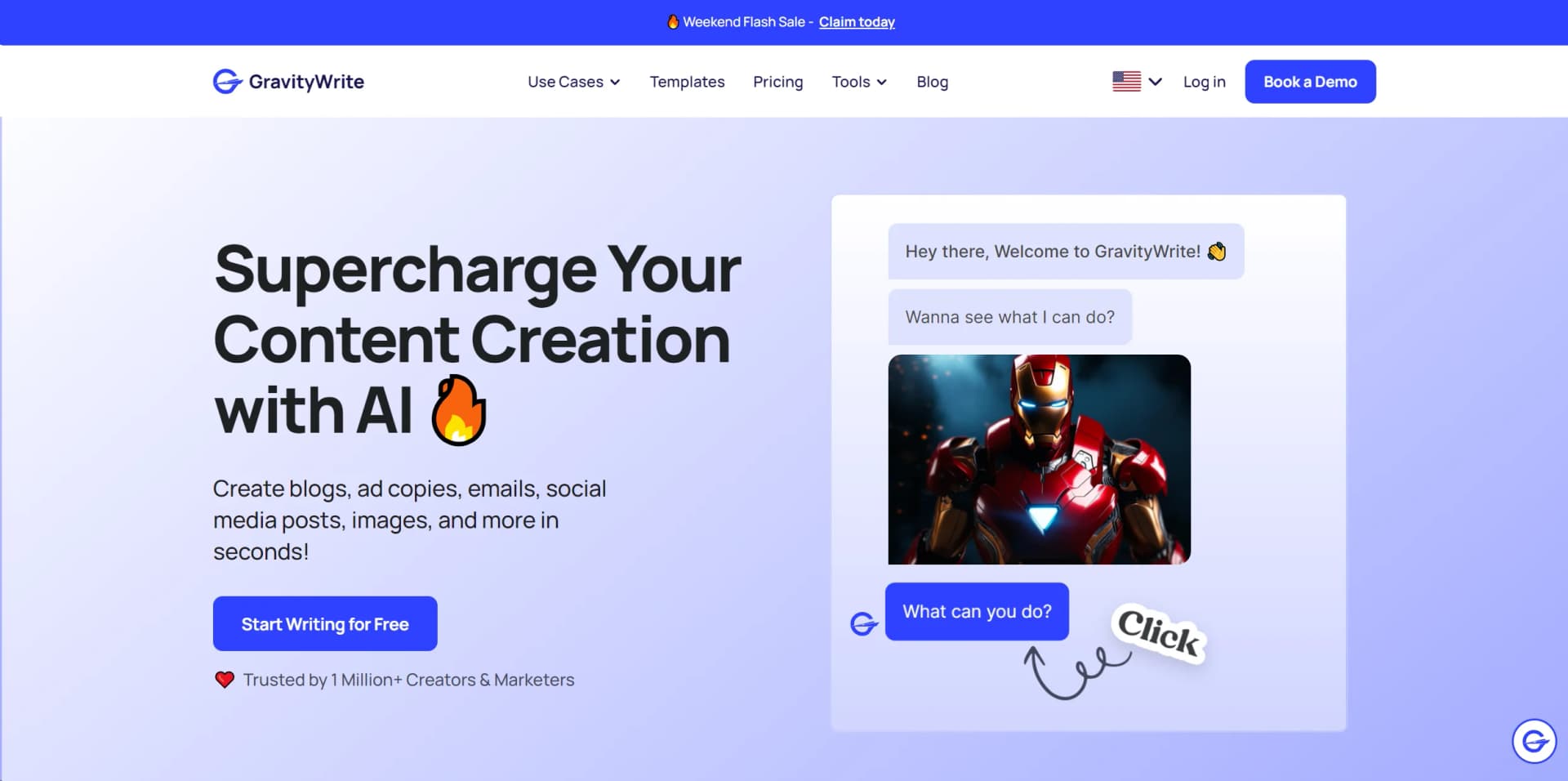
Streamline content creation with advanced AI across multiple languages.
Key Takeaways
- What it is
- Streamline content creation with advanced AI across multiple languages.
- Pricing
- Freemium · $19 per month · $79 per month
- Best for
- Versatile Content Generation
- Advanced AI Technology
- User-Friendly Interface
- Rating
- 4.6/5
What is GravityWrite?
GravityWrite is a cutting-edge AI content creation tool designed to transform the way businesses, marketers, and content creators develop their digital content. From blogs and social media posts to emails and video scripts, GravityWrite offers a comprehensive suite of tools that cater to various content needs across multiple platforms. Its primary goal is to streamline the content creation process, making it quicker, more efficient, and accessible to everyone from solo entrepreneurs to large marketing teams.
GravityWrite stands out due to its comprehensive toolset that caters not just to content writing but also to marketing and sales needs. Its ability to generate content across different languages and its user-friendly interface sets it apart from other content generation tools.
GravityWrite excels in providing a versatile, user-friendly platform that significantly enhances the efficiency of content creation. It's particularly beneficial for users looking to produce high volumes of content across various formats and languages. Its suite of tools and features, combined with cost-effective pricing plans, makes GravityWrite an invaluable asset for anyone in the realm of digital content creation.
Who is Using GravityWrite?
Marketing Teams
Employing the tool for crafting compelling campaigns that drive engagement and sales.
Content Creators
Leveraging the tool to maintain a consistent and prolific content production schedule.
Business Owners
Utilizing AI-generated content to enhance their website and social media presence.
Freelancers
Using the tool to increase output and meet client demands efficiently.
Uncommon Use Cases
Non-profits using GravityWrite for grant writing; podcasters for scripting episodes.
Key Features
Rating Breakdown
Pricing Plans
Free Tier
Free
- Start with no cost
- Limited to 1,000 words per month
Starter Tier
$19 per month
- Providing up to 50,000 words and additional features
Pro Tier
$79 per month
- This plan offers extensive tools and up to 250,000 words
Which GravityWrite plan should you pick?
Start with Plus for individual content creation; upgrade to Pro for higher credits, more social accounts, priority support, and brand-scale production.
Plus
Good for individual bloggers and small content creators who need writing, image, video, summarization, website, and social scheduling tools.
Pro
Good for brands scaling content production with 2,500 credits, up to 30 social accounts, more generation capacity, and priority support.
Bundle
Good for users who also need WordPress hosting and self-hosted n8n workflow automation with the GravityWrite subscription.
GravityWrite Use Cases
Marketing content
Create blogs, social posts, ad copy, emails, and other marketing materials.
Outcome: Scale marketing content production.
Social media management
Generate platform-specific posts, schedule them, queue them, and publish across connected channels.
Outcome: Manage multi-platform publishing from one dashboard.
Audio and video summarization
Upload audio or video, transcribe it, and generate a structured summary in a selected language.
Outcome: Turn long recordings into reusable summaries.
AI image creation
Describe an image, select templates and styles, optionally add a reference image, and generate visual content.
Outcome: Produce branded images for social and marketing channels.
Code generation
Specify a programming language or framework and describe the desired code objective.
Outcome: Generate ready-to-use code and refactoring guidance.
Workflow Ideas with GravityWrite
Create and schedule a social campaign
- 1Connect Facebook, Instagram, LinkedIn, YouTube, Pinterest, or X accounts
- 2Generate or customize platform-specific posts
- 3Schedule posts or add them to the publishing queue
Turn a recording into a summary
- 1Upload an audio or video file
- 2Choose the input and output languages
- 3Transcribe, summarize, and export the result
Create branded social visuals
- 1Select an image type and template
- 2Add brand details or upload a reference image
- 3Generate the image and send it to GravitySocial
How GravityWrite fits into your stack
Browser-Based Interface
Easily accessible from any web-enabled device.
API Access
Allows for integration into custom workflows or existing systems.
Multi-Platform Support
Compatible with various digital marketing platforms for seamless content deployment.
Custom Template Creation
Users can create and save custom templates for repeated use.
Pros
- +Time-Saving: Significantly reduces the time spent on content creation.
- +Cost-Effective: More economical than hiring professional writers, especially for bulk content needs.
- +Highly Customizable: Adapts to various content styles and requirements with ease.
- +SEO Optimization: Helps in creating content that is optimized for search engines, enhancing online visibility.
Cons
- −Learning Curve: New users may need some time to fully grasp all functionalities.
- −Dependency on Internet Connectivity: Requires a stable internet connection for optimal performance.
- −Limited Creative Control: While AI generates content quickly, nuanced creative control is still more achievable manually.
Limitations & when to consider alternatives
Known limitations
- Free file-summary limits. Free users can upload only one file, and the file duration must be under 10 minutes.
- Premium file-duration limits. Premium uploads can be under five hours, with a maximum file size of 2 GB.
- Credits are shared across features. Text, image, video, and other generations draw from the same plan credit balance.
- Unused subscription credits expire. Subscription credits reset at the end of the billing cycle and do not carry over.
- Generated content may be inaccurate. GravityWrite says AI output can contain errors and should be reviewed and verified before professional or important use.
Look elsewhere when
- You need a documented developer API.
- You need a native desktop application.
- You need shared workspace collaboration.
- You need image analysis or vision understanding.
How to Use GravityWrite
- 1
Explore a range of tutorials on the official GravityWrite blog, offering everything from basic functionalities to advanced content creation strategies.
Who is GravityWrite For?
Solo creators and bloggers
The Plus plan is positioned for individual bloggers and small content creators needing writing, image, video, and social tools.
Brands and marketing teams
GravityWrite provides brand-aware content generation, social scheduling, analytics, and multi-platform publishing.
Social media marketers
GravitySocial helps create, schedule, publish, and manage posts across major social platforms.
Businesses
The platform names marketing, SEO, YouTube, email, blogs, e-commerce, support, sales, and human resources use cases.
Developers
GravityWrite offers code generation and code documentation tools for developers.
Frequently Asked Questions
Is GravityWrite suitable for all businesses?
Yes. GravityWrite says it supports businesses of all kinds, including technology and retail, by streamlining content generation.
What social media platforms can I publish from GravityWrite?
GravitySocial supports Facebook, Instagram, LinkedIn, YouTube, Pinterest, and X.
Can GravityWrite create content in multiple languages?
Its social media tools support multilingual posts in over 70 languages, while paid plans list 50+ languages.
What file types can the AI File Summarizer process?
The AI File Summarizer accepts audio and video files, transcribes them, and produces summaries.
How much does GravityWrite cost?
Current plans include Plus, Pro, and Bundle options, with a free starting option also advertised.
Can GravityWrite publish content automatically?
GravitySocial can publish immediately, schedule posts for later, or add posts to a recurring queue.
Community reviews
Be the first to share your experience.
Sign in to leave a review for GravityWrite.
GravityWrite Alternatives
Looking for alternatives to GravityWrite? Here are similar tools in the same category:
Learn to Master GravityWrite
With Skill Leap courses
Get in-depth training on GravityWrite and 50+ other AI tools with our expert-led video courses.
Start 7-Day Free Trial