
GPTExcel
Maximize spreadsheet efficiency with AI-powered formula and script generation.
Key Takeaways
- What it is
- Maximize spreadsheet efficiency with AI-powered formula and script generation.
- Pricing
- Freemium · $6.99 per month
- Best for
- Excel Formula Generator AI
- Script Generator AI
- SQL Query Generator AI
- Rating
- 4.4/5
What is GPTExcel?
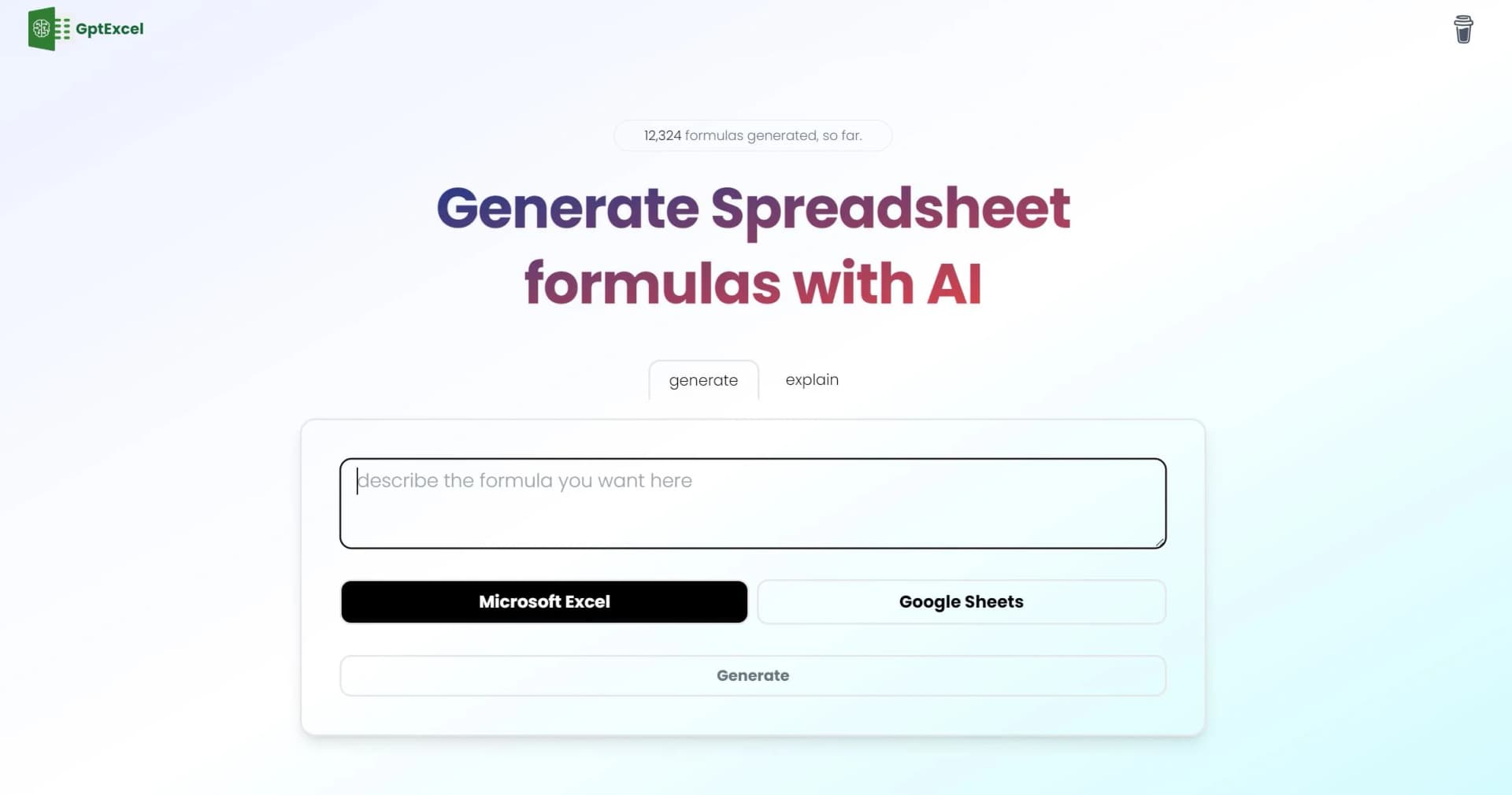
GPTExcel is an innovative tool designed to simplify the process of working with spreadsheets, particularly in Excel, Google Sheets, and Airtable. It leverages the power of AI to generate complex formulas, scripts, SQL queries, regular expressions, and templates, thereby enhancing productivity and efficiency for users dealing with data analysis and spreadsheet management tasks. With its user-friendly interface and wide range of features, GPTExcel aims to be a valuable ally for both novice and experienced spreadsheet users alike.
GPTExcel stands out for its powerful AI capabilities that not only generate but also explain formulas, scripts, and other elements, making it both a productivity tool and an educational resource. Its multilingual support and generous free tier make it accessible to a wide audience across different regions and skill levels.
GPTExcel offers a comprehensive solution for users working with spreadsheets, empowering them with AI-driven tools to streamline their workflow and increase productivity. Its combination of ease of use, powerful features, and accessibility through a free tier makes it a valuable asset for a wide range of users, from individuals to professionals, across various industries and sectors.
Who is Using GPTExcel?
Accountants and Financial Analysts
Utilizing the tool for financial modeling, analysis, and reporting tasks.
Data Analysts
Leveraging the AI capabilities for generating and troubleshooting SQL queries and data manipulation.
Project Managers
Employing the template generator for organizing project-related data and tasks.
Educators and Students
Incorporating GPTExcel into coursework to teach spreadsheet skills and data management.
Uncommon Use Cases
Non-profit organizations, fitness trainers, and legal professionals utilizing GPTExcel for various specialized tasks like donation tracking, workout planning, and legal document organization.
Key Features
Rating Breakdown
Pricing Plans
Free Tier
Free
- Offers basic features with a limit of 4 free requests per day
Pro Plan
$6.99 per month
- Providing access to advanced features such as script generation and priority customer support
Which GPTExcel plan should you pick?
Start with Free to test occasional spreadsheet tasks, then upgrade to Pro for regular use, Max for unlimited team usage, or Lifetime for a one-time purchase.
Free
Good for individuals trying AI spreadsheet analysis occasionally who need up to 90 credits per month.
Pro
Good for solo professionals and freelancers who need 300 monthly credits for daily spreadsheet work.
Max
Good for teams and power users who need unlimited usage, collaboration, and API access.
Lifetime
Good for power users who prefer unlimited lifetime access through a one-time payment.
GPTExcel Use Cases
Generate spreadsheet formulas
Describe the desired calculation in plain language and receive an Excel or Google Sheets formula with an explanation.
Outcome: A ready-to-use, verifiable formula.
Clean and reshape data
Fix messy columns, split or merge fields, and remove duplicates using a before-and-after preview.
Outcome: Cleaner, more usable spreadsheet data.
Build charts and pivots
Ask GPTExcel to recommend or generate a chart or pivot table from spreadsheet data.
Outcome: An exportable visualization or pivot analysis.
Convert images and PDFs to Excel
Upload scanned tables, photos, or PDFs and extract their tabular contents.
Outcome: Editable spreadsheet rows.
Generate automation scripts
Describe a repetitive task and generate VBA, Google Apps Script, or Airtable scripts.
Outcome: Automation code for the selected spreadsheet platform.
Workflow Ideas with GPTExcel
Spreadsheet analysis workflow
- 1Upload an Excel, CSV, or ODS file
- 2Ask a plain-language question about the data
- 3Reuse the result as a formula, chart, saved analysis, or export
Recurring report workflow
- 1Connect a spreadsheet or data source
- 2Ask GPTExcel to clean, analyze, and visualize the data
- 3Save the analysis or template for the next report
Automated data workflow
- 1Provide a goal and connect relevant data sources
- 2Use Work Agent to run multi-step data workflows end to end
- 3Review the resulting formulas, charts, cleaned data, or insights
How GPTExcel fits into your stack
Excel, Google Sheets, and Airtable
Designed to seamlessly integrate with popular spreadsheet platforms.
Cross-Platform Use
Accessible on various operating systems and devices, enhancing flexibility and convenience for users.
Cloud Storage Integration
Syncs with cloud storage services for easy access to files and data.
API Access
Offers an API for custom integrations and extended functionality.
Pros
- +Boosted Productivity: Drastically reduces the time spent on formula creation, script writing, and other spreadsheet tasks.
- +Ease of Use: Intuitive interface suitable for users of all levels, from beginners to experts.
- +Multilingual Support: Supports over 50 languages, ensuring accessibility for a diverse user base.
- +Generous Free Tier: Allows users to explore features with 4 free requests per day without requiring a credit card.
Cons
- −Limited Free Requests: The free tier restricts users to four requests per day, which may not be sufficient for heavy users.
- −Learning Curve: New users may need time to fully grasp the capabilities and features of the tool.
- −Script Generators Not Included in Free Tier: Access to the full suite of automation tools requires upgrading to a paid plan.
Limitations & when to consider alternatives
Known limitations
- Free usage is limited. The free plan provides up to 90 credits per month through daily check-ins.
- Upload size varies by plan. The documented plans provide different file limits, including 50MB per file on Pro and 100MB per file on Pro Plus.
- Supported file formats are specific. Documented formats include Excel, CSV, and ODS; PDF and image tables are handled through conversion to Excel.
- Database access is read-only. ChatDB runs read-only queries and cannot modify connected database data.
- AI output requires review. GPTExcel's terms state that outputs are provided as-is and do not guarantee accuracy or suitability.
Look elsewhere when
- You need a documented public developer API.
- You need a native mobile or desktop application.
- Your organization requires SSO or SAML.
How to Use GPTExcel
- 1
Comprehensive tutorials and guides are available on the GPTExcel website, covering everything from basic setup to advanced features, helping users make the most of the tool.
Who is GPTExcel For?
Analysts
GPTExcel helps analysts generate formulas, clean data, build charts, and produce spreadsheet insights in plain language.
Operations teams
Operations teams can use it for inventory cleanup, vendor scorecards, SLA reporting, and recurring dashboards.
Finance teams
Finance teams can create variance reports, budget trackers, cash-flow summaries, and board-ready charts.
Founders
Founders can analyze spreadsheet data, create reports, and automate repetitive spreadsheet tasks without memorizing formulas.
Frequently Asked Questions
What is GPTExcel?
GPTExcel is an AI-powered spreadsheet assistant for formulas, SQL queries, automation scripts, regex, table templates, file chat, charts, and data analysis.
Which spreadsheet platforms and file formats are supported?
It supports Microsoft Excel, Google Sheets, LibreOffice Calc, and Airtable. Supported uploads include Excel and CSV files, with image tables convertible into editable spreadsheets.
What can I use GPTExcel for?
Users can generate formulas, SQL queries, VBA or Apps Script automations, regex patterns, table templates, charts, reports, and spreadsheet insights.
How does the chat feature work?
Users interact directly with an Excel file, ask questions about data, request formula clarification, and receive insights or recommendations.
How does image-to-table conversion work?
Upload an image containing a table, and GPTExcel uses OCR and AI to convert it into an editable Excel table.
How does the free plan work?
The free plan provides essential features with four requests per day, refreshed every 12 hours, without requiring a credit card.
Community reviews
Be the first to share your experience.
Sign in to leave a review for GPTExcel.
GPTExcel Alternatives
Looking for alternatives to GPTExcel? Here are similar tools in the same category:
Learn to Master GPTExcel
With Skill Leap courses
Get in-depth training on GPTExcel and 50+ other AI tools with our expert-led video courses.
Start 7-Day Free Trial