
GPT Stylist
Revolutionize design with AI-driven, brand-aligned color palettes for Figma and FigJam.
Key Takeaways
- What it is
- Revolutionize design with AI-driven, brand-aligned color palettes for Figma and FigJam.
- Pricing
- Freemium
- Best for
- Custom Color Palette Generation
- Integration with Figma and FigJam
- Prompt Library
- Rating
- 4.5/5
What is GPT Stylist?
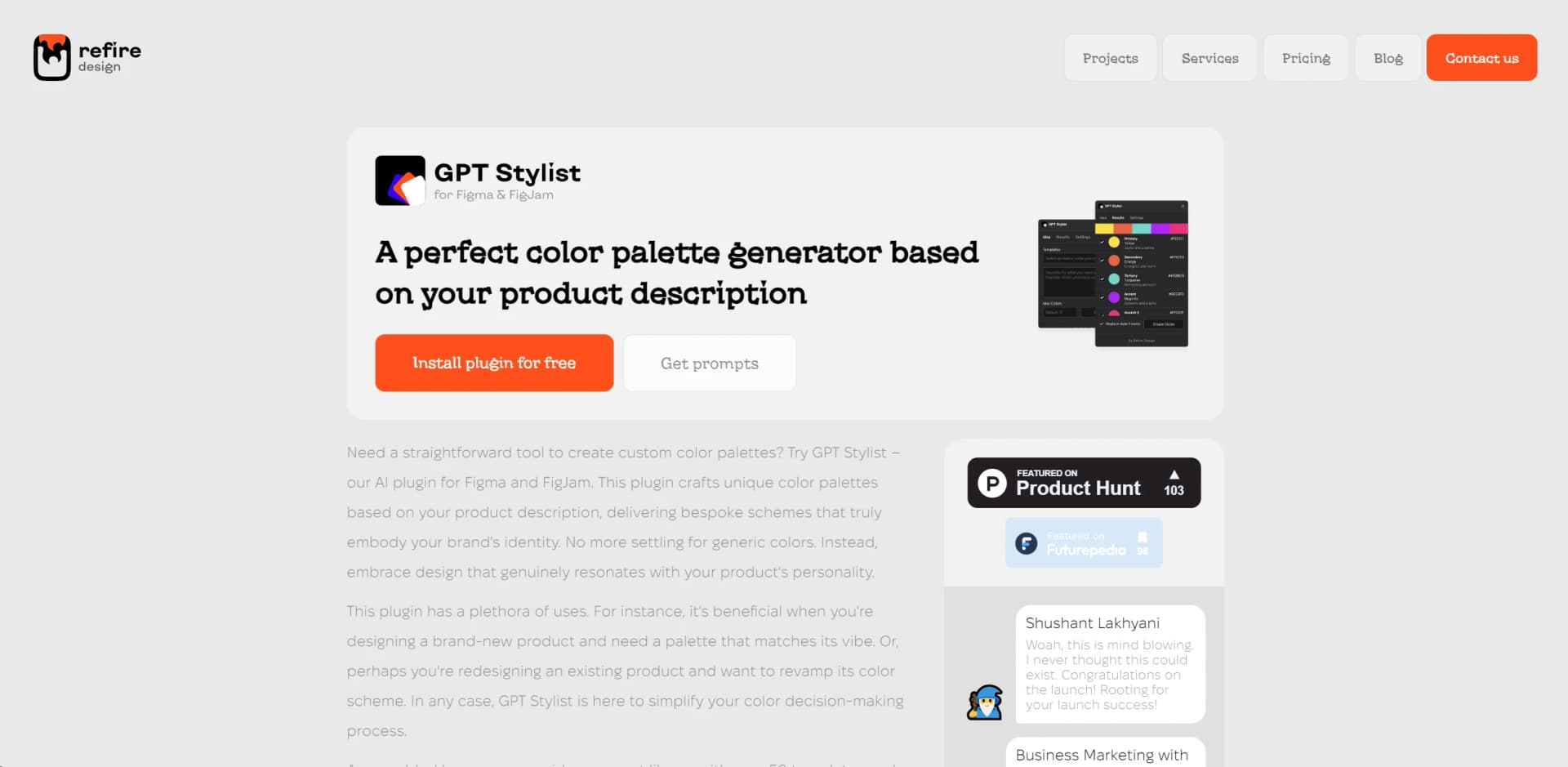
In the ever-evolving world of digital design, finding the perfect color palette that resonates with your brand's identity can be a daunting task. Enter GPT Stylist, a groundbreaking AI plugin for Figma and FigJam. This AI tool is a game-changer for designers and brands alike, offering a seamless way to generate custom color palettes based on product descriptions. GPT Stylist ensures that your design not only stands out but truly embodies the essence of your product. Whether you're launching a new product or revamping an existing one, GPT Stylist simplifies the color decision-making process, making it an invaluable asset in your design toolkit.
GPT Stylist stands out in the realm of design tools with its AI-driven approach to generating color palettes. What sets it apart is the ability to create color schemes that are not only visually appealing but also deeply connected to the brand's identity and product description. This level of customization and relevance in color selection is unparalleled, making GPT Stylist a unique and valuable tool for designers and brands.
GPT Stylist revolutionizes the way designers and brands approach color palette selection, offering a tool that is not only efficient but also deeply intuitive to the unique identity of each product. Its seamless integration with Figma and FigJam, combined with an extensive prompt library, makes it an essential tool for anyone looking to enhance their design with perfectly matched color schemes. With its high ratings across various performance metrics, GPT Stylist proves to be a valuable asset in the design process, enabling creativity and brand identity to flourish.
Who is Using GPT Stylist?
UI/UX Designers
Crafting interfaces that are visually appealing and brand-aligned.
Brand Managers
Ensuring their products stand out with unique color schemes.
Digital Marketing Agencies
Creating captivating visuals for marketing campaigns.
Graphic Designers
Enhancing their design projects with bespoke color palettes.
Uncommon Use Cases
Educational institutions for teaching design principles; Indie game developers for creating immersive game worlds.
Key Features
Rating Breakdown
Pricing Plans
Free Tier
Free
- Enjoy the core functionalities of GPT Stylist without any cost
Pro Tier
- Advanced features and unlimited access
- The Pro Tier pricing will be available on the official website
GPT Stylist Use Cases
Generate a product color palette
Describe a product or brand and generate a set of color options in Figma or FigJam.
Outcome: A palette aligned with the product’s intended personality.
Explore alternative visual directions
Use prompts to request different moods, styles, or brand characteristics.
Outcome: More design directions to evaluate.
Refine an existing design
Use generated palette ideas while iterating on an existing Figma or FigJam project.
Outcome: Faster color exploration during design revisions.
Workflow Ideas with GPT Stylist
Create a brand palette
- 1Open GPT Stylist in Figma or FigJam
- 2Describe the product, brand personality, and desired visual direction
- 3Review the generated color palette options
Explore palette variations
- 1Start with a product or design description
- 2Adjust the prompt to request different moods or styles
- 3Compare the resulting palette alternatives
How GPT Stylist fits into your stack
Figma Integration
Directly integrates with Figma, enhancing the design process within this popular platform.
FigJam Compatibility
Also works seamlessly with FigJam, offering versatility in design workflows.
Expanding Plugin Ecosystem
GPT Stylist is part of an evolving ecosystem, promising future integrations and functionalities.
Pros
- +Enhanced Brand Identity: Enables the creation of color palettes that truly reflect your brand’s essence.
- +Time-Saving: Eliminates hours of manual color matching and testing.
- +Creativity Unleashed: With over 50 prompts, it sparks inspiration for unique designs.
- +Seamless Integration: Works effortlessly within Figma and FigJam, allowing for a smooth design process.
Cons
- −Platform Limitation: Currently only available for Figma and FigJam users.
- −Learning Curve: New users may require time to fully grasp its capabilities.
- −Dependency on Descriptions: The effectiveness of the generated palette heavily relies on the input product description.
Limitations & when to consider alternatives
Known limitations
- Figma and FigJam dependency. GPT Stylist is delivered as a plugin for Figma and FigJam rather than as a standalone application.
Look elsewhere when
- You need a standalone desktop application
- You need mobile apps or browser extensions
- You need an API or developer platform
How to Use GPT Stylist
- 1
Explore a range of tutorials directly on the GPT Stylist website, covering everything from basic setup to leveraging advanced features for your design projects.
Who is GPT Stylist For?
UI/UX designers
They can generate brand-aligned color palettes during interface design.
Brand designers
They can explore color directions that reflect a product’s identity and personality.
Digital product teams
They can use prompt-based palette generation while developing or refining product designs.
Frequently Asked Questions
What does GPT Stylist do?
GPT Stylist generates custom color palettes from product or design descriptions.
Where does GPT Stylist work?
It is designed to work inside Figma and FigJam.
How are palettes created?
Users provide a prompt describing the product, brand, or design direction, and the plugin proposes palette options.
Community reviews
Be the first to share your experience.
Sign in to leave a review for GPT Stylist.
GPT Stylist Alternatives
Looking for alternatives to GPT Stylist? Here are similar tools in the same category:
Learn to Master GPT Stylist
With Skill Leap courses
Get in-depth training on GPT Stylist and 50+ other AI tools with our expert-led video courses.
Start 7-Day Free Trial