
Google Cloud Vision AI
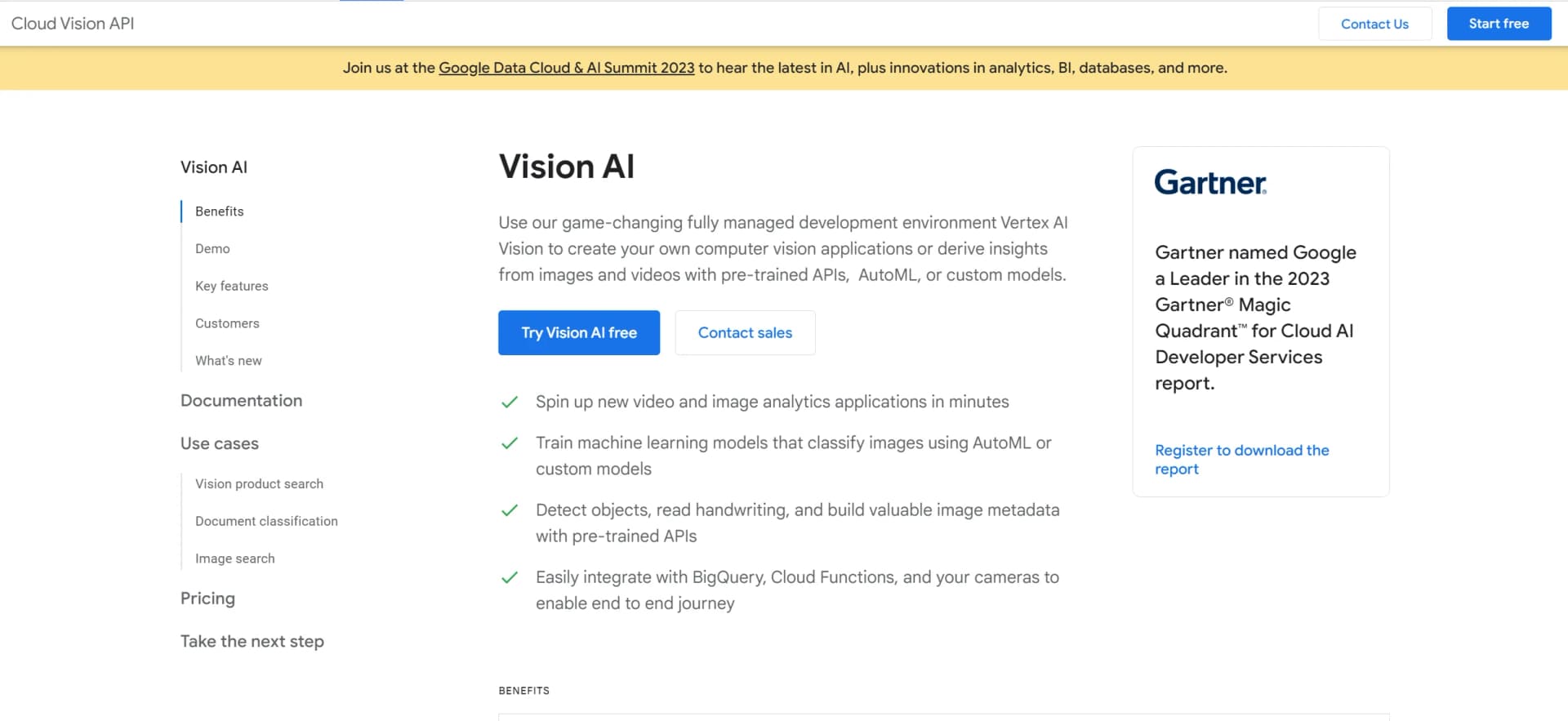
Unlock image insights with AI: detect, classify, and analyze effortlessly.
Key Takeaways
- What it is
- Unlock image insights with AI: detect, classify, and analyze effortlessly.
- Pricing
- Freemium
- Best for
- Pre-trained Machine Learning Models
- Custom Model Training
- Real-time Analysis
- Rating
- 4.6/5
What is Google Cloud Vision AI?
Google Cloud Vision AI is an advanced artificial intelligence tool that empowers developers and businesses to comprehend and analyze the content within images. Utilizing Google's sophisticated machine learning models, Vision AI offers a comprehensive suite of image analysis services capable of classifying images into thousands of categories, recognizing text, detecting objects, and more, thereby revolutionizing the interaction with visual data.
Google Cloud Vision AI stands out with its robust set of pre-trained and customizable machine learning models, which can be tailored to a wide range of use cases. Its integration with Google's extensive cloud infrastructure allows for seamless scalability and data analysis, making it a versatile tool in the AI space.
Google Cloud Vision AI excels in providing powerful image analysis capabilities, making it an indispensable tool for businesses and developers looking to harness the power of AI for visual data interpretation. Its robust features, integration with Google Cloud, and scalability options cater to a wide range of industries and use cases. With Google's continuous advancements in AI, users can expect Vision AI to remain at the forefront of image analysis technology.
Who is Using Google Cloud Vision AI?
Retail Companies
Enhancing the shopping experience by integrating image recognition for product searches and inventory management.
Healthcare Providers
Analyzing medical imagery for more accurate diagnoses and research.
Media Organizations
Automatically tagging and categorizing vast libraries of digital assets.
Agricultural Sectors
Monitoring crop health through aerial imagery analysis.
Uncommon Use Cases
Assisting wildlife conservation efforts by identifying species in camera trap images; aiding in historical research by digitizing and analyzing archival photographs.
Key Features
Rating Breakdown
Pricing Plans
Free Tier
Free
- Google Cloud Vision AI offers a generous free tier for users to get started and test the service
Which Google Cloud Vision AI plan should you pick?
Start with pay-as-you-go for low or variable usage, then contact Google for custom organizational pricing.
Pay-as-you-go
Good for developers and teams who need usage-based access to Vision API features without upfront commitments.
Google Cloud Vision AI Use Cases
Image labeling
Apply pretrained labels to images to identify objects, scenes, and visual concepts.
Outcome: Generate searchable image metadata.
Document OCR
Extract printed or handwritten text from images, PDFs, and TIFF files.
Outcome: Convert visual documents into machine-readable text.
Content moderation
Detect explicit or unsafe visual content using SafeSearch capabilities.
Outcome: Support automated content-review workflows.
Product search
Create product sets with reference images and search for visually matching products.
Outcome: Find products based on image similarity.
Image-processing pipelines
Trigger image recognition when files arrive in Cloud Storage and send results to downstream services.
Outcome: Automate image analysis and metadata processing.
Workflow Ideas with Google Cloud Vision AI
Cloud Storage document summarization pipeline
- 1Upload a PDF document to a Cloud Storage bucket
- 2Extract text with Cloud Vision or Document AI
- 3Generate and store a summary for later search
Batch OCR for scanned documents
- 1Store PDF or TIFF files in Cloud Storage
- 2Submit an asynchronous batch annotation request
- 3Write OCR results as JSON files to Cloud Storage
How Google Cloud Vision AI fits into your stack
Google Cloud Integration
Works hand-in-hand with other Google Cloud services for a unified workflow.
API Access
Offers REST and RPC API access for easy integration into existing applications.
Edge Devices
Supports deployment to edge devices for scenarios where low latency is critical.
Multi-language Support
Provides API client libraries in various programming languages, enhancing accessibility for developers worldwide.
Pros
- +Scalability: Capable of processing from a few images to millions, thanks to Google Cloud's robust infrastructure.
- +Ease of Use: User-friendly interfaces and a simple REST API make it accessible for developers of all skill levels.
- +Versatility: Suitable for various industries and use cases, from retail and media to healthcare and more.
- +Continuous Improvement: Benefits from Google's ongoing investment in AI and machine learning, ensuring cutting-edge capabilities.
Cons
- −Costs at Scale: While a free tier is available, extensive usage may result in significant costs, which could pose a barrier for small businesses or startups.
- −Complexity for Custom Models: Training custom models may require a steep learning curve, particularly for users without a background in machine learning.
- −Dependence on Internet Connectivity: Being a cloud-based service, it requires a stable internet connection, which could be challenging in remote areas.
Limitations & when to consider alternatives
Known limitations
- PDF and TIFF files must use Cloud Storage for asynchronous OCR. Offline PDF/TIFF document detection is available only for files stored in Google Cloud Storage.
- PDF and TIFF files are limited to 2,000 pages. Files larger than 2,000 pages return an error.
- API keys are unavailable for asynchronous file annotation requests. files:asyncBatchAnnotate requests require service-account-based authentication.
- Vision API features are billed per image feature. Each feature applied to an image is a billable unit, and multipage files are charged page by page.
Look elsewhere when
- You need a native mobile app rather than an API.
- You need a desktop application with a dedicated installer.
How to Use Google Cloud Vision AI
- 1
Access a repository of tutorials, quick starts, and documentation on the official Google Cloud Vision AI website to help users get the most out of the service, from basic usage to advanced model training.
Who is Google Cloud Vision AI For?
Application developers
Cloud Vision fits developers who need to integrate prebuilt image-analysis features into applications through APIs.
Developers building computer-vision applications
The service provides ready-to-use models for labeling, OCR, face detection, landmark detection, and content moderation.
Frequently Asked Questions
What is Google Cloud Vision AI?
It is a Google Cloud suite for extracting insights from images, documents, and videos through vision APIs and related AI tools.
What can Cloud Vision API analyze?
It supports image labeling, face and landmark detection, optical character recognition, safe-search analysis, and explicit-content detection.
How does Cloud Vision API pricing work?
Charges are based on billable units, with the first 1,000 units each month free and additional usage priced per feature.
Can Cloud Vision process PDFs?
Yes. It can process PDF and TIFF files stored in Google Cloud Storage for text detection and OCR.
How can developers access Cloud Vision?
Developers can use REST, gRPC, Google-supported client libraries, the command line, or the Google Cloud Console.
Community reviews
Be the first to share your experience.
Sign in to leave a review for Google Cloud Vision AI.
Google Cloud Vision AI Alternatives
Looking for alternatives to Google Cloud Vision AI? Here are similar tools in the same category:
Learn to Master Google Cloud Vision AI
With Skill Leap courses
Get in-depth training on Google Cloud Vision AI and 50+ other AI tools with our expert-led video courses.
Start 7-Day Free Trial