
Gooey.AI
Unleash AI potential: low-code workflows, rapid deployment, robust integration.
Key Takeaways
- What it is
- Unleash AI potential: low-code workflows, rapid deployment, robust integration.
- Best for
- Low-Code AI Workflows
- Shared Workflow Services
- Private and Open Source AI Models
- Rating
- 4.5/5
What is Gooey.AI?
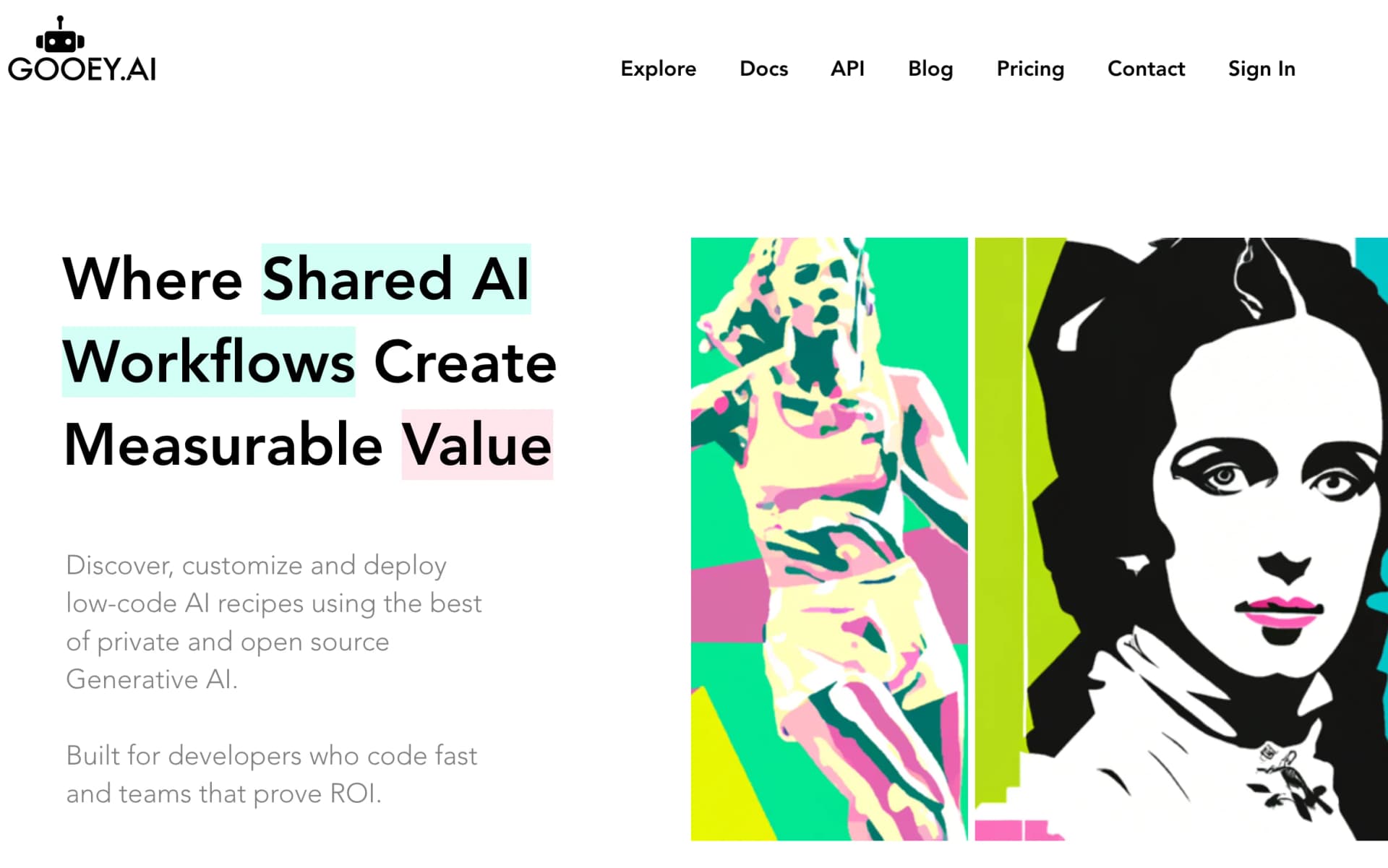
Gooey.AI is a cutting-edge platform catering to developers seeking rapid coding solutions and teams aiming to demonstrate ROI through AI applications. It offers a unique ecosystem centered around shared AI workflows and measurable value, enabling users to discover, customize, and deploy low-code AI "recipes." With a blend of private and open-source Generative AI models, Gooey.AI facilitates the swift creation of AI solutions, boasting a user base exceeding 200,000 and over 1 million AI runs.
Gooey.AI stands out with its shared workflow approach, enabling collaborative AI application development. Its versatility in offering both private and open-source AI models ensures users can leverage cutting-edge technology effectively.
Gooey.AI excels in facilitating rapid AI solution development and deployment, saving significant time and resources. Its shared workflow system, coupled with a wide selection of AI models and a user-friendly interface, caters to a diverse range of users. With its focus on flexibility, community-driven innovation, and enterprise-grade capabilities, Gooey.AI emerges as a leading platform in the realm of generative AI applications.
Who is Using Gooey.AI?
Marketing Teams
Enhance SEO and search rankings as well as generate AI-driven content.
Developers
Access, integrate, and scale products with various AI models.
Financial Analysts
Generate finance reports from diverse data sources.
Non-Profits
Reach beneficiaries with advanced chatbots.
Branding Experts
Engage customers through AI-generated content.
Creative Professionals
Utilize AI for photo editing and animation.
HR and Internal Communications
Scale organizational knowledge with intelligent bots.
Uncommon Use Cases
Educational institutions for course development; Freelancers for workflow optimization.
Key Features
Rating Breakdown
Pricing Plans
Credits-Based System
- Start with 1000 free credits and scale usage based on needs
Transparent Billing
- Clear and straightforward pricing model for effective financial management
Enterprise Solutions
- On-premise deployment options for enterprises
Which Gooey.AI plan should you pick?
Start with Free to explore public workflows; upgrade to Pro for private workflows and API access, Team for collaboration, or Enterprise for SSO and advanced deployment.
Free
Good for exploring public workflows, testing models, and trying web or communication-channel deployments with 500 starting credits.
Pro
Good for power users who need private workflows, higher limits, file uploads, JavaScript functions, and API access.
Team
Good for teams who need private workspaces, collaboration, administration, integrations, and shared billing.
Enterprise
Good for organizations needing SSO, zero data retention, unlimited workspaces, on-premise or VPC deployment, and custom support.
Gooey.AI Use Cases
Multilingual agricultural advisory
Create AI agents that use agricultural documents and respond through channels such as WhatsApp.
Outcome: Farmers receive localized guidance in their own language and context.
Document-based enterprise copilots
Load PDFs, documents, spreadsheets, videos, or links into a retrieval-augmented workflow.
Outcome: Users can ask questions against organizational knowledge with citations.
AI model evaluation
Compare models or workflow versions against CSV, Google Sheet, Excel, or golden-answer datasets.
Outcome: Teams can assess quality, cost, speed, and other workflow metrics.
Communication-channel AI agents
Deploy a workflow to WhatsApp, Slack, Facebook, SMS, IVR, a web widget, or an application.
Outcome: Organizations reach users through the communication channels they already use.
Custom AI image models
Upload example images and fine-tune Flux LoRA models for a style or concept.
Outcome: The resulting model generates images consistent with the trained style or concept.
Workflow Ideas with Gooey.AI
Build a document-grounded AI agent
- 1Upload PDFs, documents, spreadsheets, links, or other reference material
- 2Configure retrieval and agent prompts in the Copilot workflow
- 3Deploy the agent to the web, WhatsApp, Slack, or another supported channel
Automate an API-connected workflow
- 1Create a JavaScript or Python function
- 2Call an external API before or after the Gooey.AI workflow
- 3Save the function and attach it to the workflow
Evaluate competing AI workflows
- 1Prepare a CSV, spreadsheet, or golden Q&A dataset
- 2Run the dataset against workflow or model variants
- 3Compare scores and workflow performance
How Gooey.AI fits into your stack
Communication Platforms
Seamless integration with Slack, Messenger, WhatsApp, Facebook, and more.
API Access
Integration support for custom app development.
Infrastructure Options
Browser-based workflows with on-premise deployment options.
Community and Example Gallery
Access a rich gallery of public workflows from the Gooey community.
Pros
- +Time-Saving: Develop AI solutions quickly, saving time and resources.
- +Flexibility: Experiment with hot-swappable AI models for increased flexibility.
- +Community Support: Benefit from a strong user community for examples and inspiration.
- +Integration Capabilities: Integrate with various communications platforms and services to streamline workflow.
Cons
- −Complexity for Beginners: Vast array of options may overwhelm new users despite the no-code interface.
- −Dependency on External Models: Reliance on third-party AI models may pose risks if discontinued or altered.
- −Enterprise Focus: Features may exceed the needs of smaller teams or individual users, leading to underutilization.
Limitations & when to consider alternatives
Known limitations
- Free usage has limited rate limits. The Free API tier allows two concurrent runs and six requests per minute.
- Free usage is non-commercial. The Free plan includes a non-commercial license; commercial rights begin on paid plans.
- Workflow runs consume credits. Each workflow run or API call consumes credits based on the models, workflow, and content involved.
- Fine-tuning requires image datasets. The image trainer recommends 12–20 JPEG or PNG images for best results.
- Enterprise features require an Enterprise plan. SSO, zero-data retention, on-premise or VPC deployment, and some communication options are Enterprise features.
Look elsewhere when
- You need a native iOS or Android application.
- You need a dedicated Windows, macOS, or Linux desktop installer.
- You need a browser extension distributed through a browser extension store.
How to Use Gooey.AI
- 1
Gooey.AI offers extensive learning resources, including documentation, blogs, FAQs, and video tutorials, to help users maximize the platform's potential.
Who is Gooey.AI For?
Tech leaders
Build and deploy AI solutions across organizational channels while evaluating measurable impact.
Engineers
Use APIs, JavaScript or Python functions, integrations, and custom workflows to connect AI with existing systems.
Product managers
Test workflows, compare models, and measure agent performance before expanding an AI product.
Organizations focused on global impact
Create multilingual AI agents for agriculture, health, education, culture, and public institutions.
Interdisciplinary artists
Explore image, video, audio, voice, and other generative workflows for media and art projects.
Frequently Asked Questions
What is Gooey.AI?
Gooey.AI is a low-code orchestration platform for collaborative AI workflows.
How do I make my own AI agent?
Customize the Agent Builder workflow, save it, and deploy it to WhatsApp, the web, or voice.
How can I connect a workflow to my website or app?
Use the web widget through the Deploy tab or call the workflow through the Gooey.AI API.
How do I use a workflow?
Choose a workflow from Explore, provide its required inputs, run it, and save or download the result.
Can Gooey.AI use my documents as knowledge?
Yes. Gooey.AI supports retrieval over documents, PDFs, spreadsheets, links, videos, and other sources.
Do new users receive free credits?
Verified Google, Apple, GitHub, or phone sign-ins receive 500 credits; email-only signups do not.
Community reviews
Be the first to share your experience.
Sign in to leave a review for Gooey.AI.
Gooey.AI Alternatives
Looking for alternatives to Gooey.AI? Here are similar tools in the same category:
Learn to Master Gooey.AI
With Skill Leap courses
Get in-depth training on Gooey.AI and 50+ other AI tools with our expert-led video courses.
Start 7-Day Free Trial