
goHeather
AI-driven contract analysis, multilingual, lawyer-trained, time-saving tool.
Key Takeaways
- What it is
- AI-driven contract analysis, multilingual, lawyer-trained, time-saving tool.
- Pricing
- Freemium · $29.99. USD per month
- Best for
- Lawyer-Trained AI
- Simple Upload Process
- Real-Time Analysis
- Rating
- 4.3/5
What is goHeather?
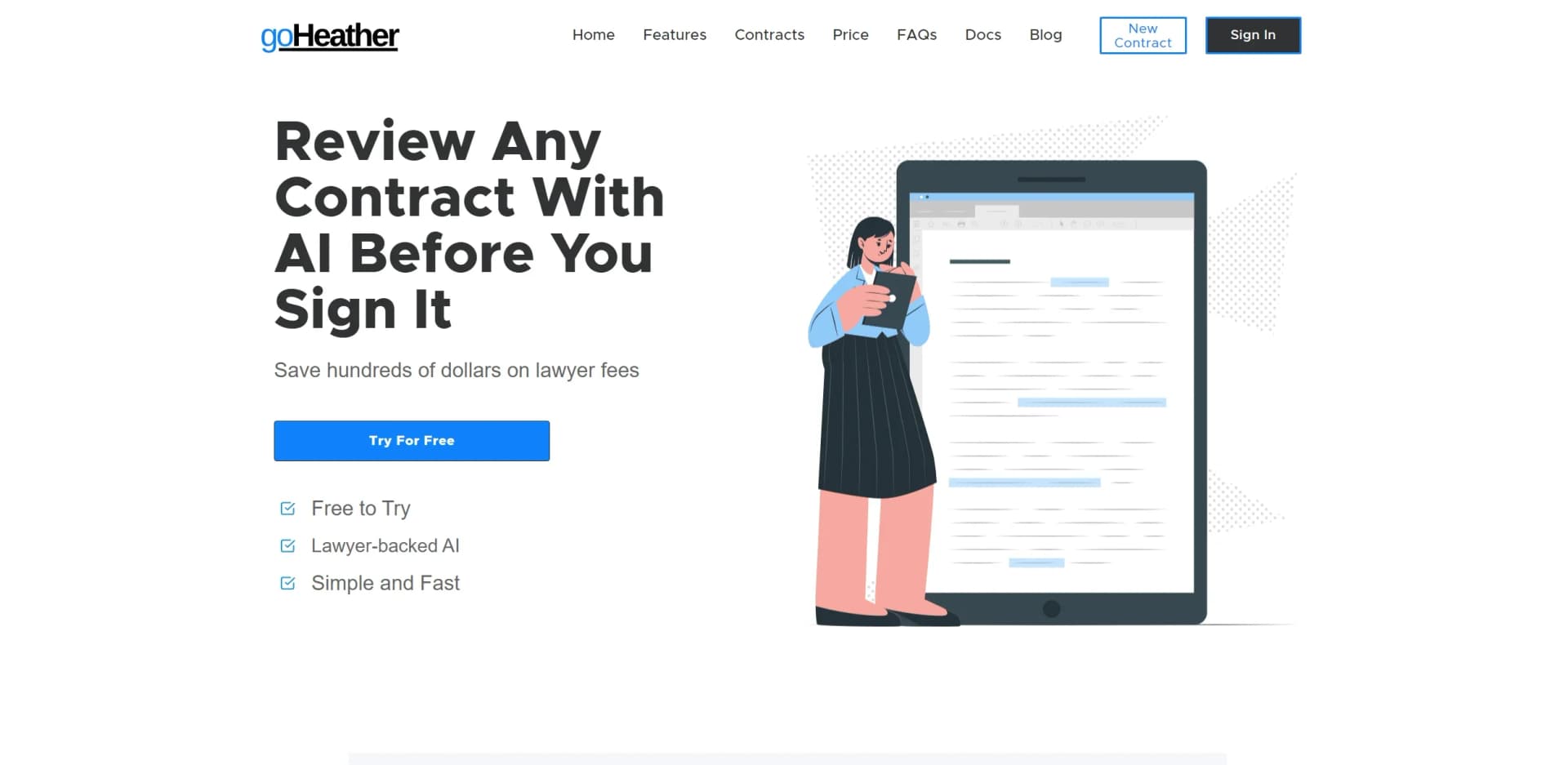
goHeather is an AI-powered contract review application designed to simplify the process of navigating complex legal contracts. It provides lawyer-trained AI insights, making it a valuable tool for both individuals and businesses. By streamlining the contract review process, goHeather aims to save users time, money, and the potential headaches associated with deciphering legal language.
goHeather's unique feature is its lawyer-trained AI, tailored specifically for contract reviews. Unlike generic AI models, goHeather offers a nuanced understanding of legal documents, enhancing precision and relevance.
goHeather is an effective AI contract review tool that democratizes legal understanding. Its lawyer-trained AI empowers users to approach contract negotiations with confidence. While it doesn't replace the expertise of a human lawyer, goHeather's cost-effectiveness, ease of use, and rapid analysis make it a compelling choice for preliminary contract evaluations. Whether you're a solo entrepreneur or part of a larger organization, goHeather offers a smart starting point for navigating legal agreements.
Who is Using goHeather?
Small Business Owners
Use it to review partnership agreements and service contracts.
Freelancers
Depend on it for examining client contracts and NDAs.
HR Professionals
Leverage it for employment contracts and contractor agreements.
Real Estate Agents
Utilize it for lease agreements and purchase contracts.
Uncommon Use Cases
Educational institutions may use it as a teaching aid in business law courses; Non-profits might employ it for grant and funding agreements.
goHeather caters to a diverse array of users
Key Features
Rating Breakdown
Pricing Plans
Free Tier
Free
- Offers basic insights for contract reviews at no cost
Pro Tier
$29.99. USD per month
- Providing in-depth analysis and insights for 3-100 contracts
Which goHeather plan should you pick?
Start with Starter for individual users or small teams reviewing contracts monthly; upgrade to Team for multiple seats, higher volume, shared playbooks, and advanced organization features.
Starter
Good for individual users, SMBs, fractional GCs, and small teams needing contract review, playbooks, redlines, and the Word Add-In.
Team
Good for larger business teams needing multiple seats, pooled credits, shared team playbooks, obligation tracking, version comparison, and custom agreements.
goHeather Use Cases
Review incoming contracts
Upload a PDF or Word contract and identify risky clauses, explain terms, and receive suggested changes.
Outcome: Faster, more consistent first-pass review.
Apply contract playbooks
Create rules based on company standards and run new contracts against those rules.
Outcome: Repeatable review decisions aligned with internal requirements.
Redline documents
Use suggested edits and apply tracked changes through the web editor or Microsoft Word Add-In.
Outcome: Negotiation-ready contract edits.
Compare contract versions
Compare one contract with another version and review changes across negotiation rounds.
Outcome: Clearer visibility into document changes.
Create contracts and HR documents
Answer guided questions to generate lawyer-authored employment and contractor documents.
Outcome: Customizable jurisdiction-specific document drafts.
Workflow Ideas with goHeather
Playbook-based contract review
- 1Create or generate a playbook from preferred contract language
- 2Upload a new PDF or Word contract
- 3Run the contract against the playbook and review pass, fail, and suggested-edit results
Sales redline response
- 1Upload the customer’s redlined contract
- 2Apply the company sales playbook
- 3Review deviations and apply playbook-aligned redlines
Contract review with document chat
- 1Upload a contract and related documents or images
- 2Ask questions about clauses, side letters, or amendments
- 3Use generated explanations and edits to refine the contract
How goHeather fits into your stack
PDF Uploads
Accepts contract uploads in PDF format, a common requirement for legal documents.
Multi-Language Support
Works with contracts in various languages, catering to a global user base.
Secure Platform
Ensures data privacy with SOC-2 compliance and does not retain contracts post-review.
Enterprise Solutions
Offers a private version of the AI for enterprise-level needs.
Pros
- +Cost Savings: Minimizes the need for expensive legal consultations for initial contract reviews.
- +Time Efficiency: Rapidly reviews contracts, presenting issues and insights without delay.
- +User Empowerment: Equips users with the knowledge to negotiate better terms and identify potential risks.
- +Accessibility: Available for use almost anywhere in the world, making it versatile for international dealings.
Cons
- −Not a Legal Service: Provides legal information, not advice, which may not substitute the need for a professional lawyer in complex scenarios.
- −Limited to Common Law: Primarily supports common-law jurisdictions, which might not cover all legal systems.
- −Potential for Errors: Like any AI, there's a chance for omissions that could require further human verification.
Limitations & when to consider alternatives
Known limitations
- Not legal advice. goHeather provides legal information, may contain errors, and is not a substitute for a licensed lawyer.
- Free usage is limited. Free accounts can review contracts, but premium plans provide additional credits, insights, and more advanced models.
- Starter plan seat limit. The Starter plan is limited to one seat; Team plans support two or more seats.
- Mobile access is unavailable. The company states that its services must be used in a browser on a PC or Mac, not on a mobile phone.
- Starter plan review cap. The pricing FAQ states that Starter users are limited to 600,000 characters per month.
Look elsewhere when
- You need a native mobile app.
- You need a dedicated desktop application.
- You need programming-code generation.
How to Use goHeather
- 1
While detailed tutorials were not mentioned, the platform's intuitive design likely minimizes the need for extensive learning materials.
Who is goHeather For?
Small and mid-sized businesses
They use goHeather for cost-effective, easy-to-adopt, professional-grade contract software.
Large companies and organizations
They use it for efficiency, automation, and affordability compared with large-firm tools.
In-house legal teams
They use it for compliance, collaboration, and integration with corporate workflows.
Small law firms
They use goHeather to support contract review and recurring legal workflows.
Business operations and finance teams
The product page identifies these teams as users who need faster first-pass contract review.
Frequently Asked Questions
Is goHeather free?
Yes. Free accounts can review a contract, but usage is limited. Premium accounts provide more credits, insights, and advanced AI models.
What types of files does goHeather support?
goHeather can review PDF and Word documents. The web application reviews PDFs, while the Word Add-In can review and redline Word and PDF files.
What kind of contracts can goHeather review?
It can review employment contracts, purchase and sale agreements, rental agreements, insurance policies, NDAs, IP agreements, contractor agreements, loan agreements, and distribution agreements.
Does goHeather provide legal advice?
No. goHeather provides legal information, not legal advice, and is not a substitute for a lawyer.
What countries and languages does goHeather support?
goHeather supports most common-law jurisdictions and contracts in most languages.
Can subscriptions be cancelled?
Paid subscriptions can generally be cancelled from the account settings, except where enterprise agreements specify different terms.
Community reviews
Be the first to share your experience.
Sign in to leave a review for goHeather.
goHeather Alternatives
Looking for alternatives to goHeather? Here are similar tools in the same category:
Learn to Master goHeather
With Skill Leap courses
Get in-depth training on goHeather and 50+ other AI tools with our expert-led video courses.
Start 7-Day Free Trial