
getimg.ai
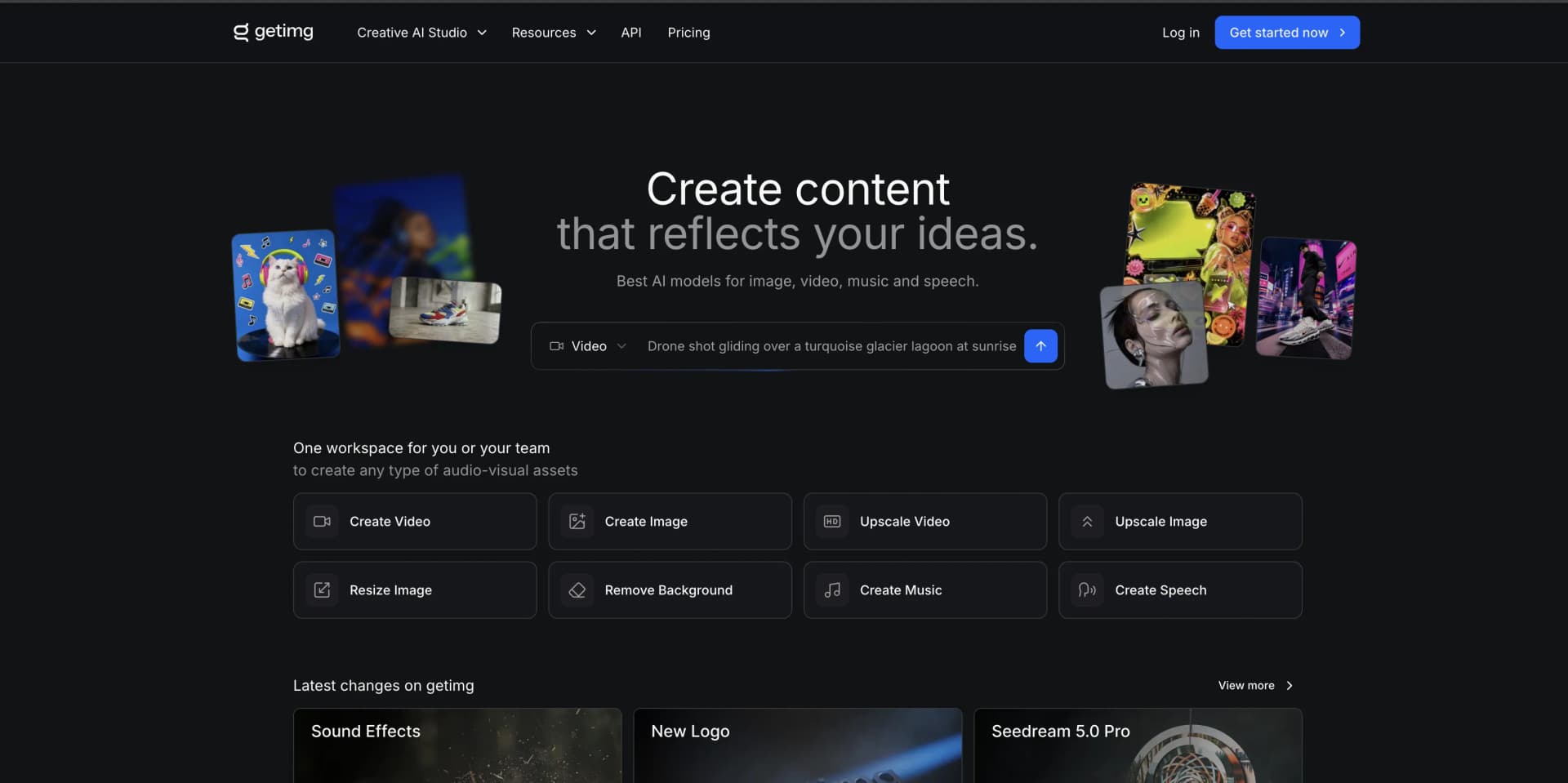
Create team-ready images, video, & sound.
Key Takeaways
- What it is
- Create team-ready images, video, & sound.
- Pricing
- Freemium
- Best for
- AI-Powered Image Generation
- Intuitive Image Editor
- AI Canvas for Outpainting
- Rating
- 4.5/5
What is getimg.ai?
getimg.ai is an innovative AI-powered tool designed to transform the way we create and edit images. It leverages the capabilities of artificial intelligence to enable users to generate images from text descriptions, edit photos with simple commands, and expand pictures beyond their original borders. Built to cater to a broad audience, from professionals to enthusiasts, getimg.ai streamlines the process of image creation, making it more accessible and efficient.
getimg.ai distinguishes itself with its versatile AI Canvas feature, enabling users to explore boundless creative opportunities on an infinite workspace. Its ability to quickly adapt user prompts into visual content sets it apart in the realm of AI-driven image generation.
getimg.ai excels at providing a versatile and powerful platform for image creation and editing, making it a valuable tool for a wide range of users. Its standout feature, the AI Canvas, combined with a user-friendly interface and a rich selection of AI models, offers an unmatched advantage in the realm of digital art and content creation.
Who is Using getimg.ai?
Content Creators
For crafting engaging visuals for blogs, social media, and online platforms.
Graphic Designers
To expedite design processes and explore new creative avenues.
Marketers
Creating compelling marketing materials and product imagery.
Game Developers
Generating concept art and assets for video games.
Uncommon Use Cases
Academics using it as a teaching aid in creative and marketing courses; Real estate agents visualizing property renovations.
Key Features
Rating Breakdown
Pricing Plans
Free Tier
Free
- No credit card required
Subscription Plans
- Access more features and higher limits with paid subscriptions
Which getimg.ai plan should you pick?
Start with Entry for individual image and video creation; upgrade to Core, Plus, or Ultra for more credits, models, batch capacity, and teams.
Entry
Good for individual creators who need 3,000 monthly credits, selected image and video models, and basic editing tools.
Core
Good for users who need all models, 15,000 credits per seat, higher batch capacity, and two teams.
Plus
Good for production teams needing 35,000 credits per seat, larger batches, five teams, and top-up credits.
Ultra
Good for professional teams needing 100,000 credits per seat, maximum listed batch capacity, ten teams, and top-up credits.
getimg.ai Use Cases
Product imagery
Upload product photos, describe changes, generate variations, and download the selected assets.
Outcome: More product visuals without additional photoshoots.
Marketing campaigns
Generate concepts, keep branding consistent with Elements, resize assets, and upscale final outputs.
Outcome: Channel-ready campaign assets from one workspace.
Photo editing
Upload a photo and prompt edits such as background removal, recoloring, restyling, or object replacement.
Outcome: Fast AI-assisted image modifications.
Image-to-video content
Upload a still image, describe motion, optionally add frames or references, and generate a clip.
Outcome: Short video content from existing images.
Custom characters and styles
Train a Character or Style model using your own photos and reuse it in later generations.
Outcome: More consistent personalized image generation.
Workflow Ideas with getimg.ai
E-commerce product variation
- 1Upload the product photo and optional brand references
- 2Describe the desired background, color, material, or styling change
- 3Generate options, choose the best result, and download it
Marketing asset pipeline
- 1Define the campaign brief and create shared folders
- 2Batch-generate concepts and shortlist a direction
- 3Apply Elements, resize or upscale assets, and export deliverables
Image-to-video production
- 1Upload a photo, illustration, render, or generated image
- 2Describe the desired motion and select optional start, end, or reference frames
- 3Generate the clip, refine it, and download the result
How getimg.ai fits into your stack
API Access
Integrate getimg.ai's capabilities into other platforms with a flexible REST API.
Multiple AI Models
Compatible with a wide range of AI models for diverse styles and applications.
Cross-Platform Use
Accessible through web browsers on various devices.
Pros
- +Creativity Unleashed: Offers the ability to create a vast array of images and styles, limited only by imagination.
- +Speed and Efficiency: AI accelerates the image creation process, significantly saving time.
- +Customization: Personalize AI models to fit specific styles and needs.
- +Accessibility: User-friendly interface that is approachable for both beginners and experts.
Cons
- −Learning Curve: Some users may require time to fully grasp the potential of AI-driven image creation.
- −Model Limitations: The quality of generated images can vary depending on the model and input prompt.
- −Resource Intensity: High-quality image generation may require robust computing power.
Limitations & when to consider alternatives
Known limitations
- Commercial rights require a paid plan. Commercial use is included with paid subscriptions; free commercial usage is not documented.
- API billing is separate. A getimg.ai subscription does not include API credits or API access.
- Plan credits expire monthly. Unused subscription credits do not roll over to the next month.
- Elements do not support video. Elements can be used for image generation but cannot be used for video generation.
- Image-to-video requires a paid plan. The image-to-video feature is documented as available only on paid plans.
Look elsewhere when
- You need a native mobile app.
- You need code generation.
- You need third-party integrations beyond an API.
How to Use getimg.ai
- 1
For those looking to dive deeper into getimg.ai's functionalities, there are tutorials and guides available to help users from setup to advanced features.
Who is getimg.ai For?
Marketers
Create campaign imagery, social content, product visuals, and channel-ready variations.
Photographers
Edit, restyle, upscale, and enhance photos without traditional editing software.
Graphic designers
Generate and modify visual assets using text prompts and AI editing tools.
E-commerce teams
Create product variations, replace backgrounds, and produce marketplace-ready imagery.
Creative teams
Use shared Teams, folders, uploads, and collaborative generation workflows.
Frequently Asked Questions
How do credits work?
Credits are consumed for actions, with costs varying by model, quantity, and enabled settings. The interface shows the cost before confirmation.
Can I use created images for commercial projects?
Commercial use is available on paid subscriptions, subject to getimg.ai’s terms and content policies.
Does getimg.ai have Teams?
Yes. Teams provide collaborative content-creation features for small teams and enterprise users.
Does a subscription include API access?
No. The API is a separate product with separate pricing and billing.
Do unused credits roll over?
Plan credits do not roll over to the next month.
Can I buy more credits without upgrading?
Plus and Ultra users can purchase additional credits when less than 10% of monthly credits remain.
Community reviews
2 reviews from people who use getimg.ai.
Sign in to leave a review for getimg.ai.
Kakashier
john vaksina
getimg.ai Alternatives
Looking for alternatives to getimg.ai? Here are similar tools in the same category:
Learn to Master getimg.ai
With Skill Leap courses
Get in-depth training on getimg.ai and 50+ other AI tools with our expert-led video courses.
Start 7-Day Free Trial