
Elastic
Streamline integrations and automate workflows with seamless data connectivity.
Key Takeaways
- What it is
- Streamline integrations and automate workflows with seamless data connectivity.
- Pricing
- $199 per month · $499 per month
- Best for
- Pre-Built Connectors
- Advanced Mapping Tools
- Real-Time Data Processing
- Rating
- 4.6/5
What is Elastic?
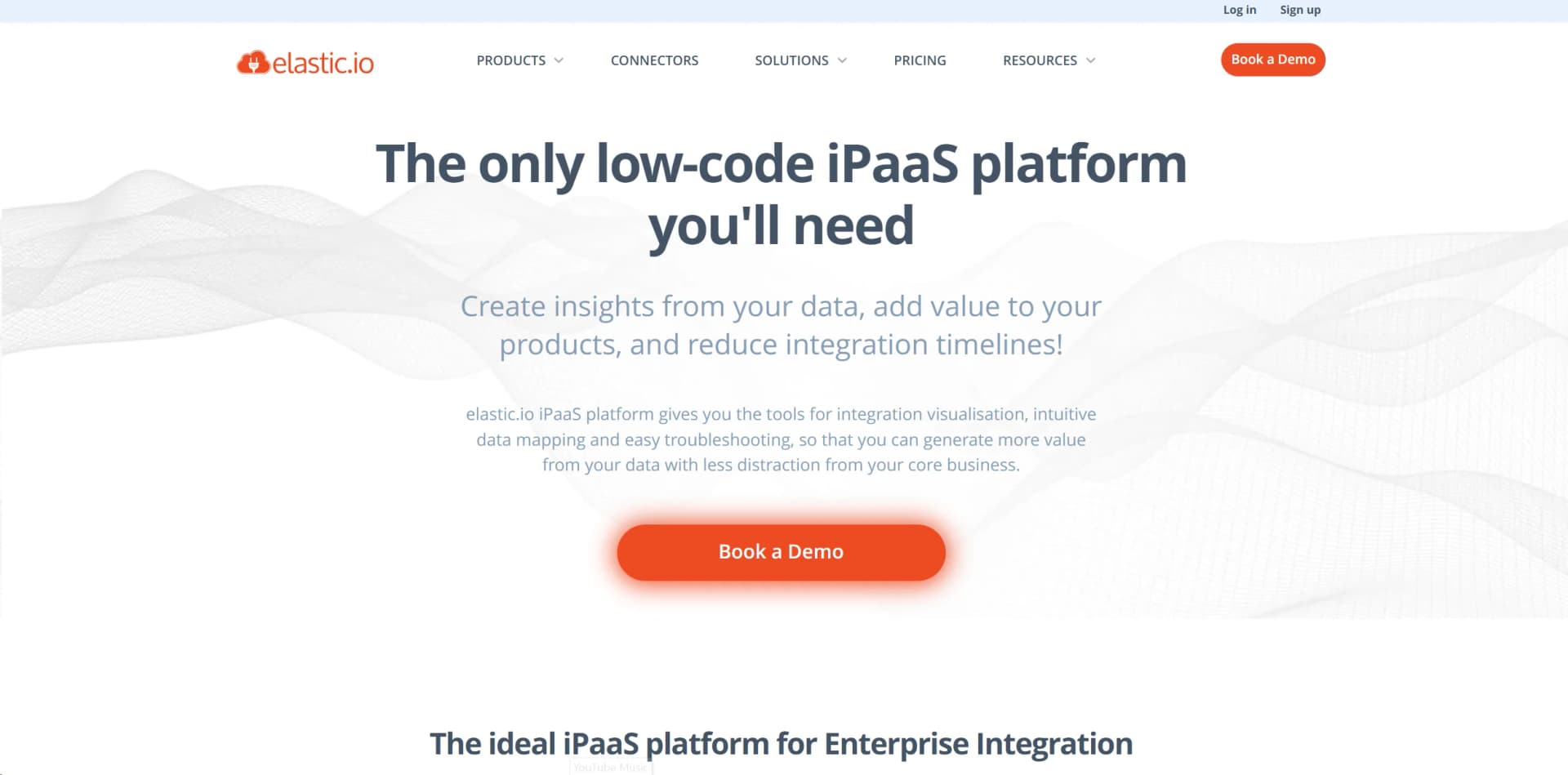
Elastic.io is a powerful integration platform as a service (iPaaS) that revolutionizes how businesses connect their applications, systems, and data. Designed to facilitate seamless data exchange and automate workflows, Elastic.io offers robust solutions for enterprises looking to enhance operational efficiency. Whether you're aiming to streamline processes or integrate complex IT ecosystems, Elastic.io simplifies these tasks with its user-friendly interface and advanced capabilities.
Elastic.io stands out with its comprehensive library of pre-built connectors, which drastically reduces the time and effort required to establish integrations. Its ability to process data in real-time and handle complex integration scenarios makes it a game-changer for businesses looking to maintain agility and responsiveness in their operations.
Who is Using Elastic?
Large Enterprises
Leveraging the platform for comprehensive system integrations across departments.
SMEs (Small and Medium Enterprises)
Using Elastic.io to automate workflows and improve operational efficiency.
IT Consultants and Developers
Employing the tool to deliver tailored integration solutions for clients.
SaaS Providers
Integrating Elastic.io to offer enhanced connectivity to their customers.
Key Features
Rating Breakdown
Pricing Plans
Starter Plan
$199 per month
- Providing essential integration features for smaller projects
Professional Plan
$499 per month
- Offering advanced capabilities and support for growing businesses
Enterprise Plan
- Custom pricing tailored to the needs of large organizations with complex integration requirements
Which Elastic plan should you pick?
Start with Professional for a small integration workload, upgrade to Startup or Enterprise as users, connectors, workspaces, and message volume grow.
Professional
Good for small teams needing one user, up to ten active steps, and 60,000 monthly messages.
Startup
Good for growing teams needing five users, up to 70 active steps, and 500,000 monthly messages.
Enterprise
Good for larger organizations needing 50 users, up to 420 active steps, expanded workspaces, and enhanced support.
White-label
Good for SaaS companies embedding branded integrations, recipes, user management, and customer-facing workflows.
Self-Hosting
Good for organizations requiring a self-hosted deployment with unlimited plan quotas.
Elastic Use Cases
Utilized by healthcare providers to streamline patient data management.
Adopted by logistics companies for real-time shipment tracking and coordination.
Workflow Ideas with Elastic
Sync Salesforce contacts to Google Sheets
- 1Trigger a Salesforce contact or record event
- 2Map and transform the contact fields
- 3Create or update the corresponding Google Sheets row
Translate and distribute customer content
- 1Receive text from Salesforce, Zendesk, or another connected system
- 2Detect and translate the content with SDL Translate
- 3Send the translated content to the target CRM, support, or commerce system
Analyze documents with an AI component
- 1Retrieve a document from a URL or flow attachment
- 2Send the document to the Claude AI component
- 3Route the generated analysis to another application or storage connector
How Elastic fits into your stack
Elastic.io delivers exceptional value to organizations seeking to optimize their integration processes. With its robust features, extensive connector library, and commitment to data security, it serves as a reliable partner in navigating the complexities of digital transformation. Whether you're a large enterprise or a growing business, Elastic.io offers a scalable solution to meet your integration needs efficiently.
Pros
- +Time Efficiency: Significantly reduces the time required to integrate new systems with its intuitive design.
- +Cost-Effective: Helps cut down operational costs by automating data flows and reducing manual intervention.
- +User-Friendly Interface: Designed for ease of use, allowing users with varying technical expertise to manage integrations effortlessly.
- +Robust Security Protocols: Implements strong data security measures to protect sensitive information during transfers.
Cons
- −Initial Learning Curve: Users may require some time to become acquainted with the platform's advanced features.
- −Limited Customization Options: While flexible, some users might find customization options for specific niche applications limited.
Limitations & when to consider alternatives
Known limitations
- Limited workspaces stop flows after eight hours. Flows in limited development workspaces are automatically stopped after eight hours, making them unsuitable for production use.
- Quota limits can suspend flows. When message or other subscription limits are reached, flows may be suspended or additional components may be restricted.
- Attachment processing depends on memory. HTTP, CSV, ZIP, and REST attachment handling can fail when files exceed available component or platform memory.
- AI model support varies. Not all Claude models support image or PDF processing, so model compatibility must be checked before use.
- Claude streaming is unsupported. The Claude AI component does not support streaming responses, and requests using streaming may fail.
Look elsewhere when
- You need a native mobile application for managing integrations.
- You need a downloadable Windows, macOS, or Linux desktop application.
How to Use Elastic
- 1
Choose a contract and workspace
Select a pricing plan, create a contract, and create separate workspaces for development, testing, or production.
- 2
Add users and roles
Invite workspace members and assign roles such as Owner, Admin, Integrator, or Guest according to required permissions.
- 3
Select connectors
Choose pre-built components such as Salesforce, Google Sheets, Slack, databases, AI services, or REST APIs.
- 4
Configure credentials
Set up API keys, OAuth2, database credentials, or other authentication objects for each connected service.
- 5
Build and map the flow
Arrange triggers and actions in the visual designer, then map fields and add transformations, routing, or JavaScript logic.
- 6
Test, activate, and monitor
Use samples and development workspaces to test the flow, activate it, and monitor executions, logs, errors, quotas, and retries.
Who is Elastic For?
Enterprise integration teams
Connect cloud, on-premises, B2B, ERP, CRM, and other enterprise systems through managed integration flows.
Developers and component builders
Use Node.js or Java SDKs, REST APIs, custom components, and JavaScript code for advanced integrations.
SaaS businesses
Embed or white-label integration capabilities, recipes, users, and flows inside customer-facing products.
System integrators
Build reusable connectors, integration flows, recipes, and API-led solutions for multiple customers.
Business users and citizen integrators
Use the visual low-code designer, pre-built connectors, and mapping tools without extensive programming.
Frequently Asked Questions
Is there a free plan?
No. elastic.io offers a 14-day commitment-free trial, but the pricing page does not list a permanent $0 plan.
What are messages?
Messages are individual data items processed by flow steps and counted toward the subscription’s monthly quota.
What is an active step?
An active step is a connector in a launched integration flow, used to measure platform usage.
What are contracts and workspaces?
A contract defines the subscription scope, while workspaces organize integrations, users, credentials, and flows.
Can nontechnical users use elastic.io?
Yes. The platform provides a low-code/no-code, browser-based interface with visual flow building and data mapping.
What happens when usage limits are reached?
Flows may be suspended, components may be restricted, or webhook requests may be throttled until capacity is added or the billing cycle resets.
Community reviews
Be the first to share your experience.
Sign in to leave a review for Elastic.
Elastic Alternatives
Looking for alternatives to Elastic? Here are similar tools in the same category:
Learn to Master Elastic
With Skill Leap courses
Get in-depth training on Elastic and 50+ other AI tools with our expert-led video courses.
Start 7-Day Free Trial