
Docuo
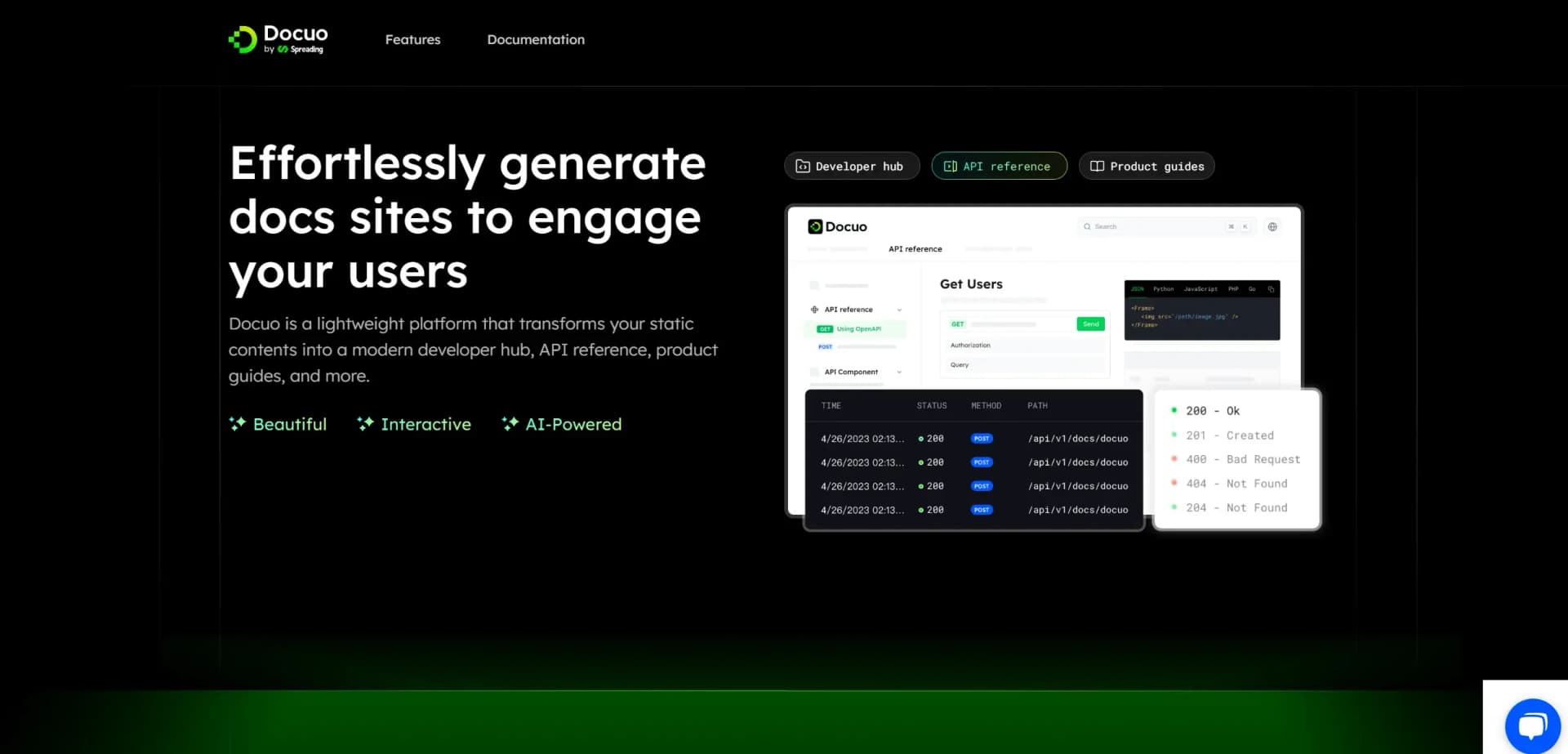
Transform static content into dynamic, interactive documentation effortlessly.
Key Takeaways
- What it is
- Transform static content into dynamic, interactive documentation effortlessly.
- Pricing
- Freemium
- Best for
- AI-Powered Documentation
- Git-Connected Workflow
- Customizable Branding
- Rating
- 4.5/5
What is Docuo?
Docuo is an innovative platform designed to revolutionize the way developers and companies generate and manage documentation sites. By transforming static content into dynamic, interactive platforms, Docuo serves as a modern developer hub, complete with API references and product guides. Tailored for developers and technical writers, it simplifies the process of creating engaging, SEO-optimized documentation that seamlessly integrates with existing workflows.
Please note that pricing information may not be up to date. For the most accurate and current pricing details, refer to the official Docuo website.
Docuo stands out with its robust Docs-as-Code workflow integration, allowing for seamless updates and management of documentation alongside code changes. Its unique capability to transform static content into interactive, SEO-optimized sites not only enhances user engagement but also bridges the gap between technical knowledge and end-users effectively.
Docuo offers a powerful solution for developers and technical teams looking to elevate their documentation processes. Its integration capabilities, interactive features, and commitment to enhancing user engagement make it a standout choice for those seeking to build comprehensive, brand-aligned documentation sites. Whether you're a startup or a seasoned development team, Docuo provides the tools needed to transform your documentation into a dynamic, user-friendly experience.
Who is Using Docuo?
Software Development Teams
Utilizing Docuo to maintain up-to-date API documentation and developer guides.
Technical Writers
Employing the platform for creating comprehensive product manuals and user guides.
Startups
Leveraging Docuo to quickly establish professional documentation sites that grow with their product.
Educational Institutions
Using it to develop interactive learning resources and course materials.
Uncommon Use Cases
Adopted by NGOs for creating transparent project documentation; utilized by hobbyist developers for personal project documentation.
Key Features
Rating Breakdown
Pricing Plans
Free Tier
Free
- Offers a basic plan to get started with essential features
Docuo Use Cases
Generate documentation sites
Create documentation projects for publishing structured online documentation.
Outcome: A published documentation site for a project.
Keep documentation updated from GitHub
Authorize the GitHub app and use the project update trigger.
Outcome: Documentation updates can be synchronized from GitHub.
Customize documentation projects
Use the project customization area to configure the documentation experience.
Monitor documentation activity
Review activity history showing project actions, state, member, update time, and duration.
Outcome: A record of project update activity.
Workflow Ideas with Docuo
Create and update a documentation project
- 1Sign in with a GitHub account
- 2Install and authorize the GitHub app
- 3Trigger a project update
Review project activity
- 1Open Activity history
- 2Review the activity state and member
- 3Check update time and duration
How Docuo fits into your stack
Browser
Docuo is accessed through its web application for managing projects, documentation, customization, analytics, members, and publishing.
Docs and writing
It sits between a GitHub repository and a published documentation site, turning repository content into an online documentation experience.
Knowledge and files
Documentation content is maintained through a GitHub-connected workflow, with activity history and triggered website updates.
Pros
- +Seamless Integration: Easily connects with existing Git workflows, ensuring documentation is always up-to-date with the latest code changes.
- +User Engagement: Interactive features and rich components enhance user engagement and comprehension.
- +Quick Deployment: Allows for one-click deployment and automatic updates, significantly reducing time-to-launch.
- +Comprehensive SEO Support: Boosts site traffic and visibility through advanced SEO features.
Cons
- −Initial Setup Complexity: Initial configuration may require technical expertise, particularly for those unfamiliar with Git-based workflows.
- −Customization Limitations: While offering extensive customization, some advanced styling options may require additional coding knowledge.
How to Use Docuo
- 1
Sign in with GitHub
Use the GitHub sign-in option to continue into the Docuo project workspace.
- 2
Authorize GitHub
Install and authorize the GitHub app so Docuo can enable automatic website updates.
- 3
Open a project area
Use Home, Editor, Customize, Analytics, Activity history, Members, Plans, or Workspace settings according to the task.
- 4
Trigger an update
Run Trigger update after connecting the GitHub app to refresh the documentation website.
- 5
Review activity history
Check the recorded state, member, update time, and duration after an update.
Who is Docuo For?
Developers
Docuo is positioned as a tool for generating documentation sites for developers, with GitHub-based content synchronization.
Community reviews
Be the first to share your experience.
Sign in to leave a review for Docuo.
Docuo Alternatives
Looking for alternatives to Docuo? Here are similar tools in the same category:
Learn to Master Docuo
With Skill Leap courses
Get in-depth training on Docuo and 50+ other AI tools with our expert-led video courses.
Start 7-Day Free Trial