
Dart
Streamline project management with AI-driven automation.
Key Takeaways
- What it is
- Streamline project management with AI-driven automation.
- Pricing
- Freemium · $10 per teammate per month. Adds unlimited teammates · $15 per teammate per month
- Best for
- AI Agents and Planning
- Subtask Generation and Duplicate Detection
- Natural Language Processing
- Rating
- 4.5/5
What is Dart?
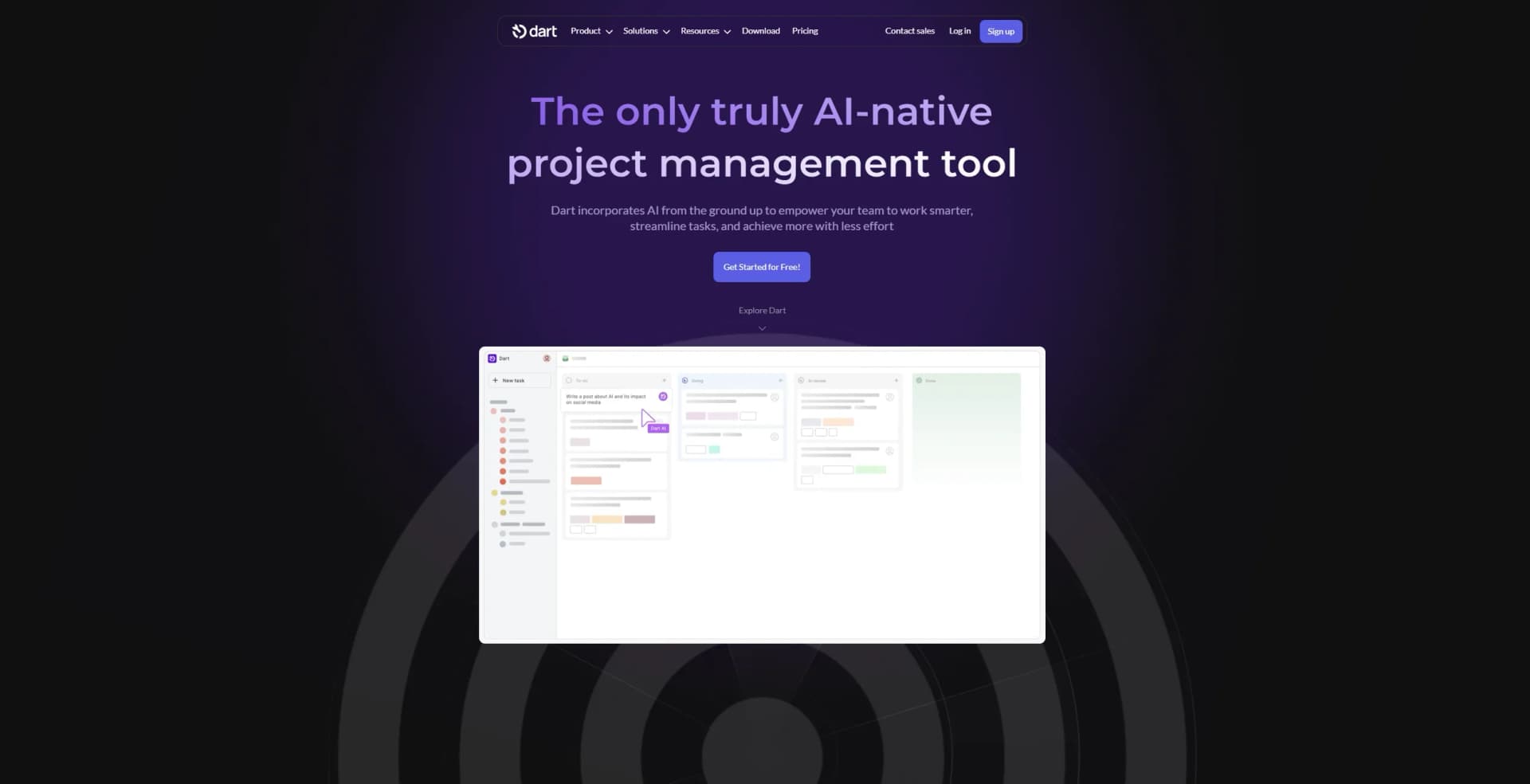
Dart is a cutting-edge AI project management software designed to elevate team productivity by streamlining tasks and enhancing efficiency. Tailored for diverse sectors, Dart empowers teams to manage projects seamlessly, offering AI-driven features like automatic task generation, AI planning, and intelligent duplicate detection. By integrating AI at its core, Dart simplifies project management tasks, making it an invaluable tool for professionals seeking enhanced productivity and streamlined workflows.
Dart stands out with its AI-native design, integrating AI from the ground up to empower teams to work smarter. The tool’s ability to automate task management and provide real-time insights distinguishes it in the project management landscape.
Dart offers a transformative approach to project management, combining AI-driven automation with user-friendly interfaces. Its robust integration capabilities and real-time insights make it a top choice for teams aiming to enhance productivity. While there is an initial learning curve, the benefits of streamlined task management and AI-enhanced features make Dart an essential tool for any organization looking to optimize their project workflows.
Who is Using Dart?
Sales Teams
Leveraging Dart for efficient project management and revenue tracking.
IT Departments
Utilizing Dart’s AI-powered tools to streamline IT project management.
Marketing Agencies
Employing Dart to execute marketing projects and achieve company objectives.
HR Professionals
Revolutionizing HR operations with Dart’s AI-enhanced project management.
Uncommon Use Cases
Startups using Dart to maintain momentum and drive growth; Universities adopting Dart for research and departmental management.
Key Features
Rating Breakdown
Pricing Plans
Free Plan
Free
- Includes up to four teammates, unlimited tasks and docs, AI agents, task execution, reporting, property filling, subtasks, duplicate detection, and ChatGPT and Claude integrations
Premium Plan
$10 per teammate per month. Adds unlimited teammates
- AI chat
- Roadmap planning
- Brainstorming
- Admin/guest roles
- Custom fields
- Forms
- Slack/Discord/GitHub integration
- More
Business Plan
$15 per teammate per month
- Includes everything in Premium plus SSO, public dashboards, advanced analytics, granular access controls, SLAs, alpha release access, priority support, and more
Which Dart plan should you pick?
Start with Personal for up to four teammates; upgrade to Premium for unlimited teammates and API access, or Business for SAML SSO and advanced controls.
Personal
Good for individuals or small teams needing free tasks, docs, AI agents, and basic project management.
Premium
Good for growing teams needing unlimited teammates, AI chat, integrations, roles, API access, and automation.
Business
Good for organizations needing SAML SSO, SCIM, granular access management, analytics, dashboards, and priority support.
Dart Use Cases
Project planning
Create roadmaps, tasks, subtasks, dependencies, and project documentation in one workspace.
Outcome: A structured project plan with visible progress and ownership.
AI task execution
Assign tasks to Dart AI or other agents to draft documents, break down work, and update task properties.
Outcome: Less manual project-management work.
Team collaboration
Invite teammates, share spaces, assign roles, comment on work, and coordinate task ownership.
Outcome: Shared visibility across projects and teams.
Automated task management
Use rules-based automations to synchronize parent tasks, subtasks, blockers, dates, and properties.
Outcome: More consistent project boards with fewer manual updates.
Cross-tool workflows
Connect Dart with Slack, GitHub, Notion, Zapier, n8n, Pipedream, Zoho Flow, and other integrations.
Outcome: Tasks and documents move between Dart and connected tools.
Workflow Ideas with Dart
Break a project into executable work
- 1Create a parent project task
- 2Use Dart AI to generate logical subtasks
- 3Assign subtasks to teammates or agents
Keep parent and child tasks synchronized
- 1Enable parent-completes-when-subtasks-complete automation
- 2Enable parent-starts-when-a-subtask-starts automation
- 3Review the parent task as subtasks progress
Automate work across applications
- 1Connect Dart to an external automation platform
- 2Choose a Dart trigger such as task-created or doc-updated
- 3Configure actions to create or update Dart tasks and docs
How Dart fits into your stack
Browser
Dart is available as a browser-based project-management workspace for organizing tasks, docs, projects, and AI-assisted work.
Docs and writing
Dart includes documents and AI features for drafting, editing, and generating task descriptions, reports, and other workspace content.
Team chat and tickets
Slack integration lets teams create Dart tasks from Slack messages and receive Dart notifications inside Slack.
Automation and APIs
Dart provides an API, Python/TypeScript/JavaScript libraries, CLI, webhooks, Zapier, n8n, and custom agent workflows for automating work.
Pros
- +Enhanced Productivity: AI-driven features significantly reduce the time spent on routine tasks.
- +User-Friendly Interface: Intuitive design allows for easy navigation and task management.
- +Robust Integration Capabilities: Connects with a wide range of third-party platforms for improved workflow.
- +Real-Time Reporting: Provides actionable insights and updates, aiding in informed decision-making.
Cons
- −Initial Learning Curve: Users may need time to fully leverage advanced AI features.
- −Limited Offline Functionality: Primarily designed for online use, limiting offline capabilities.
Limitations & when to consider alternatives
Known limitations
- API access requires a paid plan. Dart states that technical users need Premium or above for API, libraries, and CLI access.
- Personal plan limits teammates. The free Personal plan supports up to four teammates.
- Advanced roles require Premium or Business. Specific teammate roles and more than four workspace teammates require Premium or Business.
- SSO requires Business. Dart states that SSO is available to Business plan accounts.
- Guest permissions are restricted. Guests cannot access general workspace settings and do not have access to AI chat or skills.
Look elsewhere when
- You need a browser extension
- You need built-in code generation
- You need image understanding
How to Use Dart
- 1
Create a workspace
Sign up for Dart and create a space or dartboard for the project you want to manage.
- 2
Create tasks and docs
Add tasks, subtasks, dependencies, and project documents to centralize work and context.
- 3
Invite teammates
Invite collaborators by email and configure shared spaces, roles, and permissions.
- 4
Use Dart AI
Ask Dart AI to draft descriptions, generate subtasks, fill properties, create docs, or execute tasks.
- 5
Configure automations
Enable rules for parent tasks, subtasks, blockers, dates, and recurring workflows.
- 6
Connect integrations
Connect tools such as Slack, GitHub, Notion, Zapier, or the API to synchronize work and automate processes.
Who is Dart For?
Teams
Dart supports shared workspaces, teammates, roles, spaces, comments, notifications, and real-time collaboration.
Technical users
Premium technical users can automate workspaces through the API, client libraries, webhooks, and CLI.
Project managers
Dart combines tasks, roadmaps, calendars, reports, dependencies, subtasks, and AI-assisted project planning.
Developers
Dart connects with GitHub, coding agents, APIs, command-line tools, and automation platforms.
Frequently Asked Questions
What is Dart AI?
Dart AI is the workspace intelligence layer for chat, skills, slash commands, task execution, reporting, property filling, and subtask generation.
Does Dart support documents?
Dart provides collaborative docs for project summaries, PRDs, blogs, wikis, changelogs, meeting notes, and other content.
Can I invite teammates?
Admins can invite teammates by email from the Teammates settings page or directly from task assignee fields.
Does Dart have an API?
Premium users and above can use the API, OpenAPI documentation, Python, TypeScript, JavaScript libraries, and CLI.
Where can Dart be downloaded?
Dart offers downloadable applications for Mac, Windows, Linux, Android, and iOS, in addition to browser access.
How does Dart handle encryption?
Dart uses TLS 1.2 for data in transit and AES-256 encryption for data at rest.
Community reviews
Be the first to share your experience.
Sign in to leave a review for Dart.
Dart Alternatives
Looking for alternatives to Dart? Here are similar tools in the same category:
Learn to Master Dart
With Skill Leap courses
Get in-depth training on Dart and 50+ other AI tools with our expert-led video courses.
Start 7-Day Free Trial