
ChatOn
Revolutionize writing and creativity with AI: text-to-image, PDF mastery, voice transcription.
Key Takeaways
- What it is
- Revolutionize writing and creativity with AI: text-to-image, PDF mastery, voice transcription.
- Pricing
- Freemium · $6.99 per week
- Best for
- AI Writing Assistant
- Text-to-Image Feature
- PDF Master
- Rating
- 4.6/5
What is ChatOn?
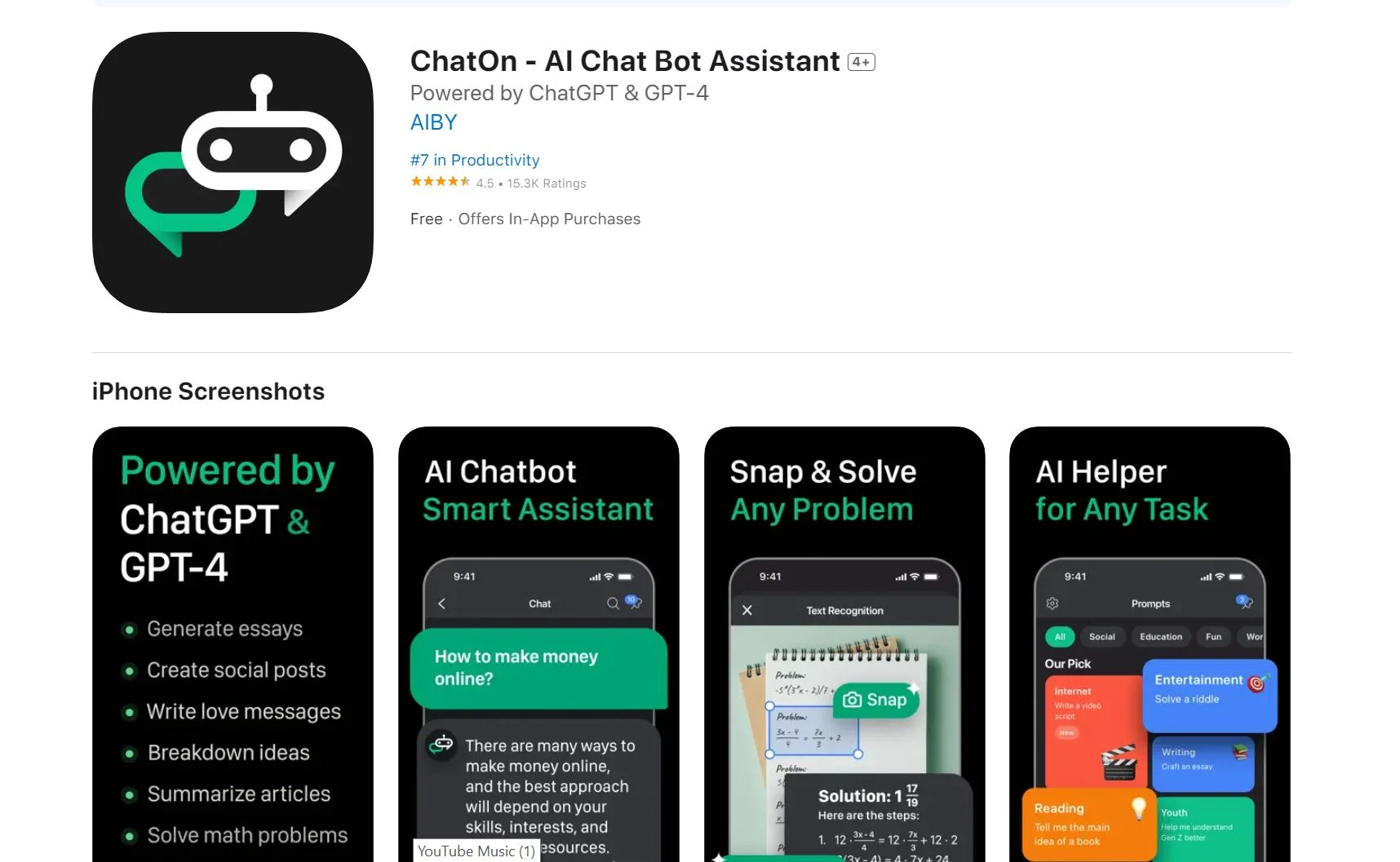
In the rapidly evolving world of artificial intelligence, ChatOn emerges as a cutting-edge AI chatbot assistant designed to enhance productivity and creativity across various writing tasks. Powered by the advanced ChatGPT API and GPT-4 models, ChatOn offers a new level of human-like interaction, making it an indispensable tool for anyone looking to supercharge their writing process. From crafting sales copy to composing speeches, generating social media posts, and even tackling code, ChatOn is tailored to meet the needs of a diverse user base. Its array of features, including text-to-image generation and PDF mastery, positions it as a versatile companion for both personal and professional projects.
ChatOn stands out with its comprehensive suite of writing and creativity tools, powered by the latest AI technology. Its ability to understand and generate human-like text, combined with features like text-to-image conversion and grammar checking, sets it apart from other AI assistants. The tool's versatility in supporting a wide range of tasks, from professional writing to creative projects, makes it a unique asset for users aiming to enhance their productivity and creativity.
ChatOn excels in providing a comprehensive and versatile AI-powered writing assistant, making it an essential tool for a wide range of users. Its cutting-edge technology, combined with a user-friendly interface and a plethora of features, offers significant advantages in enhancing writing quality and creativity. Whether for professional or personal use, ChatOn's ability to streamline and enhance the writing process positions it as a standout choice in the realm of AI chatbot assistants.
Who is Using ChatOn?
Content Creators
For generating innovative and engaging content across various platforms.
Professionals
Utilized in crafting emails, reports, and presentations to communicate effectively in the corporate world.
Students
Assisting in academic writing, from essays to research papers.
Social Media Managers
Creating impactful posts to enhance online presence and engagement.
Uncommon Use Cases
Artists and designers using the text-to-image feature for conceptual artwork; Language learners practicing writing and grammar skills.
Key Features
Rating Breakdown
Pricing Plans
Free Tier
Free
- ChatOn offers basic access
- Allowing users to experience a range of features at no cost
Premium Tier
$6.99 per week
Which ChatOn plan should you pick?
Start with Free Plan for everyday GPT-4o mini tasks and upgrade to Premium Plan when you need advanced models, unlimited responses, faster answers, or full image/video tools.
Free Plan
Good for users who need GPT-4o mini for everyday writing, research, and quick tasks.
Premium Plan
Good for users who need advanced models, unlimited responses, faster answers, image and video generation, and advanced tools.
ChatOn Use Cases
Content creation
Draft social posts, captions, emails, blog titles, slogans, and marketing copy.
Outcome: Faster creation of polished written content.
Document analysis
Upload PDFs, DOCs, TXTs, or EPUBs to summarize, rewrite, translate, or question their contents.
Outcome: Key information and answers from long documents.
Travel planning
Create travel plans, budget-travel advice, family-trip ideas, and destination information.
Outcome: More organized trip research and planning.
Image creation and transformation
Generate images, edit existing visuals, apply styles, and transform photos into videos.
Outcome: New or enhanced visual content.
Coding assistance
Ask ChatOn to write code snippets, explain programming concepts, and debug errors.
Outcome: Help solving programming tasks and learning new languages.
Workflow Ideas with ChatOn
Turn a document into an action summary
- 1Upload a PDF, DOC, TXT, or EPUB file
- 2Ask ChatOn to summarize and identify key points
- 3Ask follow-up questions about the document
Create social media content
- 1Describe the campaign, audience, and desired tone
- 2Generate captions, post copy, or visual ideas
- 3Rewrite the content for different platforms
Analyze text in an image
- 1Upload or photograph a page, menu, or handwritten note
- 2Use OCR to extract the text
- 3Ask ChatOn to translate, summarize, or explain it
How ChatOn fits into your stack
AI Keyboard
Enhance your writing on the go across any app with ChatOn’s smart keyboard.
Voice and Text Inputs
Offers flexibility in how users can interact with the tool, accommodating various preferences and needs.
Pros
- +Versatility: ChatOn's wide range of features makes it suitable for a variety of writing and creative tasks.
- +User-Friendly Interface: Its intuitive design ensures that even those not tech-savvy can navigate and utilize the tool effectively.
- +Advanced AI Technology: Leveraging the ChatGPT API and GPT-4 models, ChatOn offers sophisticated and human-like interactions.
- +Time-Saving: Automates and streamlines the writing process, saving users significant amounts of time.
Cons
- −Learning Curve: New users may require some time to fully explore and understand all available features.
- −Subscription for Full Access: Unlimited access to all features necessitates a subscription, which may not suit everyone's budget.
Limitations & when to consider alternatives
Known limitations
- Unlimited web features require a paid subscription. The website provides basic access for free, while unlimited ChatOn Web features require a paid subscription.
- Premium access may initially be limited to trial requests. The subscription terms say users may try Premium options during the first five requests before choosing a paid subscription.
- YouTube video summaries are listed as coming soon. The plan comparison marks YouTube video summaries as coming soon rather than generally available.
- Human-like text-to-speech is listed as coming soon. The plan comparison marks human-like text-to-speech conversion as coming soon.
- The web experience requires a browser. ChatOn documents desktop use through chaton.ai in a browser and does not describe a downloadable desktop installer.
Look elsewhere when
- You need a documented customer-facing API.
- You need a native Windows, Mac, or Linux desktop application.
- You need shared team workspaces with roles or invitations.
- You need SSO, SAML, or enterprise identity controls.
How to Use ChatOn
- 1
Explore a range of tutorials available on the ChatOn website, designed to help users maximize the tool's potential, from basic setup to exploring advanced features.
Who is ChatOn For?
Bloggers
ChatOn supports drafting, editing, brainstorming, and creating visuals for content.
Business leaders
ChatOn helps with emails, planning, research, documents, and practical work tasks.
Marketers
ChatOn includes social-caption, advertising, marketing-rewrite, and content-planning use cases.
Travelers
ChatOn provides travel planning, destination information, budget-travel advice, and multilingual support.
Students and learners
ChatOn supports document summarization, OCR, translation, coding help, and specialized study assistance.
Frequently Asked Questions
What is ChatOn AI and which AI models does it support?
ChatOn is an all-in-one assistant available on iOS, Android, and the web, with access to GPT, Claude, Gemini, and Sonar.
What are the key features of ChatOn AI assistant?
Features include multi-model chat, image generation and editing, video generation, file uploads, image analysis, specialized chatbots, and AI detection.
Can ChatOn generate AI images and videos from text or photos?
Yes. ChatOn generates and edits images, applies styles to uploaded photos, and turns photos into short videos.
How can ChatOn help me with writing, coding, and summarizing documents?
It drafts and edits text, writes code snippets, debugs errors, and summarizes uploaded documents, web links, and YouTube videos.
Can I use ChatOn AI to analyze PDF files and extract text from images?
Yes. It analyzes PDF, DOC, TXT, and EPUB files and uses OCR to extract and analyze text from photos.
Is ChatOn free to use, and what is included in the Premium plan?
A free plan provides GPT-4o mini access. Premium adds advanced models, unlimited responses, faster answers, and full image/video-generation access.
Community reviews
Be the first to share your experience.
Sign in to leave a review for ChatOn.
ChatOn Alternatives
Looking for alternatives to ChatOn? Here are similar tools in the same category:
Learn to Master ChatOn
With Skill Leap courses
Get in-depth training on ChatOn and 50+ other AI tools with our expert-led video courses.
Start 7-Day Free Trial