
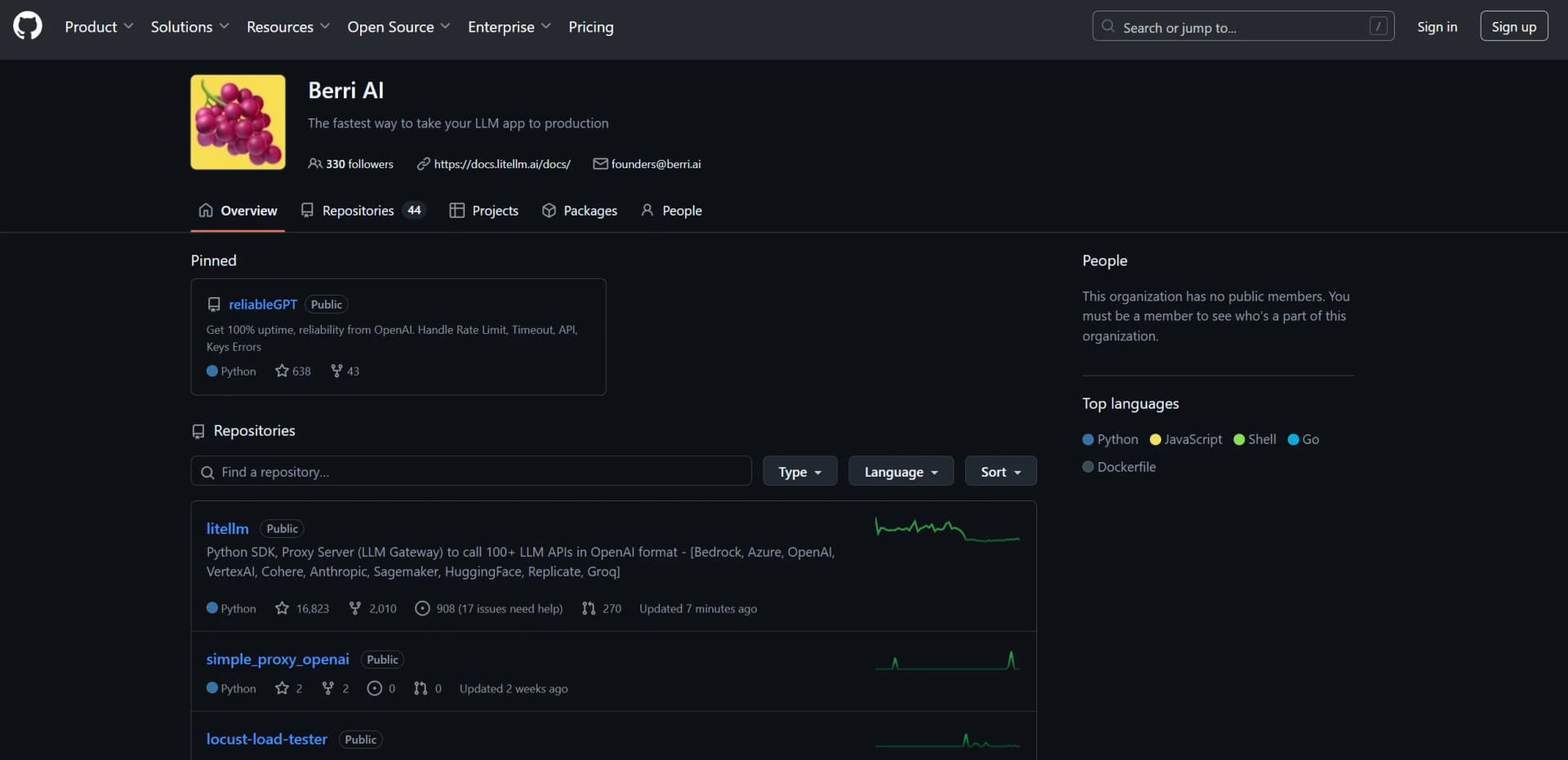
BerriAI-litellm
Streamlines integration with 100+ language models via Python SDK.
Key Takeaways
- What it is
- Streamlines integration with 100+ language models via Python SDK.
- Pricing
- Freemium
- Best for
- Comprehensive LLM Integration
- Consistent Output Format
- Retry and Fallback Logic
- Rating
- 4.4/5
What is BerriAI-litellm?
BerriAI-litellm revolutionizes the interaction with large language models (LLMs) by providing a Python SDK and Proxy Server, designed to seamlessly integrate with over 100 LLM APIs in the OpenAI format. This innovative tool is tailored for developers and enterprises seeking to streamline the process of calling diverse LLM APIs such as Bedrock, Azure, OpenAI, VertexAI, and more. By simplifying the integration and management of multiple LLMs, BerriAI-litellm addresses the complexities associated with managing and translating calls between different AI platforms.
BerriAI-litellm stands out with its ability to manage and translate calls across a multitude of LLM providers using a single consistent format. Its unique selling point lies in its robust proxy server capabilities, which enable features like cost tracking, rate limiting, and load balancing, making it an indispensable tool for enterprises dealing with large-scale AI deployments.
Who is Using BerriAI-litellm?
Software Developers
Leveraging the tool for seamless integration with multiple LLM APIs.
AI Researchers
Utilizing the tool to experiment with various models across different platforms.
Tech Enterprises
Implementing the solution for scalable and efficient AI model management.
Data Scientists
Employing the tool to access diverse language models for data analysis tasks.
Uncommon Use Cases
Adopted by educational institutions for teaching AI model integration; used by startup incubators to streamline AI project development.
Key Features
Rating Breakdown
Pricing Plans
Free Tier
Free
- Experience BerriAI-litellm with a limited feature set at no cost
Which BerriAI-litellm plan should you pick?
Start with Open Source for self-hosted gateway access; upgrade to Enterprise when you need SSO, governance, audit logs, air-gapped deployment, or support SLAs.
Open Source
Good for teams that need a free, self-hosted gateway with unified provider access, virtual keys, budgets, rate limits, spend tracking, logging, and fallbacks.
Enterprise
Good for organizations that need SSO, SCIM, OIDC/JWT, RBAC, audit logs, secret management, multi-region control, air-gapped deployment, and enterprise support.
BerriAI-litellm Use Cases
Centralize access to multiple LLM providers
Route requests through one OpenAI-compatible gateway instead of integrating each provider separately.
Outcome: A unified interface across many models and providers.
Track and control LLM spend
Track usage and set budgets or rate limits by project, key, user, team, or organization.
Outcome: More predictable AI infrastructure costs.
Improve reliability with routing
Use retries, fallbacks, and load balancing across model deployments and providers.
Outcome: More resilient model access.
Add observability to LLM traffic
Send request and response data to supported logging and observability tools.
Outcome: Centralized monitoring of model usage and performance.
Serve multimodal model requests
Pass image and document inputs through supported model integrations.
Outcome: Vision and document-understanding workflows through the gateway.
Workflow Ideas with BerriAI-litellm
Deploy a basic LiteLLM proxy
- 1Install LiteLLM with the proxy extra
- 2Create a model configuration with provider credentials
- 3Run the Docker image and send OpenAI-compatible requests
Create a governed team model gateway
- 1Configure virtual keys and model access
- 2Assign users and teams with budgets or rate limits
- 3Review spend and request logs through the admin interface
Add fallback and observability routing
- 1Configure multiple model deployments
- 2Enable retries, fallbacks, or load balancing
- 3Send logs and metrics to an observability integration
How BerriAI-litellm fits into your stack
BerriAI-litellm offers a comprehensive solution for developers and enterprises looking to integrate and manage multiple LLM APIs efficiently. With its robust features and user-friendly interface, it simplifies the complexities of AI model management, making it a valuable asset for anyone involved in AI development and research. Whether you're a tech enterprise seeking scalability or a developer looking for seamless integration, BerriAI-litellm proves to be an essential tool in the AI toolkit.
Pros
- +Versatile Integration: Offers compatibility with a vast array of LLM providers, making it a one-stop solution for diverse AI needs.
- +User-Friendly Setup: Simplifies complex integrations with its straightforward setup process and consistent API format.
- +Cost Management: Facilitates effective cost tracking and management through built-in budget and rate limiting features.
- +Scalable Solution: Accommodates enterprise needs with features like load balancing and proxy server capabilities.
Cons
- −Initial Setup Complexity: May require a learning curve for users unfamiliar with proxy server configurations.
- −Dependency on External Models: Performance and features are contingent on the capabilities of the integrated LLM providers.
Limitations & when to consider alternatives
Known limitations
- Provider capabilities vary. Supported features such as vision, document input, endpoints, and parameters depend on the selected provider and model.
- Self-hosting is part of the free offering. The $0 Open Source plan is self-hosted, so users are responsible for infrastructure, deployment, and operations.
- Enterprise features require the Enterprise offering. Features including SSO, SCIM, audit logs, RBAC, and enterprise support are listed as Enterprise additions.
- Batch costs may not be fully known at submission. For batch requests using an input file ID, LiteLLM cannot price the complete workload when it is submitted.
Look elsewhere when
- You need a native mobile or browser application.
- You need built-in fine-tuning or training jobs.
- You need a hosted SaaS gateway with no infrastructure management.
How to Use BerriAI-litellm
- 1
Install LiteLLM
Install the Python package or the proxy extra, depending on whether you need SDK integration or a centralized gateway.
- 2
Configure model providers
Create a YAML configuration with model names, provider settings, API bases, and credentials.
- 3
Run the proxy
Start LiteLLM from the CLI or Docker and expose its OpenAI-compatible endpoint.
- 4
Send requests
Use the LiteLLM SDK or an OpenAI-compatible client pointed at the proxy base URL.
- 5
Add governance
Configure virtual keys, teams, budgets, rate limits, model access, and request logging.
- 6
Add reliability and observability
Configure retries, fallbacks, load balancing, callbacks, or supported observability integrations.
Who is BerriAI-litellm For?
Gen AI enablement teams
LiteLLM provides a centralized gateway for giving developers access to multiple LLM APIs.
ML platform teams
The proxy supports centralized authentication, multi-tenant spend management, virtual keys, monitoring, and model routing.
Developers building LLM projects
The Python SDK offers direct library integration, retries, fallbacks, load balancing, cost tracking, and provider abstraction.
Organizations running production AI infrastructure
Enterprise adds governance, SSO, audit logs, support SLAs, multi-region control, and air-gapped deployment.
Frequently Asked Questions
Is LiteLLM free?
The open-source gateway is free forever to self-host. Enterprise is separately priced according to request capacity, deployment architecture, and support needs.
How can LiteLLM be used?
Use LiteLLM through its Python SDK or Proxy Server, providing a unified OpenAI-compatible interface to many LLM providers.
Does LiteLLM require sending data to LiteLLM servers?
No. The self-hosted version states that data and telemetry are not sent to LiteLLM servers.
Does LiteLLM support enterprise authentication?
Enterprise adds SSO, SCIM, OIDC/JWT authentication, RBAC, secret managers, and key rotation.
Can LiteLLM be deployed in an air-gapped environment?
Air-gapped deployment is available with Enterprise.
What does the proxy provide?
The proxy provides authentication hooks, logging hooks, cost tracking, and rate limiting.
Community reviews
Be the first to share your experience.
Sign in to leave a review for BerriAI-litellm.
BerriAI-litellm Alternatives
Looking for alternatives to BerriAI-litellm? Here are similar tools in the same category:
Learn to Master BerriAI-litellm
With Skill Leap courses
Get in-depth training on BerriAI-litellm and 50+ other AI tools with our expert-led video courses.
Start 7-Day Free Trial